AI Image Tools — Tutorials, Tips & Guides
Hands-on guides for combining photos with AI, removing backgrounds, generating headshots, and enhancing images — written for creators, e-commerce sellers, and developers shipping image tools.
Latest articles
 Featured
AI Clothes Swap for Ecommerce: Product Photos Without a Shoot
Put your actual catalogue garments onto a model photo in one render. Here is the workflow, the consistency rules, and where marketplace rules bite.
Best AI Clothes Changer Tools: How to Choose One
Four kinds of AI clothes changer exist — dedicated try-on tools, general image generators, editors and storefront try-ons. Here is how to pick the right one.
AI Virtual Try-On: How to Try Clothes On Online
AI virtual try-on puts a garment on your own photo before you buy it. Here is how it works, where it helps, and where it cannot tell you the truth.
How to Make AI Clothes Swaps Look Realistic
Seven specific things make an AI clothes swap look fake — wrong light, cropped garments, borrowed bodies. Here is how to fix each one before you publish.
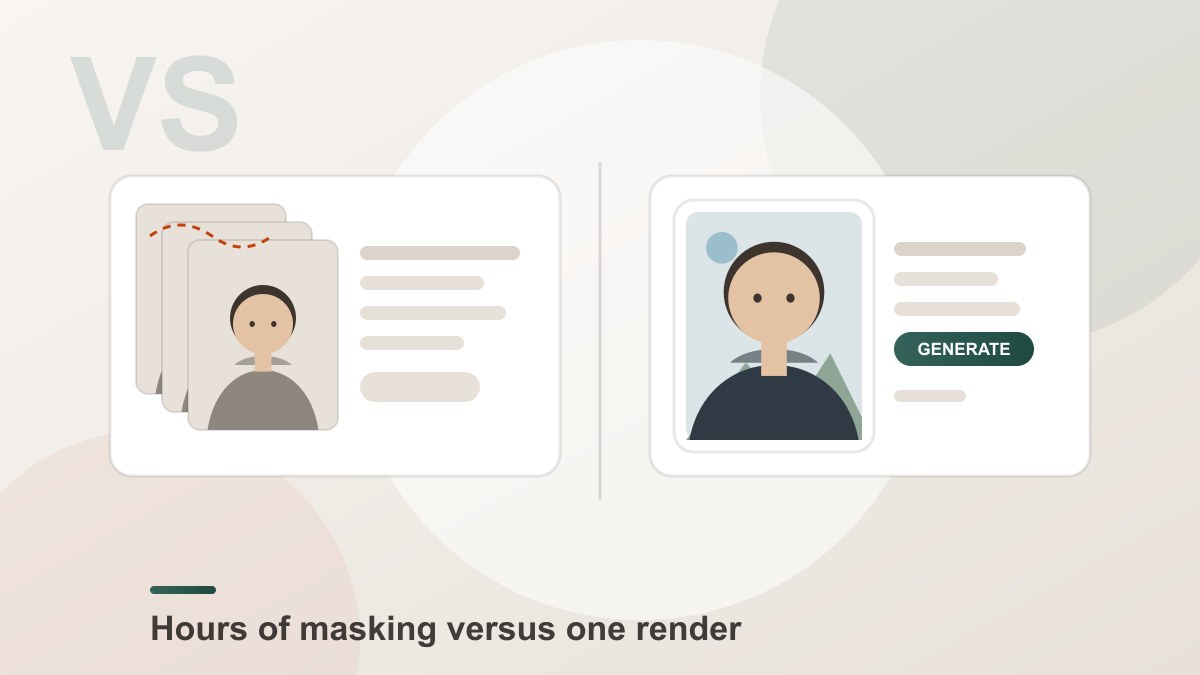
AI Clothes Swap vs. Photoshop: Which Is Faster?
Changing clothes in Photoshop means selecting, warping and blending every fold. An AI clothes swap does it in one render. Here is the honest comparison.
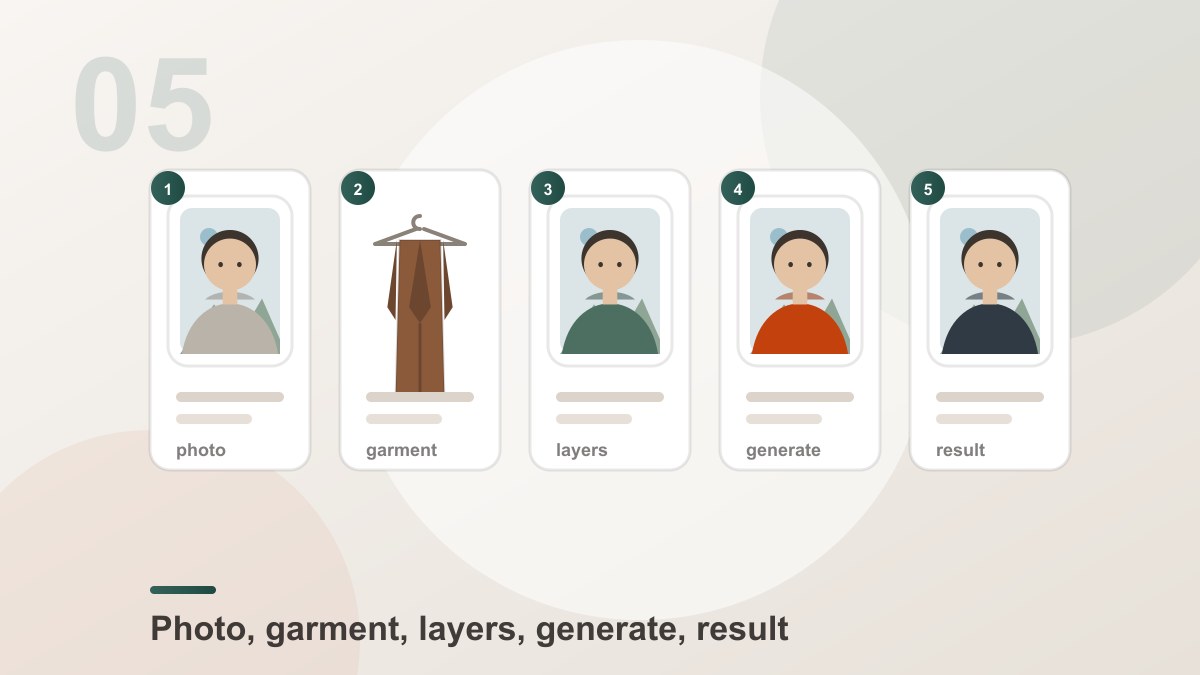
How to Change Clothes in a Photo With AI (Step by Step)
Change the outfit in any photo with AI in five steps: pick a clean person shot, add the garment, order the layers, generate and download.
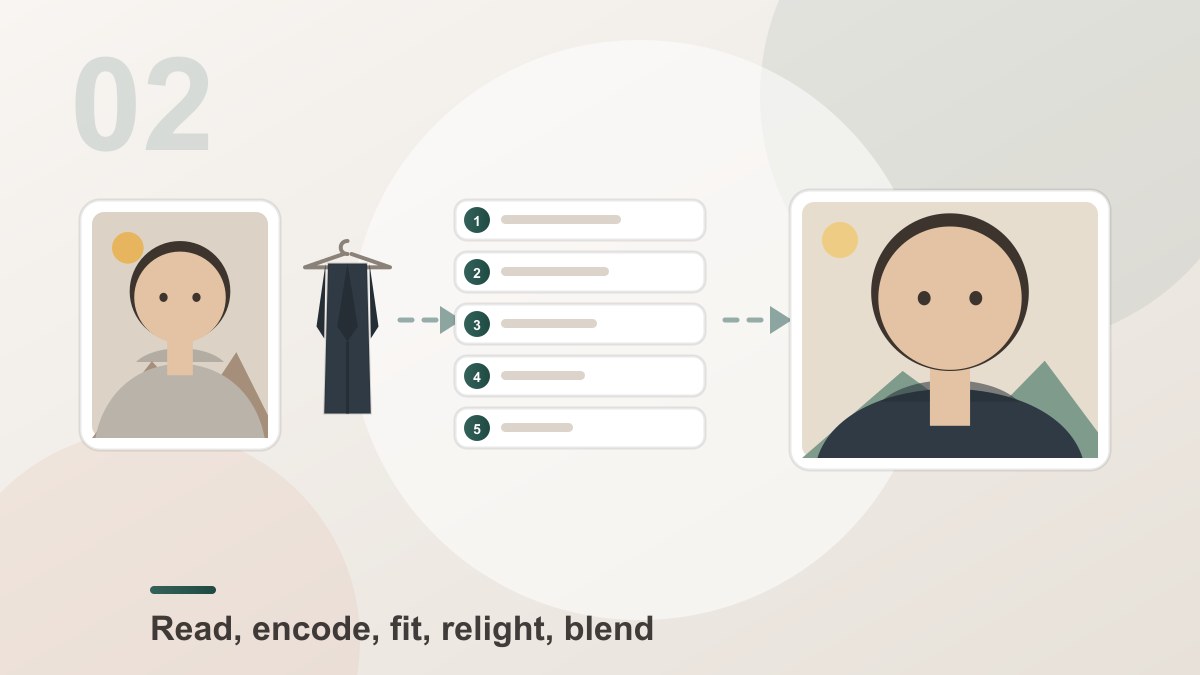
How Does AI Clothes Swap Work? Inside the Pipeline
An AI clothes swap runs in five stages: body read, garment encode, fit, relight and blend. Here is what each stage does and why it decides the result.
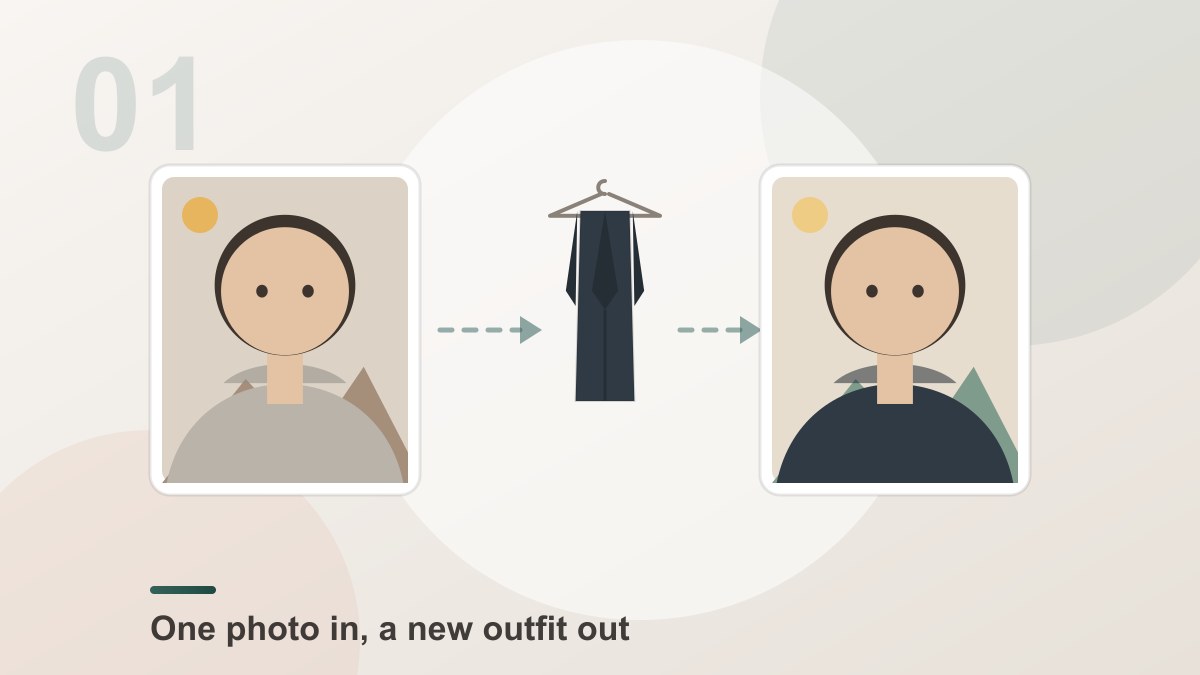
What Is AI Clothes Swap? A Complete Guide
AI Clothes Swap puts a new outfit on a photo while keeping the face, pose and background untouched. Here is how the tool works and where it breaks.
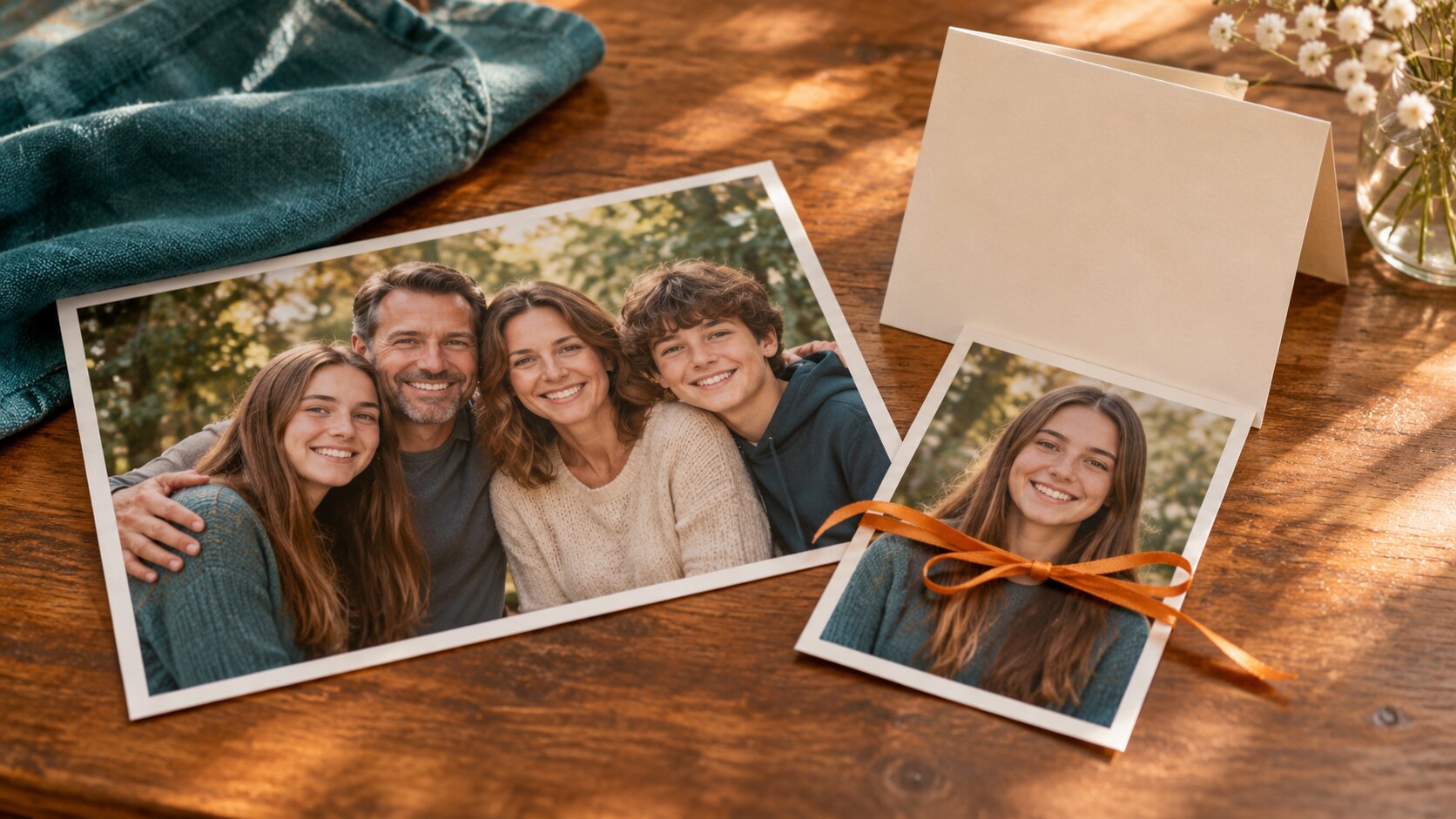
AI Multiple Face Swap for Group Photos: Practical Uses
Family photos, team shots, casting mock-ups, memes and photo fixes — where a multiple face swap actually saves time, and what each use case needs.
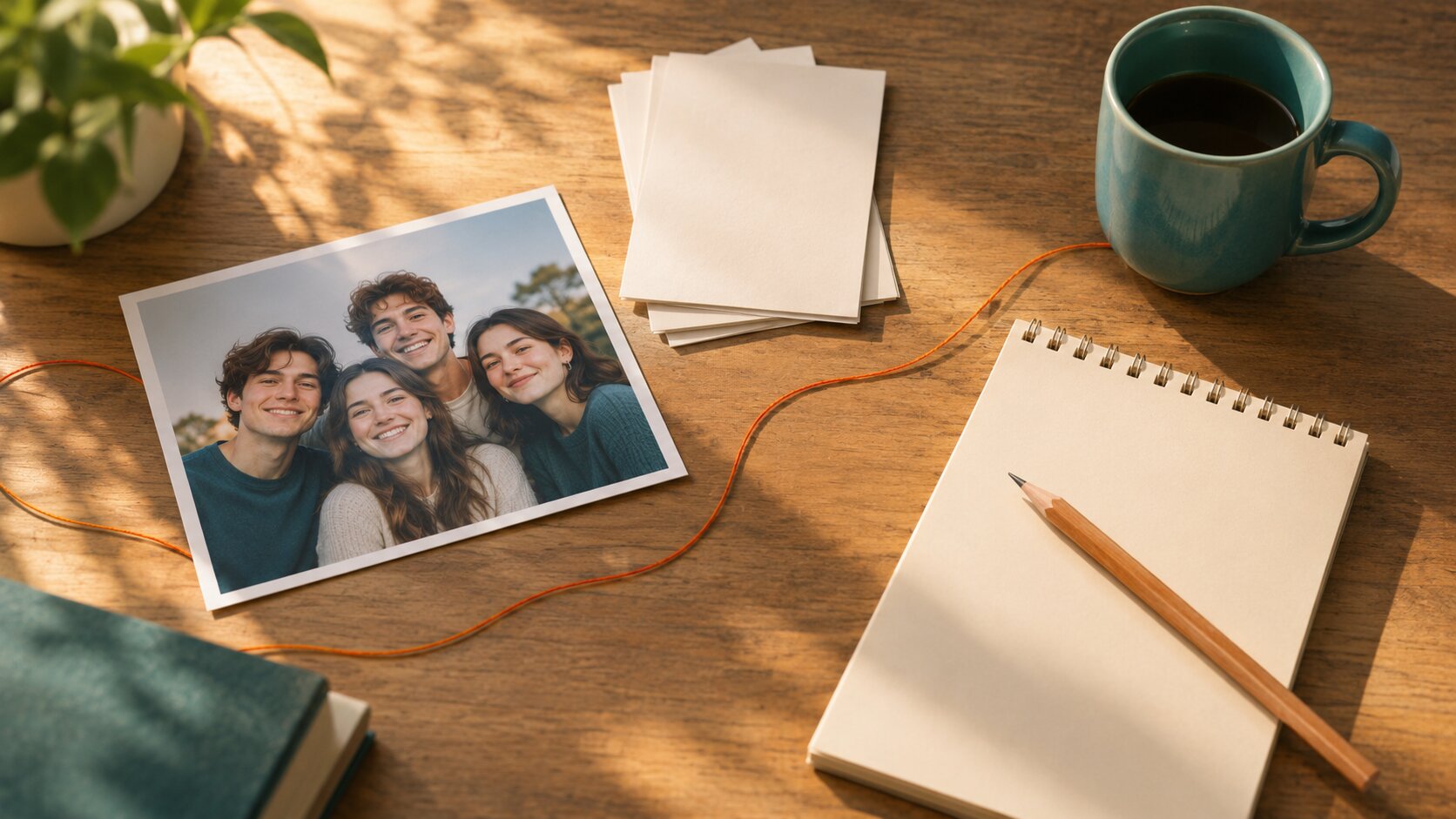
Best AI Multiple Face Swap Tools: How to Choose One
A group photo needs more than a face swap — it needs detection, ordering and one shared light model. Here is how to compare multiple face swap tools.
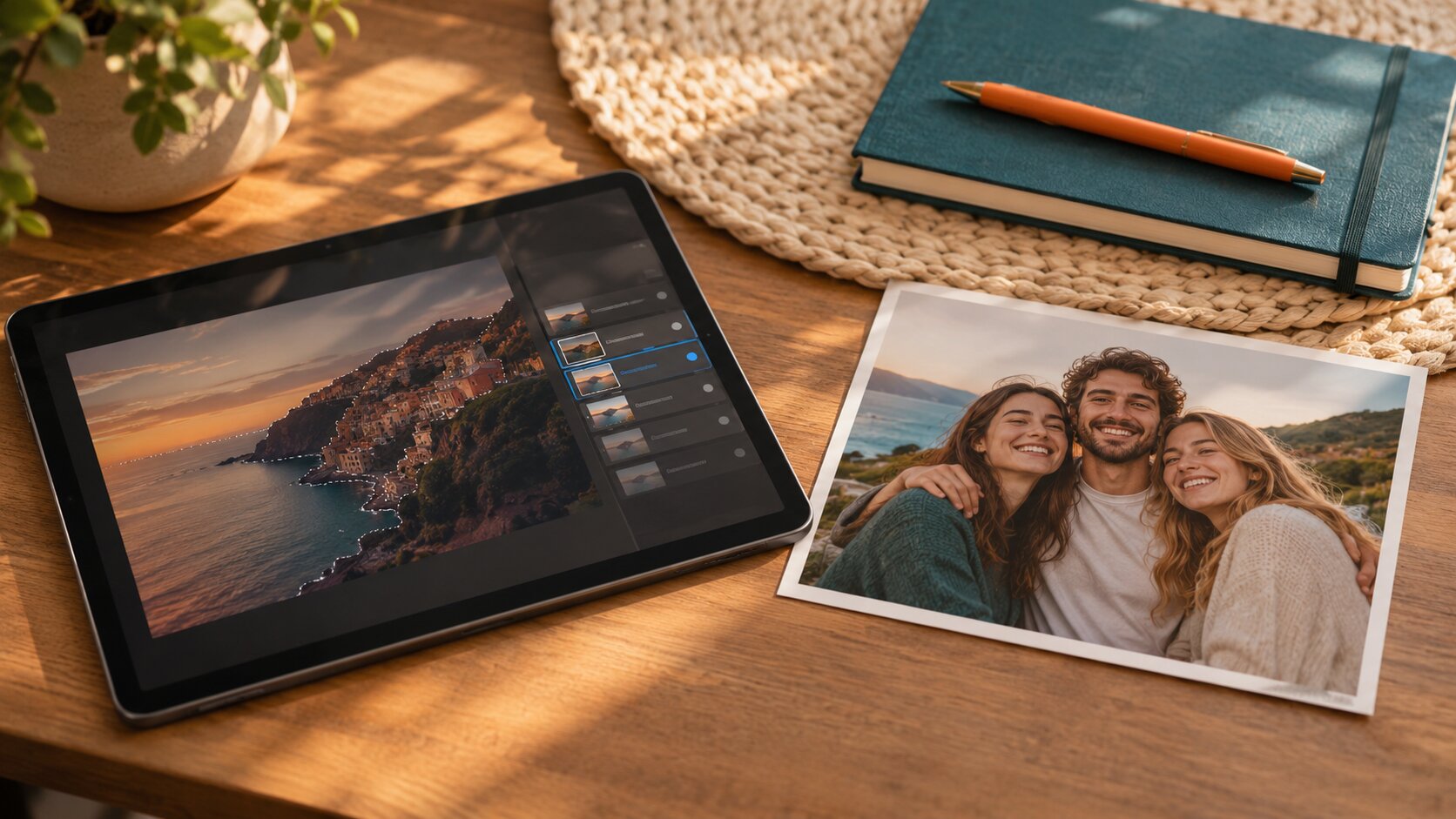
AI Multiple Face Swap vs. Photoshop: Which Is Better?
Swapping four faces in Photoshop takes hours of masking and blending. An AI multiple face swap does it in one render. Here is the honest comparison.
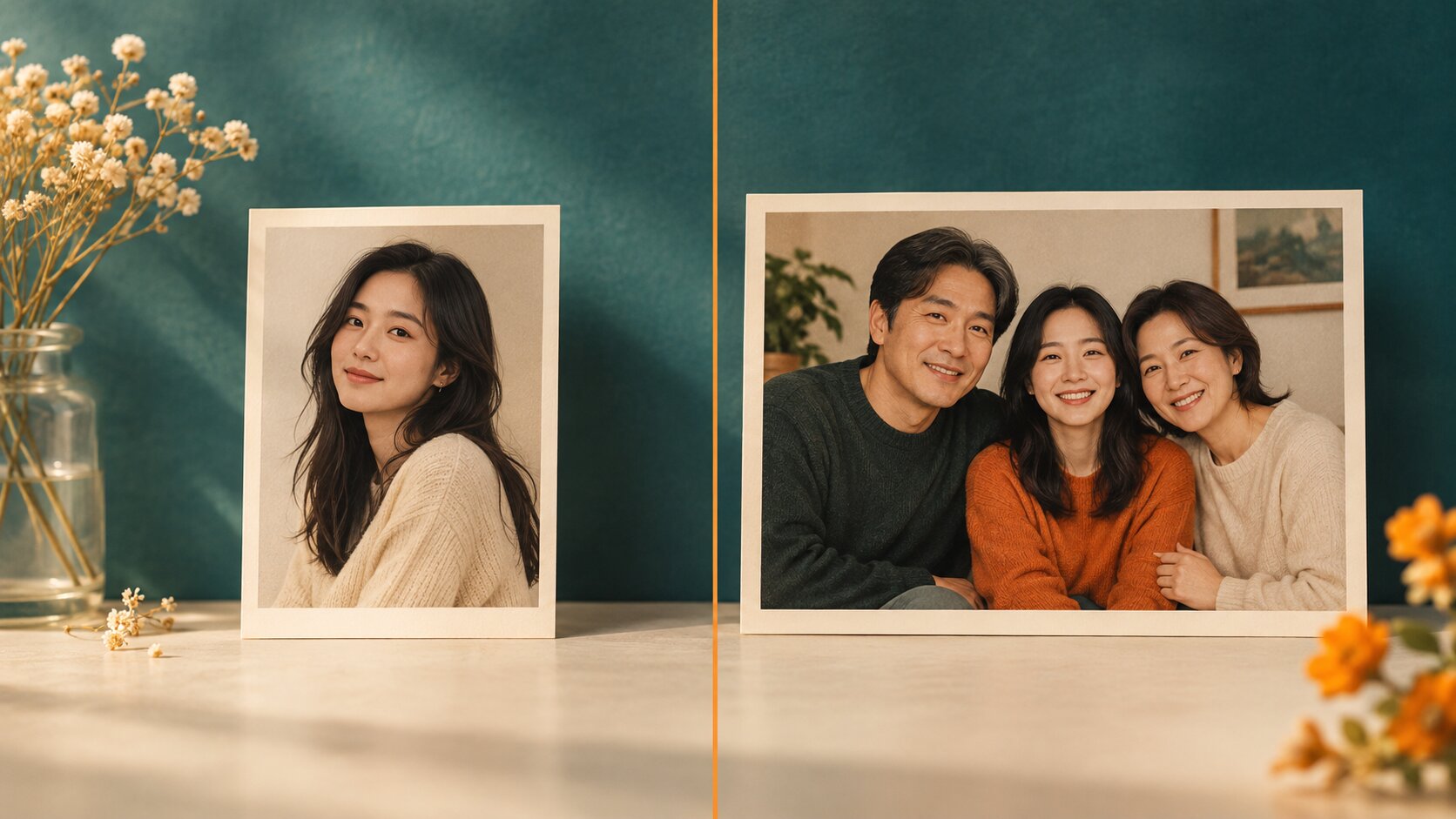
AI Multiple Face Swap vs. Single Face Swap: Which One?
A single face swap handles one face per run. A multiple face swap replaces up to eight in one render. Here is the full comparison and when to use each.
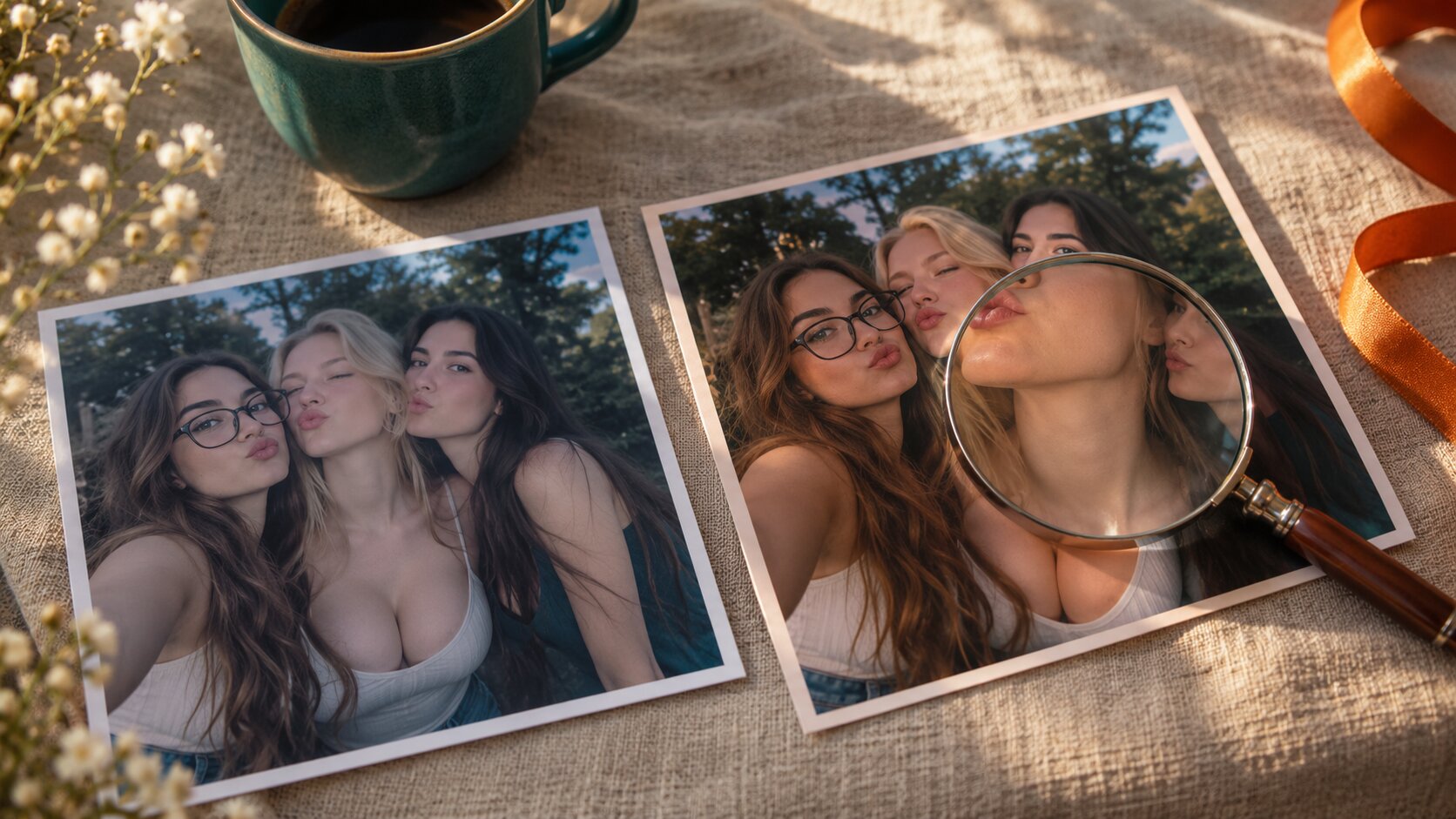
How to Make Multiple Face Swaps Look Realistic
Four things decide whether a multi-face swap looks real: matching light, tone continuity, clean edges and matched resolution. Here is how to hit each one.
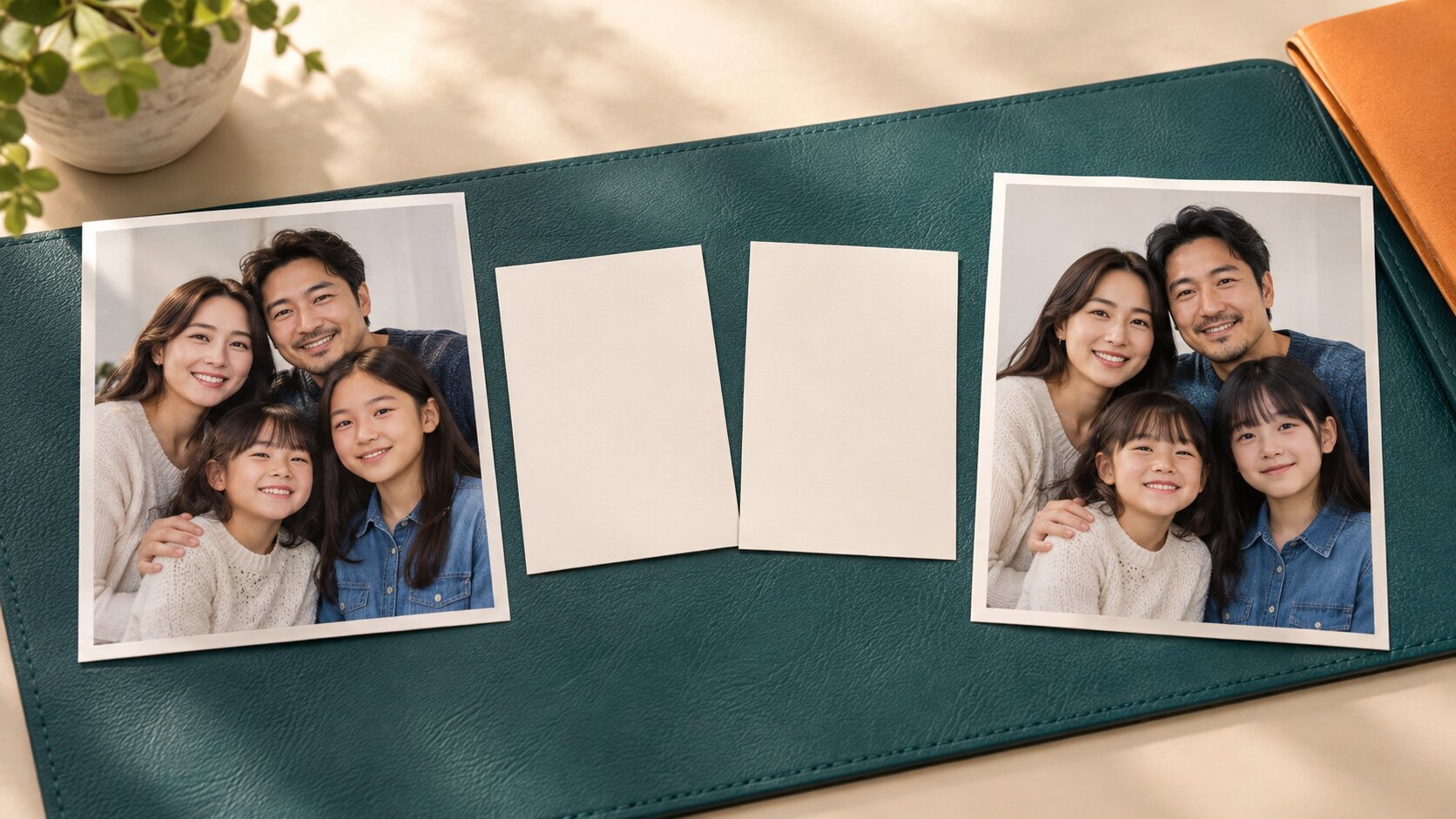
How to Swap Multiple Faces in One Photo with AI
Swap several faces in one group photo with AI in five steps: upload the group photo, add one replacement face per person, set the quality, generate, download.
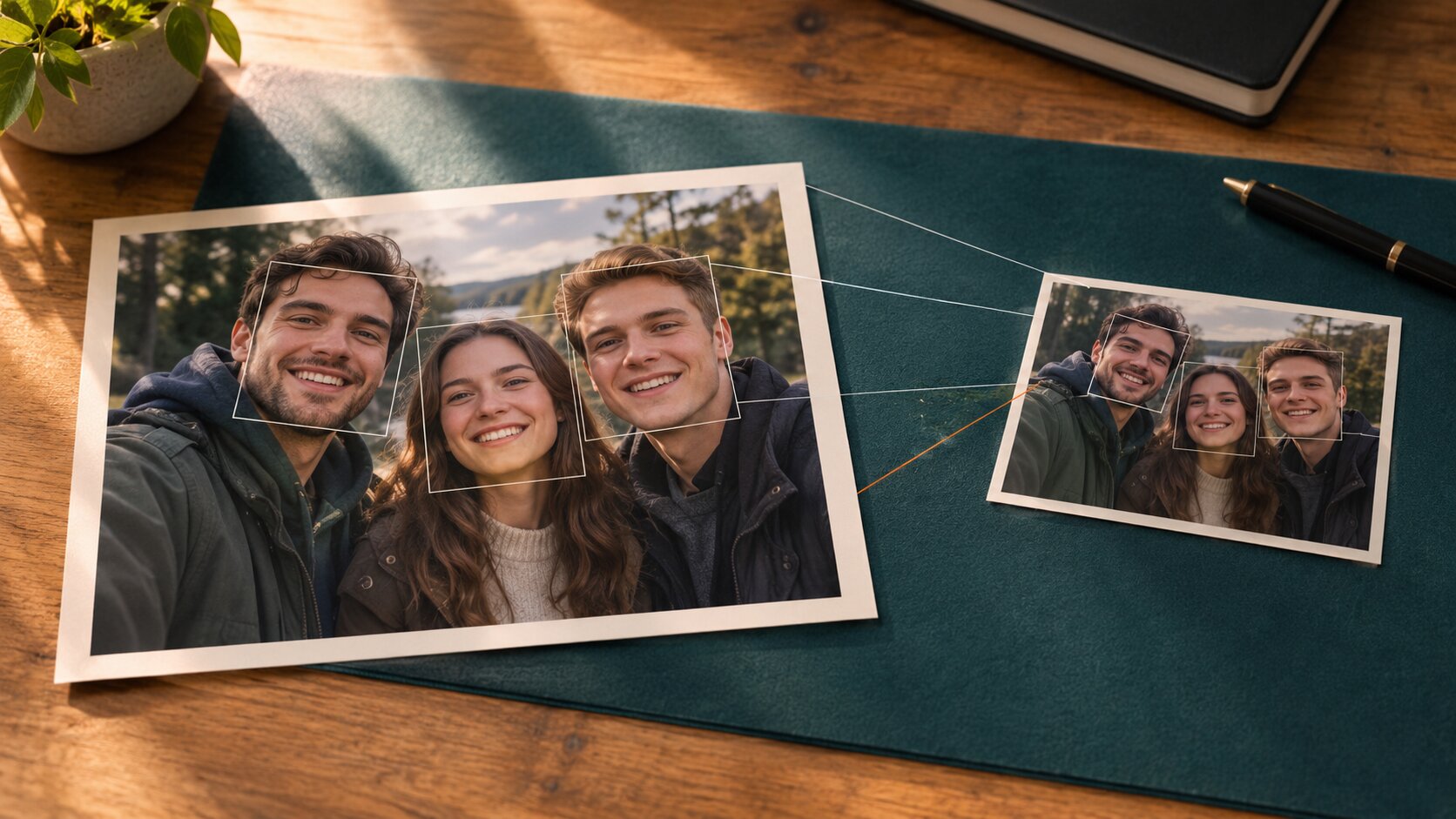
How Does AI Multiple Face Swap Work? The Full Pipeline
AI Multiple Face Swap detects every face in a group photo, encodes each replacement identity and re-renders them all in one pass. Here is the pipeline.
What Is AI Multiple Face Swap? A Complete Guide
AI Multiple Face Swap replaces up to eight faces in one group photo in a single run. Here is how the technology works, where it breaks, and what it costs.
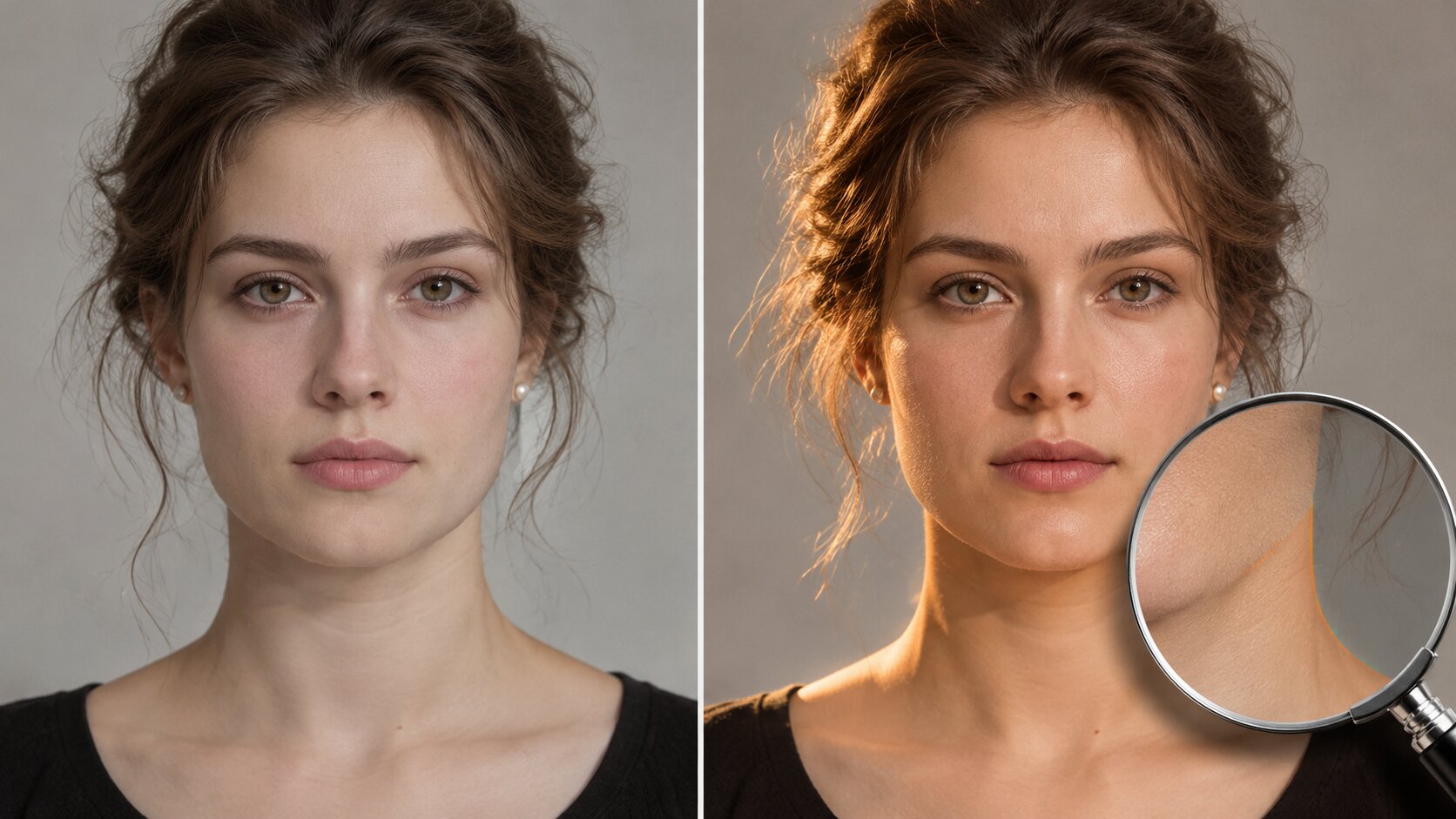
How to Make AI Face Swaps Look Realistic: 7 Tips for Better Results
Seven practical fixes for uncanny AI face swaps: match the angles, match the light, match the tone, use a clean source, and check the edges before you publish.
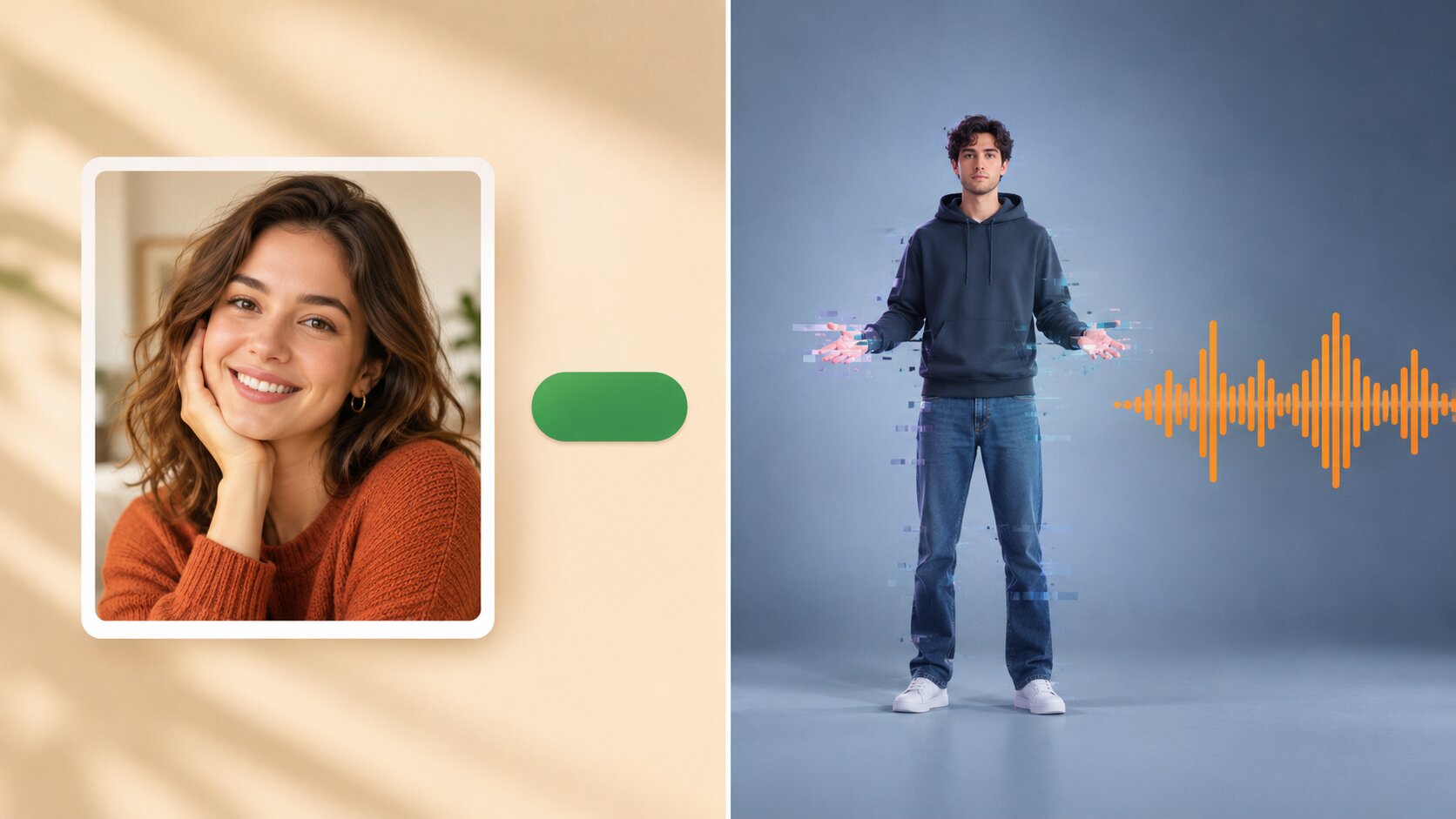
AI Face Swap vs. Deepfake: What Is the Difference?
AI face swap is a narrow creative tool; a deepfake is a category of synthetic media. Here is where the two overlap, where they differ, and what the law says.
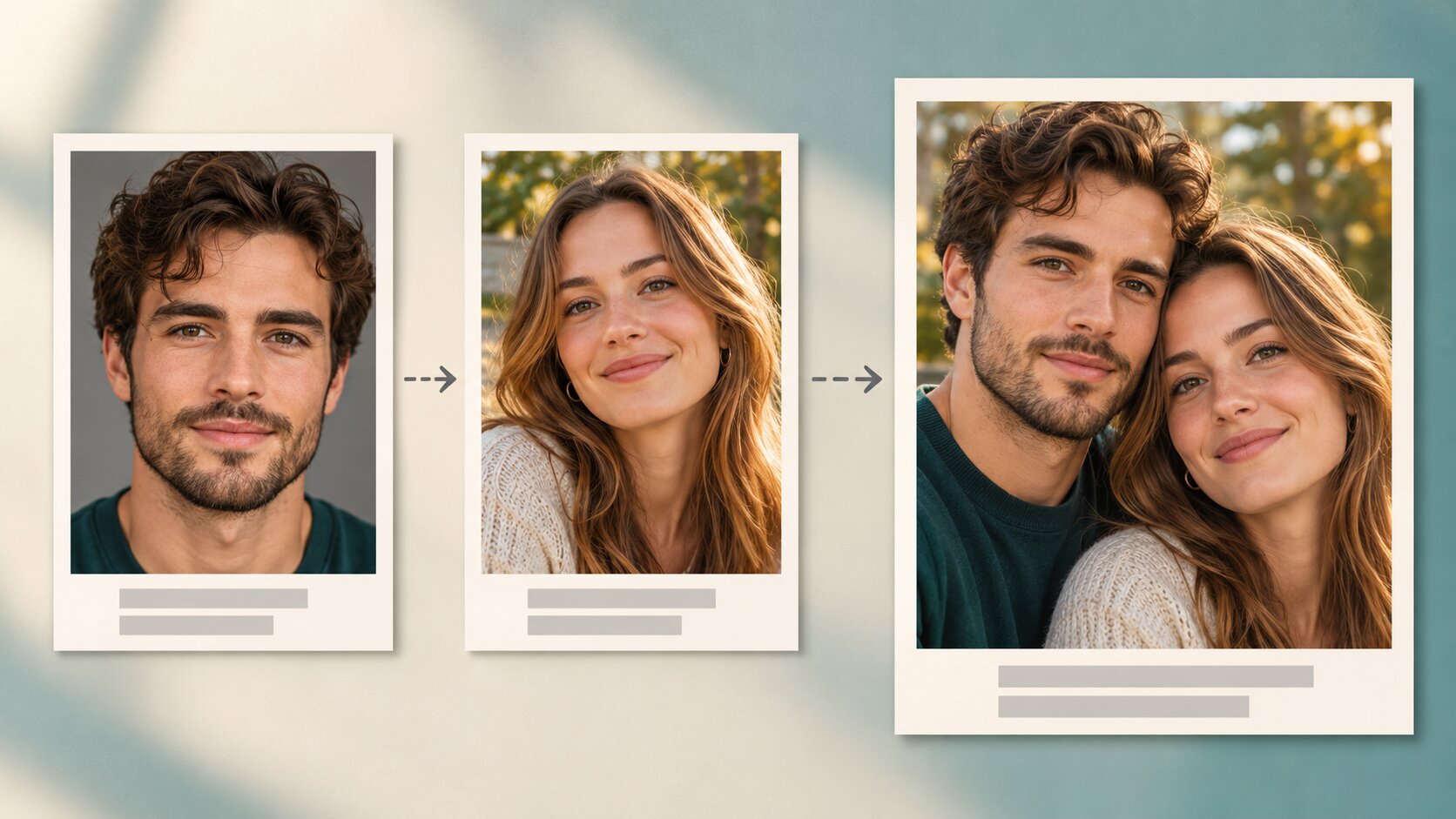
How to Swap Faces in Photos with AI: A Beginner's Guide
Swap a face in any photo with AI in five steps: pick a clear source portrait, choose your target, generate, and download the result.
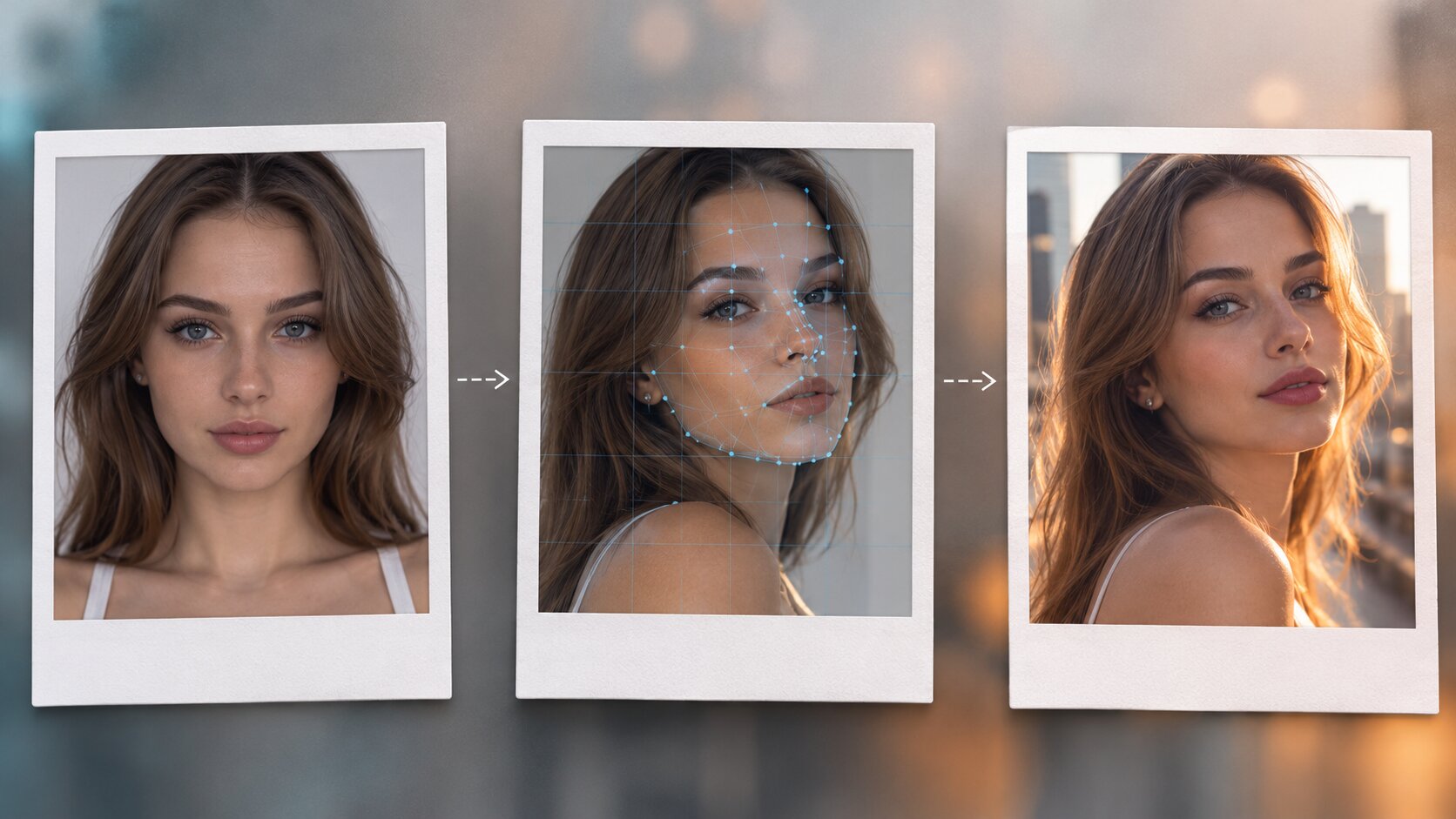
How Does AI Face Swap Work? A Complete Guide to Face Swapping
AI face swap detects a face in each photo, encodes the source identity, then re-renders it into the target scene. Here is the full pipeline, stage by stage.
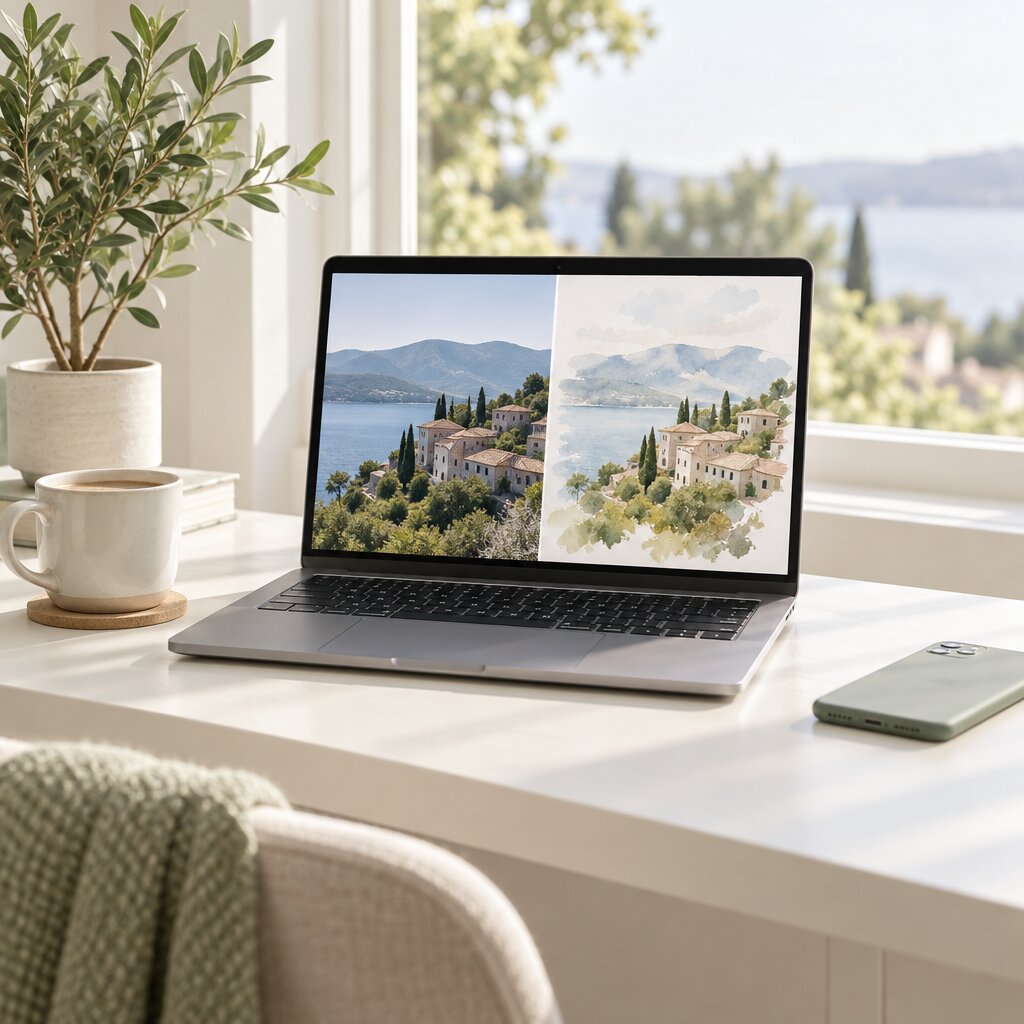
Is There a Free Image to Image AI Tool Online?
Yes — free image to image AI tools exist and handle real work. Here are the four questions that decide which one is worth your time.
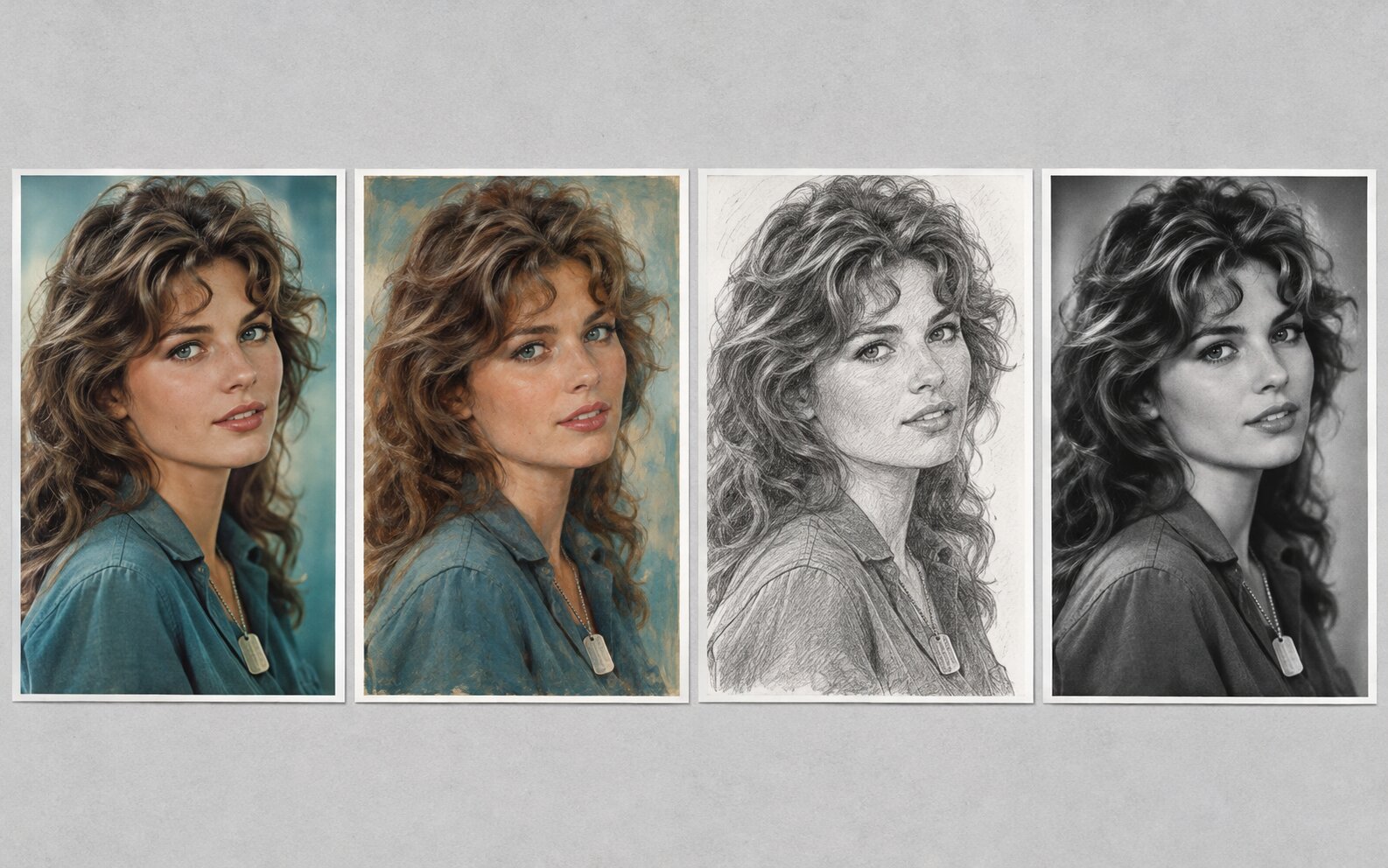
How to Keep the Original Face and Details in Image to Image AI?
How to keep a face and fine detail intact when editing a photo with image to image AI — source preparation, strength, prompt wording, and a recovery pass.
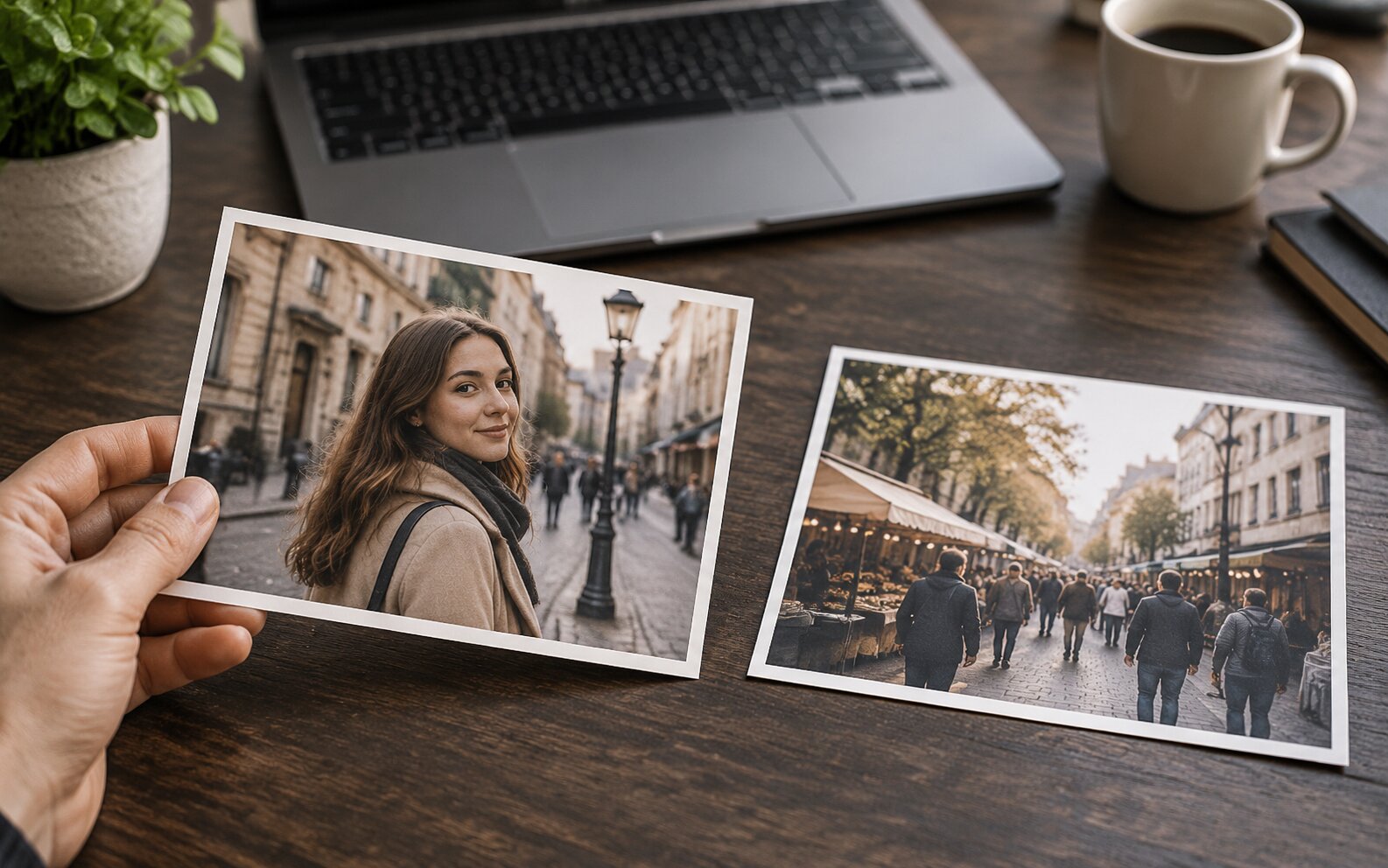
What Is the Difference Between Image to Image AI and Text to Image AI?
Image to image AI starts from your photo; text to image AI starts from nothing. Here is the side-by-side comparison, with the prompt styles each one needs.
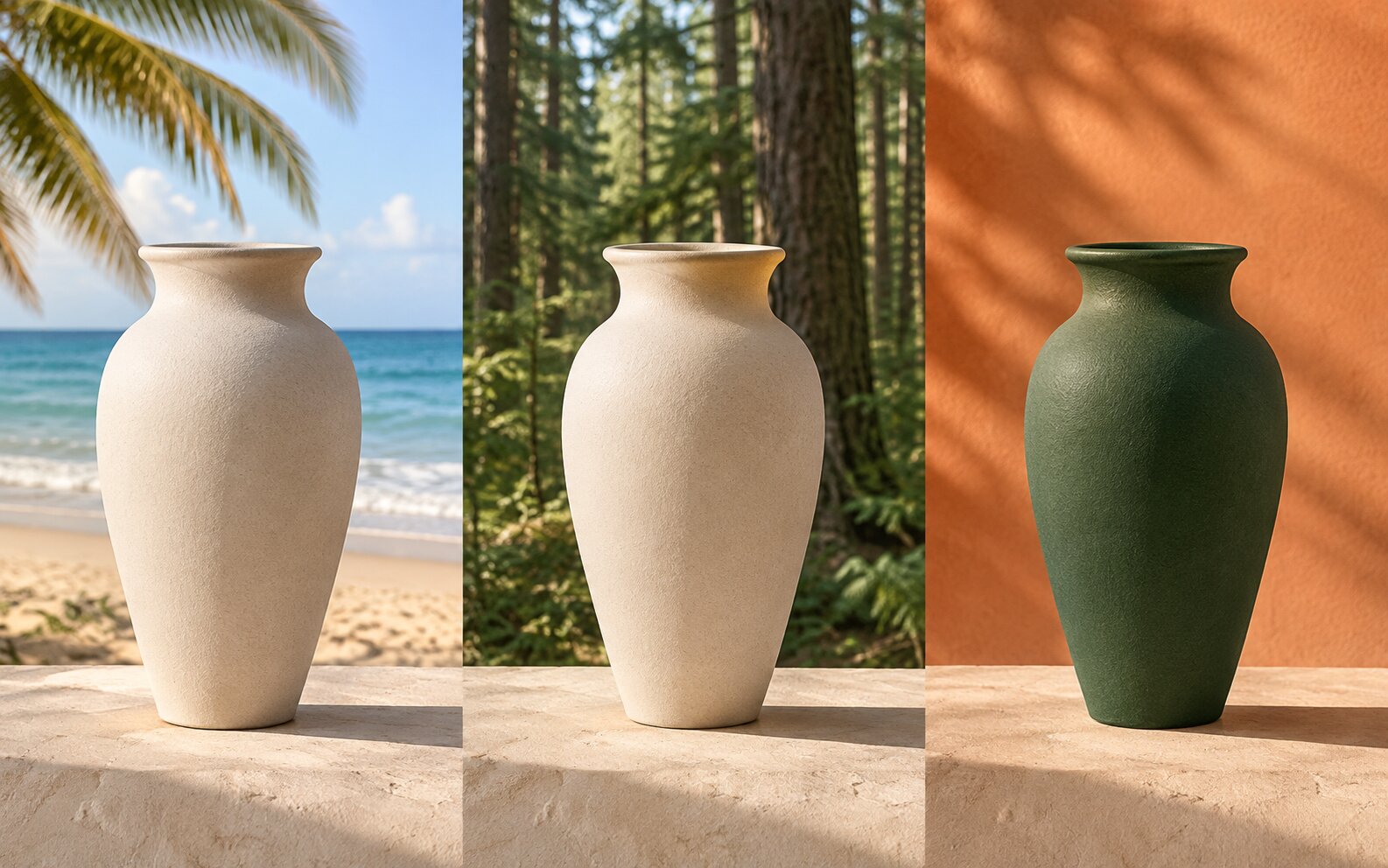
Can Image to Image AI Change Backgrounds, Objects, and Colors?
Yes — image to image AI can swap backgrounds, alter objects, and recolour a photo with one prompt. Here is what works well, what does not, and how to word it.
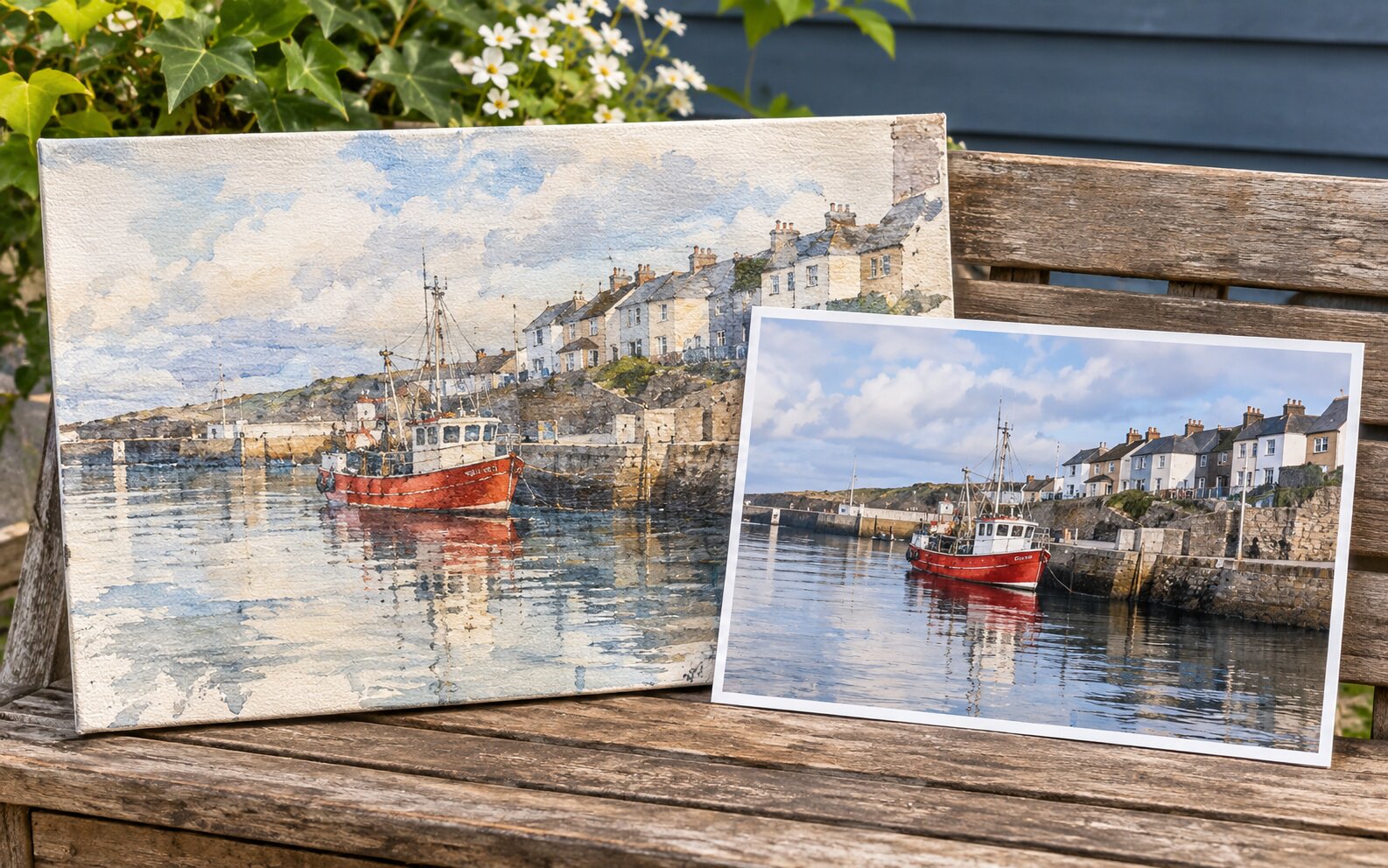
How to Change an Image Style with AI Without Losing Composition?
Change the style of a photo with AI while keeping the pose, framing, and layout intact — the strength settings, prompt wording, and checks that make it work.

Can AI Turn One Image into a Completely Different Image?
Yes — image to image AI can rebuild a photo into a different style, season, or scene. Here is how far the transformation goes, and where it breaks down.
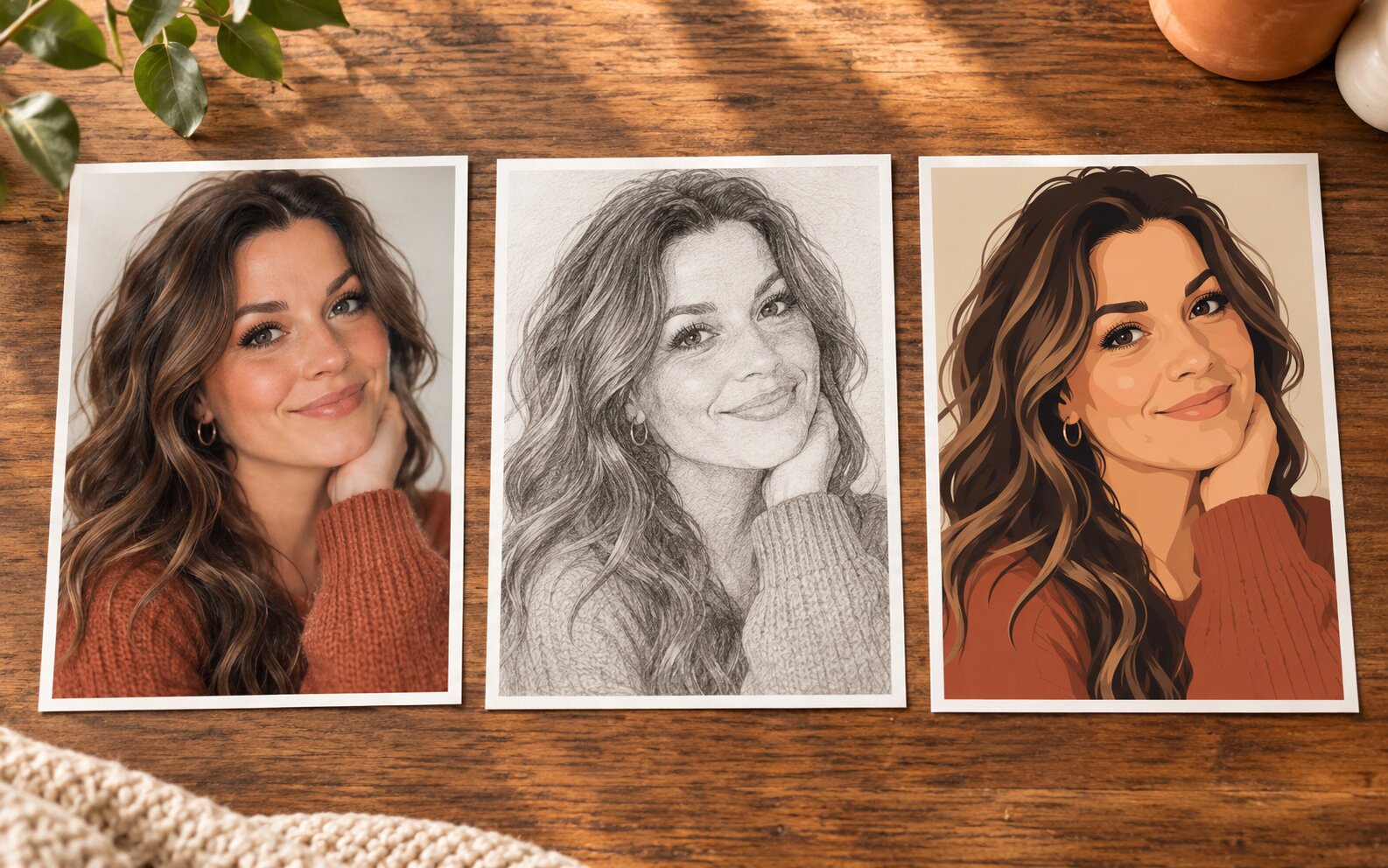
How to Use Image to Image AI to Transform Your Photos?
A practical walkthrough for transforming photos with image to image AI — the five-step workflow, prompt templates for each edit, and how to fix a bad result.
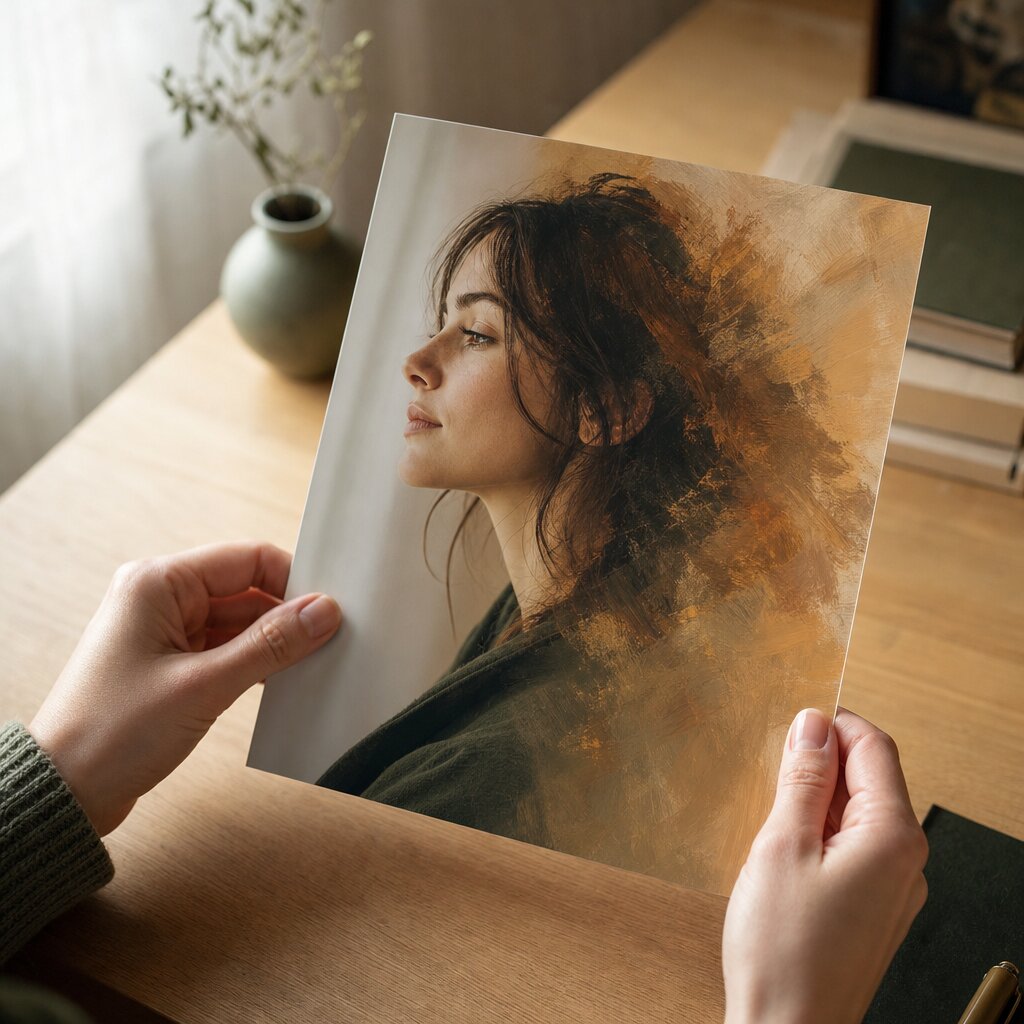 Featured
What Is Image to Image AI and How Does It Work?
Image to image AI turns an existing photo into a new one using a text prompt. Here is what happens inside the model and how to get a clean result.
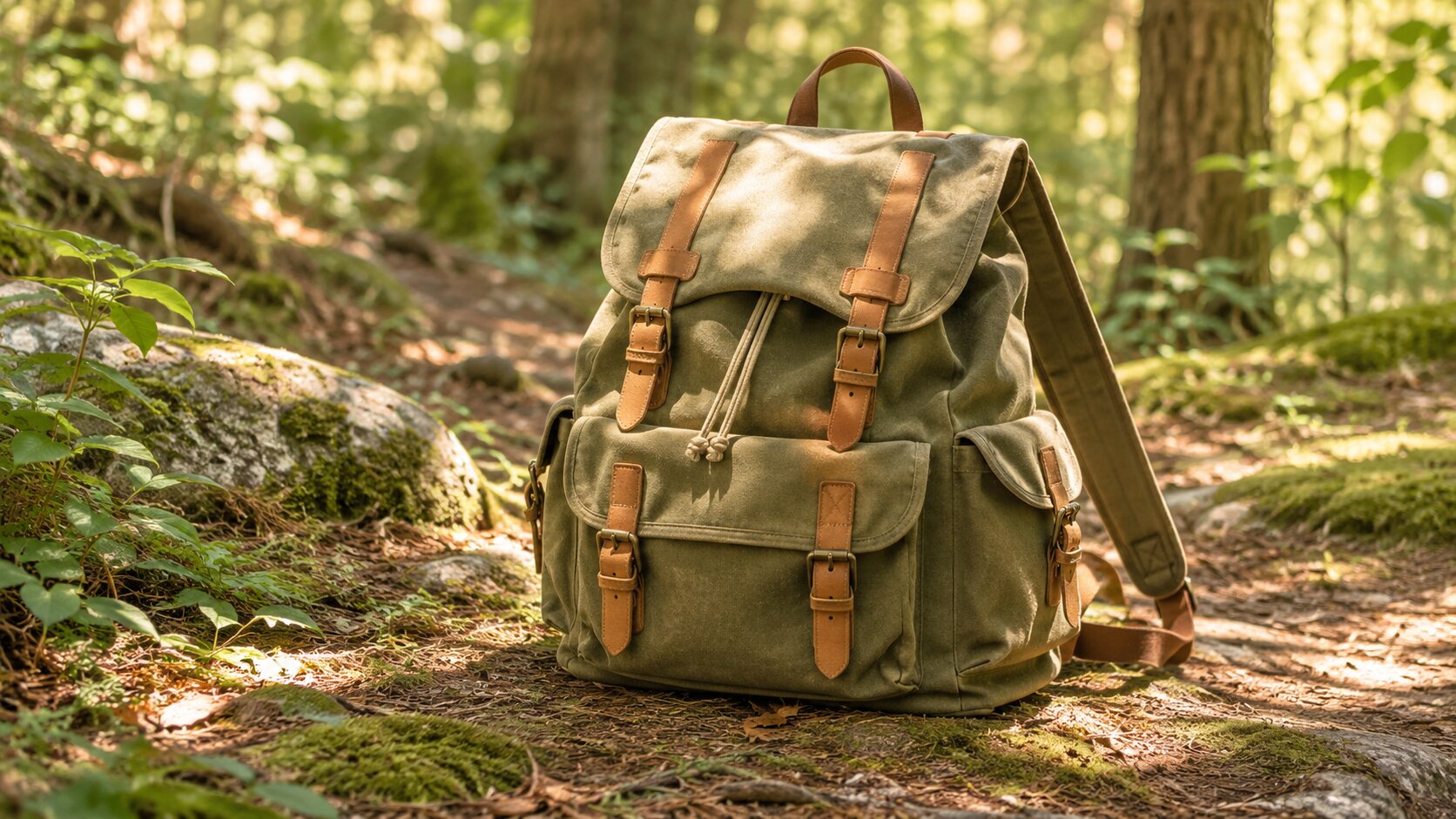
How to Create Realistic Composite Photos with AI
A practical method for creating realistic composite photos with AI — the four tells that give composites away, a realism checklist, and the fixes for each one.
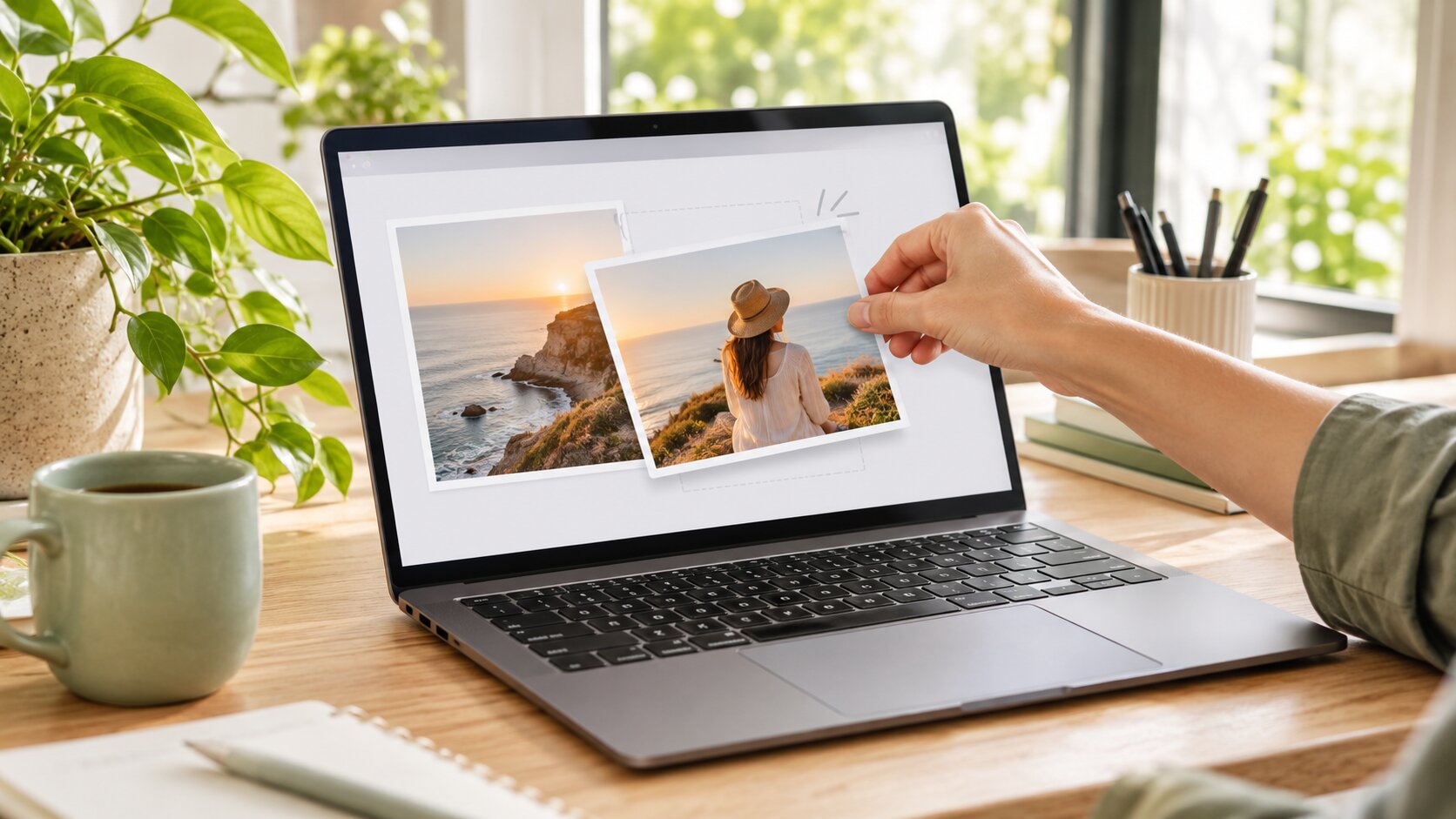
Can I Combine Images Without Photoshop? Yes — Here Is How
You can combine images without Photoshop. Compare AI combiners, Canva, GIMP, and mobile apps on cost, speed, and control — and see when Photoshop still wins.
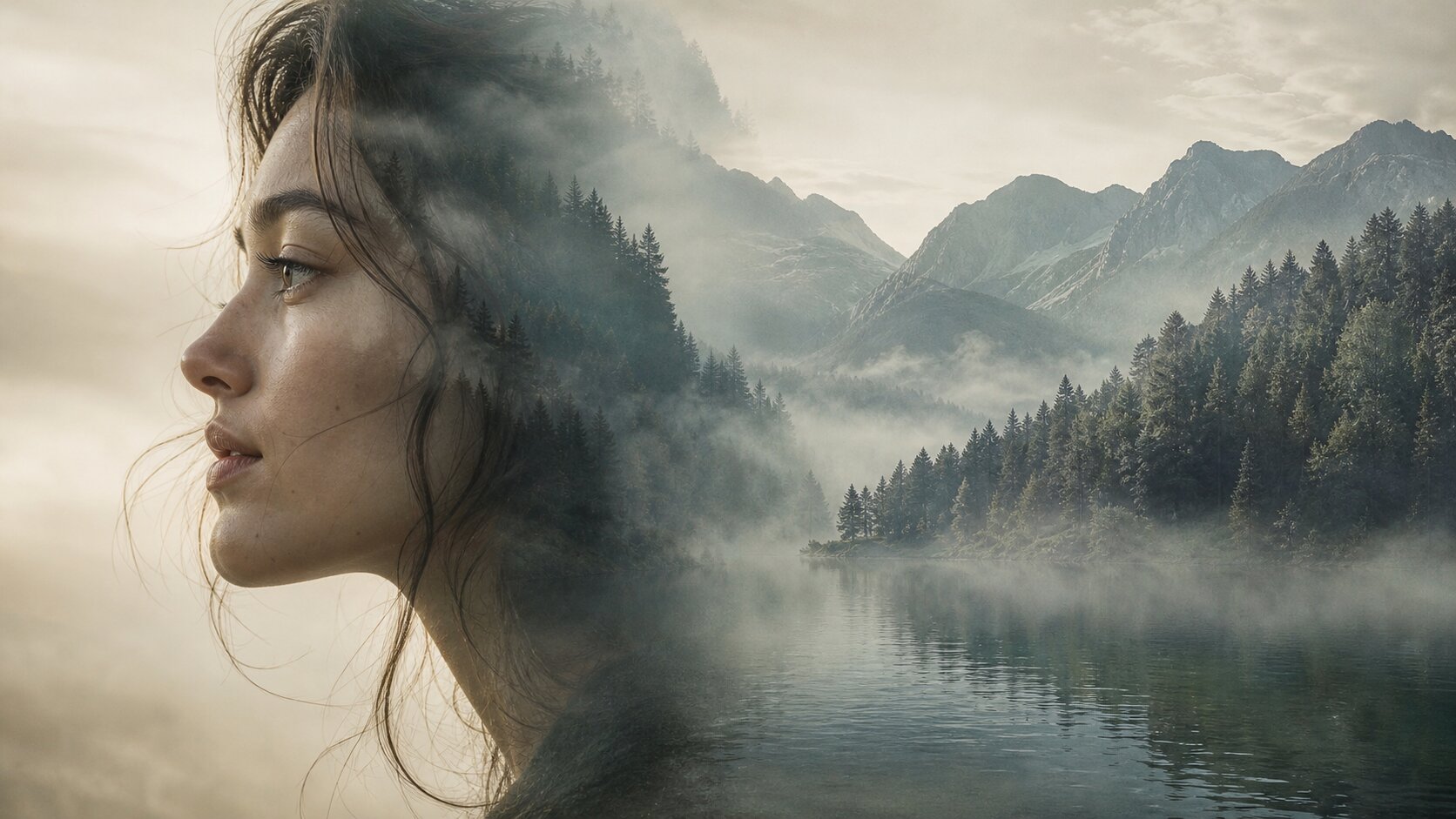
What Is AI Image Blending? Blending vs. Combining Explained
AI image blending makes two or more images read as one coherent picture. How it differs from combining, and the techniques involved.
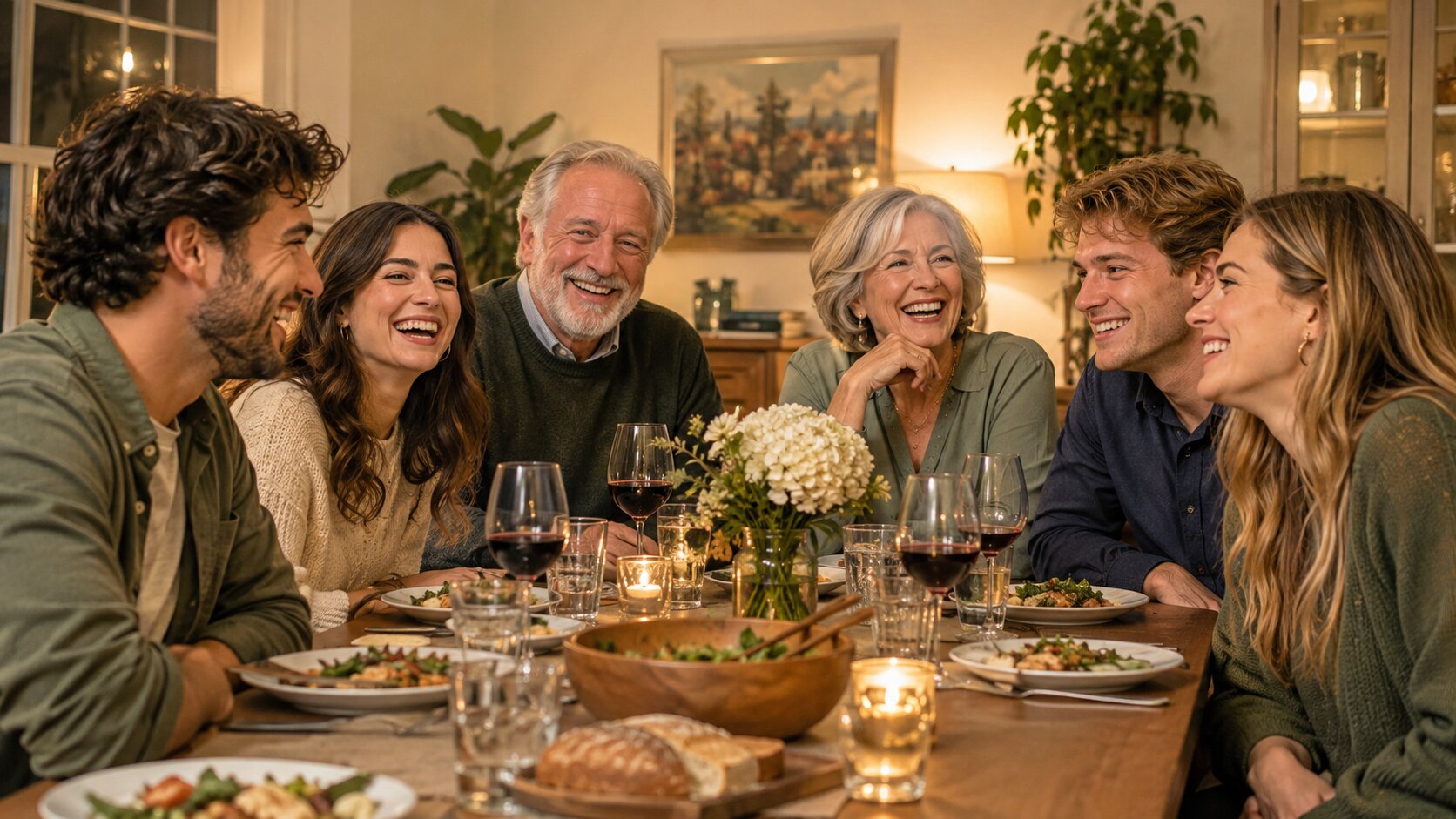
How to Combine Multiple Images with AI (2 to 8 Photos)
Combine three or more photos with AI — how to order references, group people together, build product sets, and avoid multi-input failures.
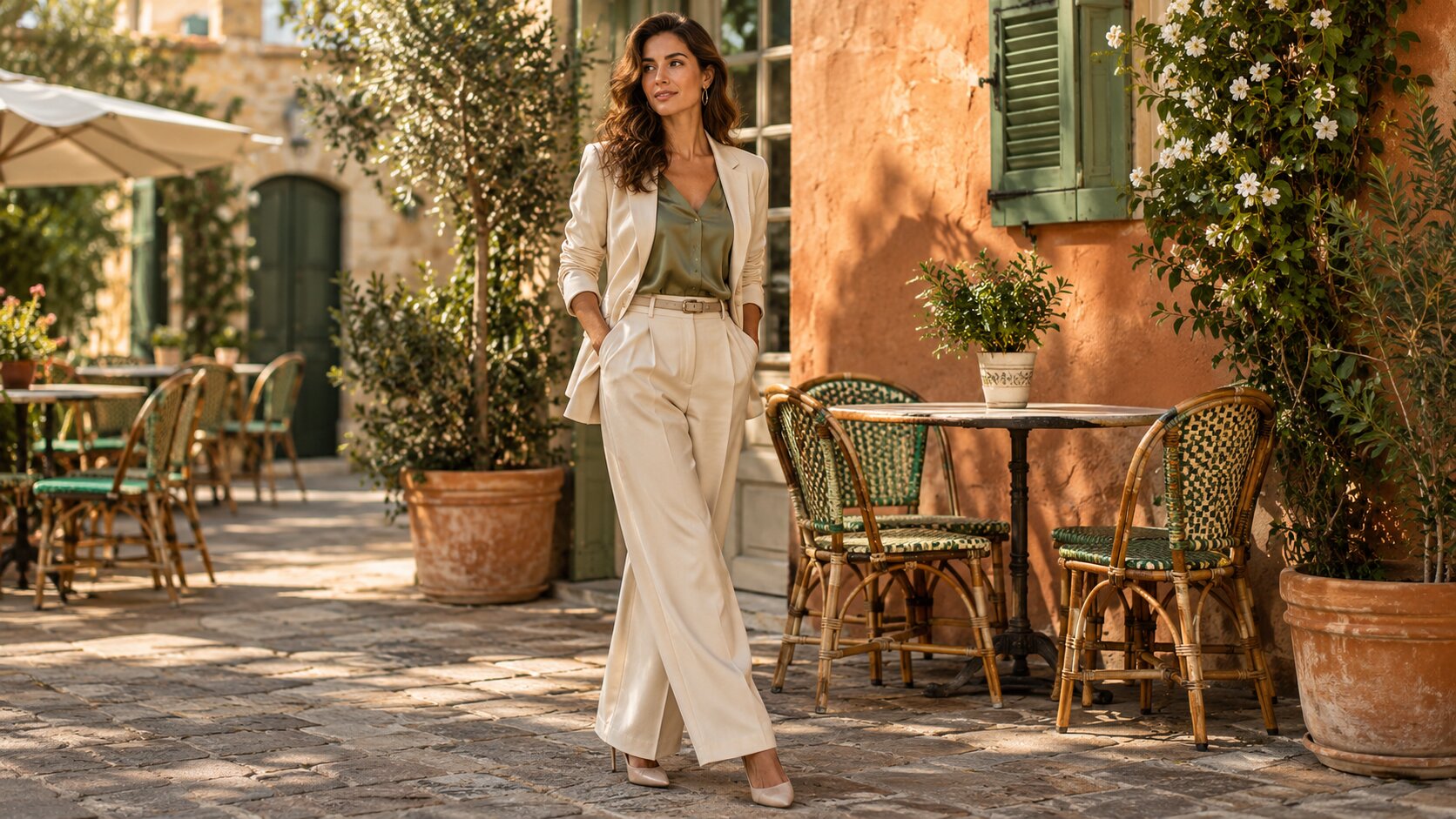
Can I Place a Person into a Different Background with AI?
Yes — AI can place a person into a different background. The difference between a background swap and a true composite, and what makes it real.
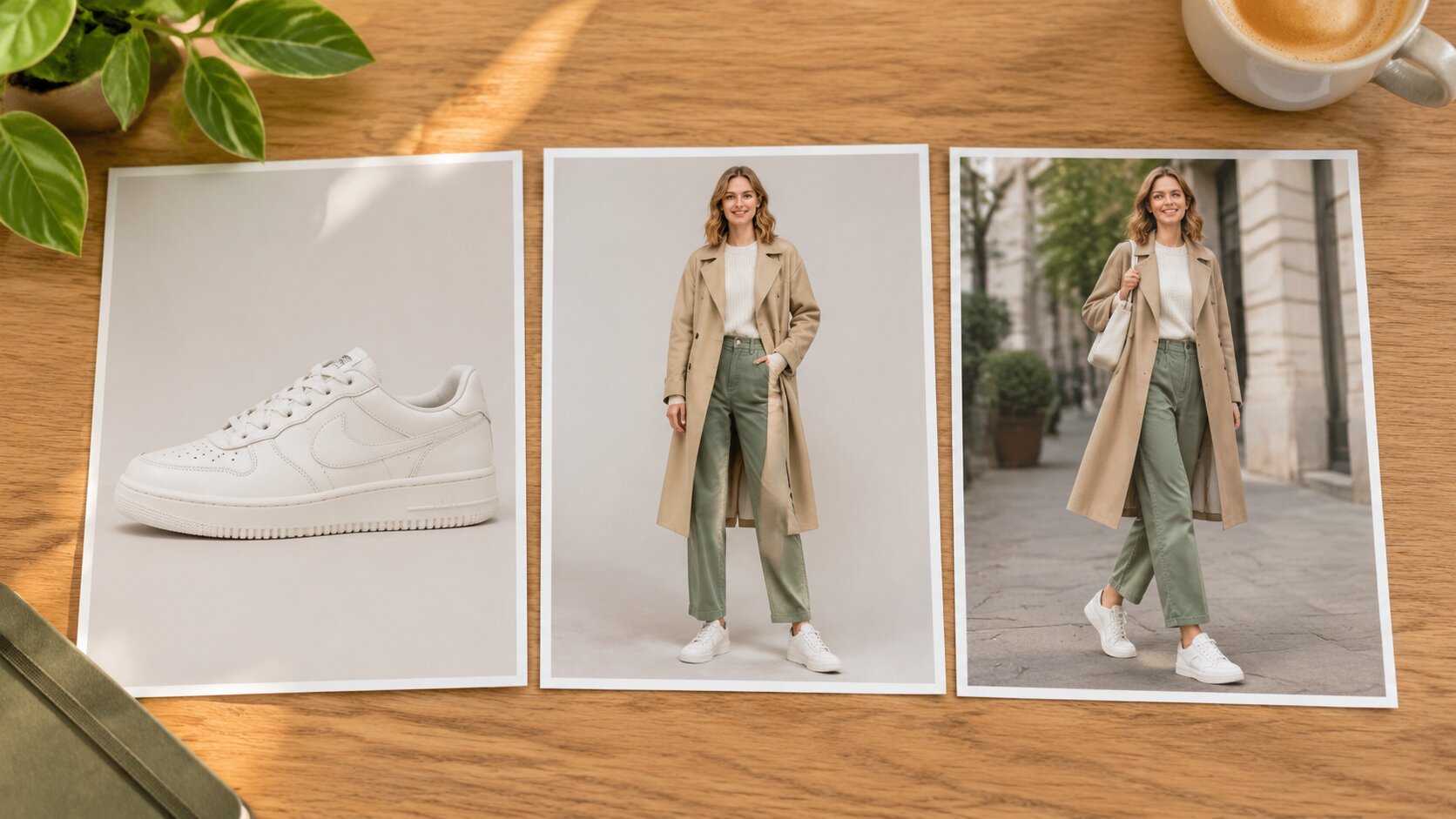
How to Combine Two Images with AI (Step by Step)
Combine two images with AI in five steps — upload, order your references, write a scene prompt, pick quality, and generate. Includes prompt fixes that work.
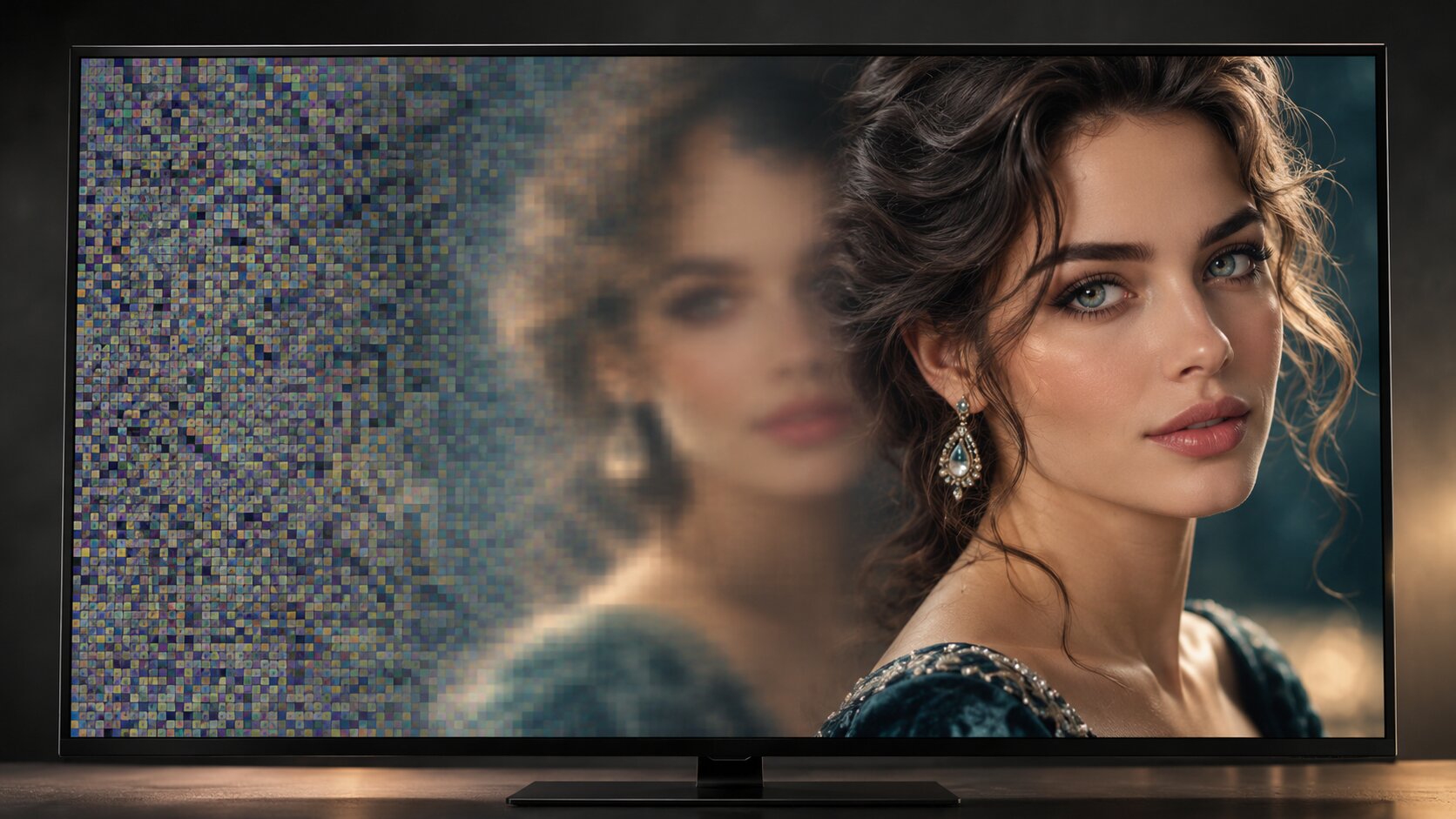
How Does an AI Image Combiner Work? The Full Pipeline
A step-by-step look inside AI image combining — encoding, conditioning, identity references, denoising, and decoding — and what each stage means for you.
 Featured
What Is an AI Image Combiner? A Complete Guide
An AI image combiner merges two or more photos into one believable picture. How it works, what you can build, and how to get realistic results.
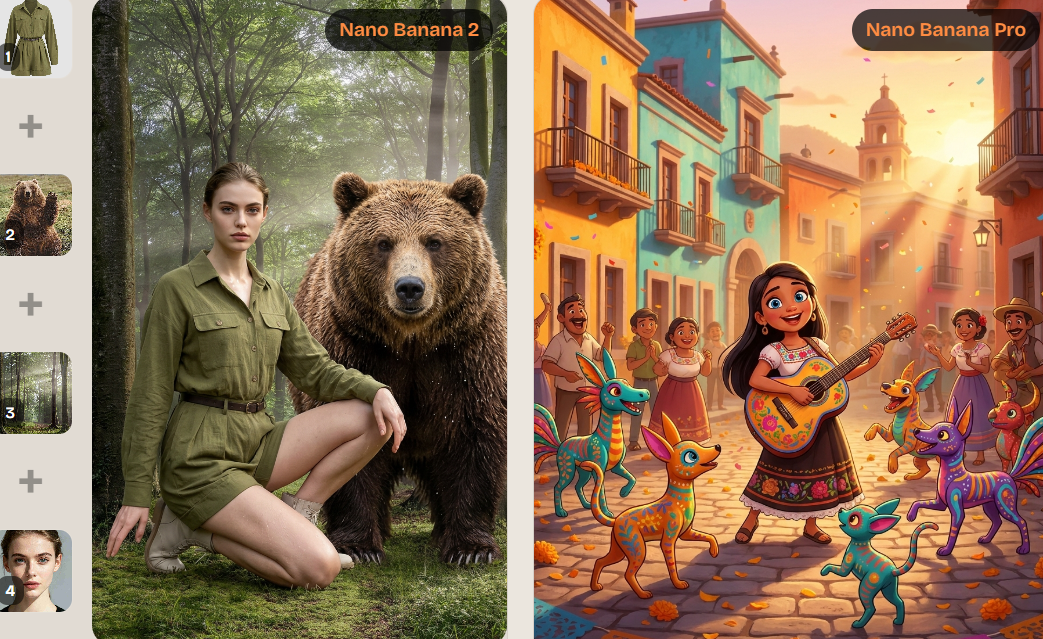
Nano Banana Pro vs Nano Banana 2.1: Which Should You Use? (2026)
Nano Banana Pro vs Nano Banana 2.1 — 2026 comparison. Benchmarks, pricing, reference images, and which Google image model to pick for your next generation.
 Featured
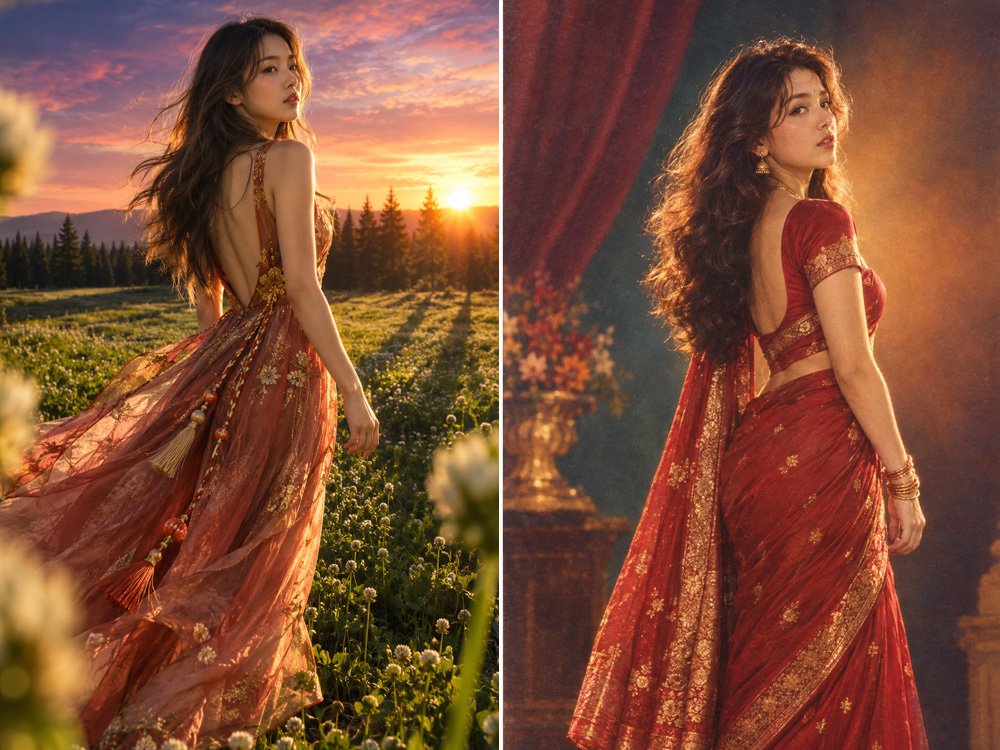
1980s AI Photo Generator: Recreate the AI 80s Photo Trend (2026)
Looking for a 1980s AI photo generator? Learn how the viral AI 80s photo trend works, the best free tools in 2026, and how to nail the retro look in seconds.
 Featured
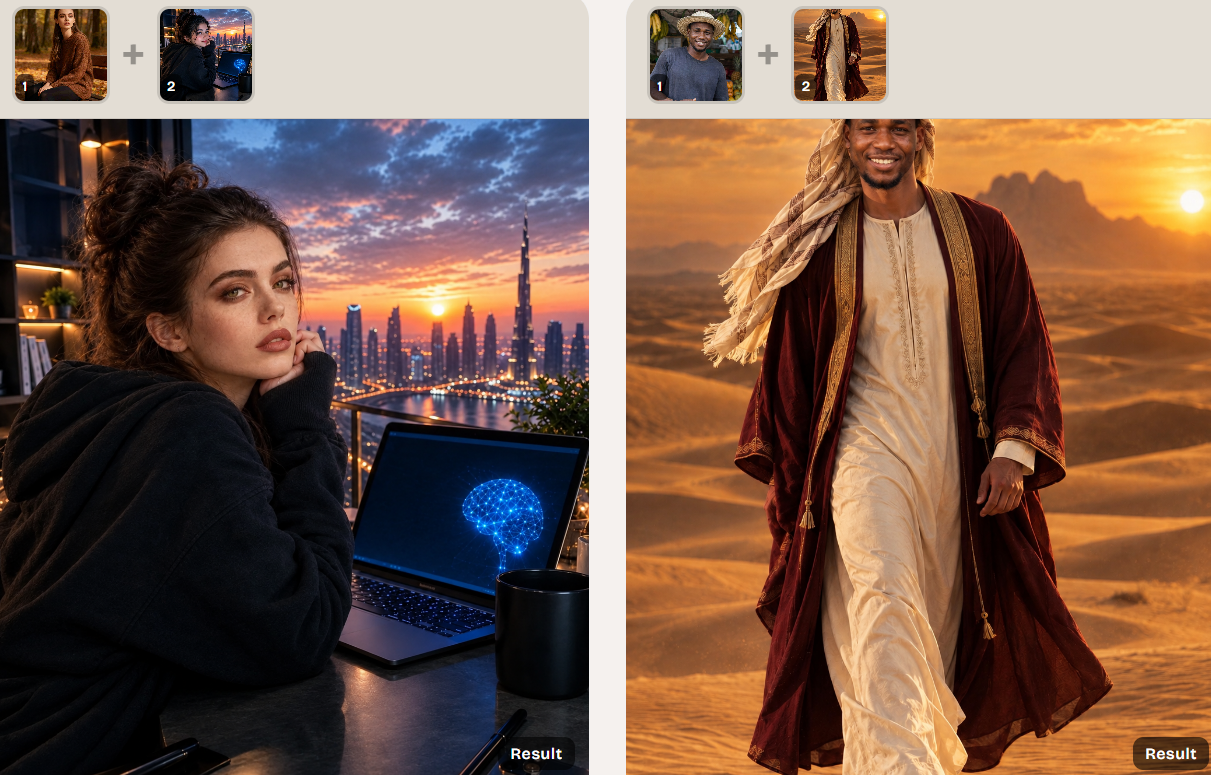
AI Face Swap: How It Works, Best Free Tools & Step-by-Step (2026)
Learn how AI face swap works, what the best free tools are in 2026, and how to swap faces realistically in any photo in under a minute.
 Featured
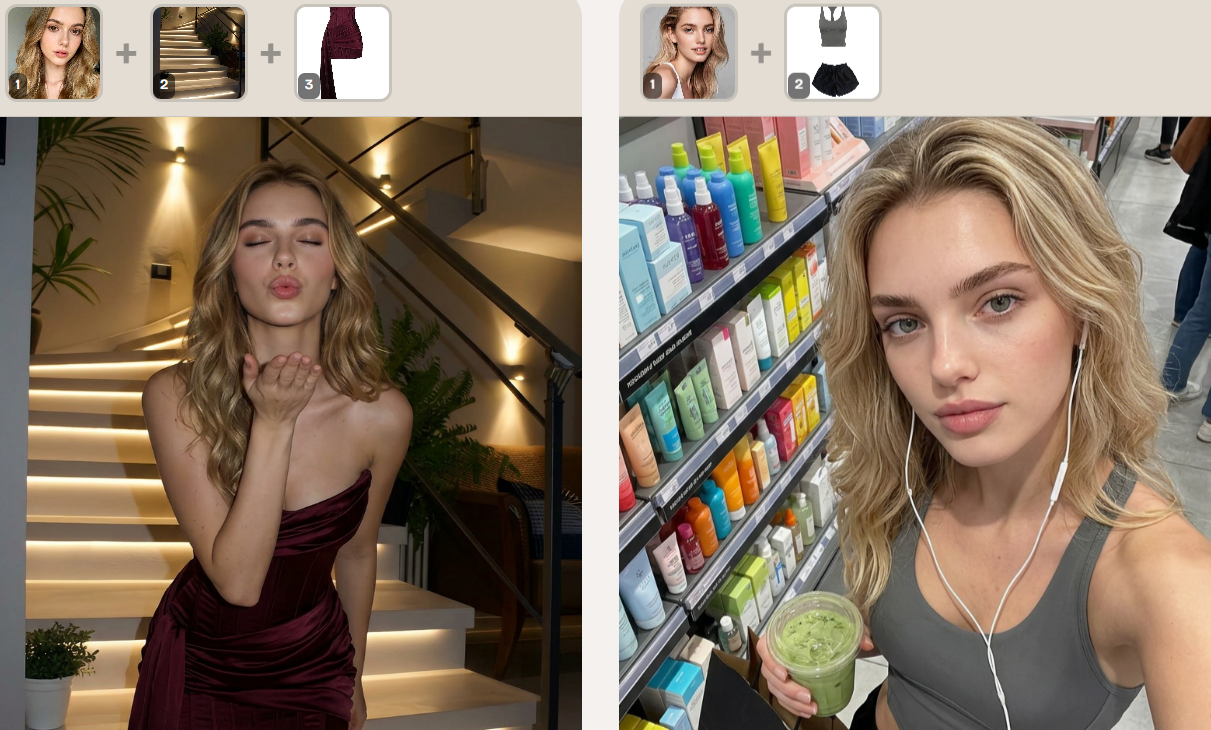
Image to Image AI Free: Transform, Restyle & Merge Photos (2026)
Looking for image to image AI free? Learn how modern free tools restyle, edit, and merge photos in seconds — and which to pick in 2026.
 Featured
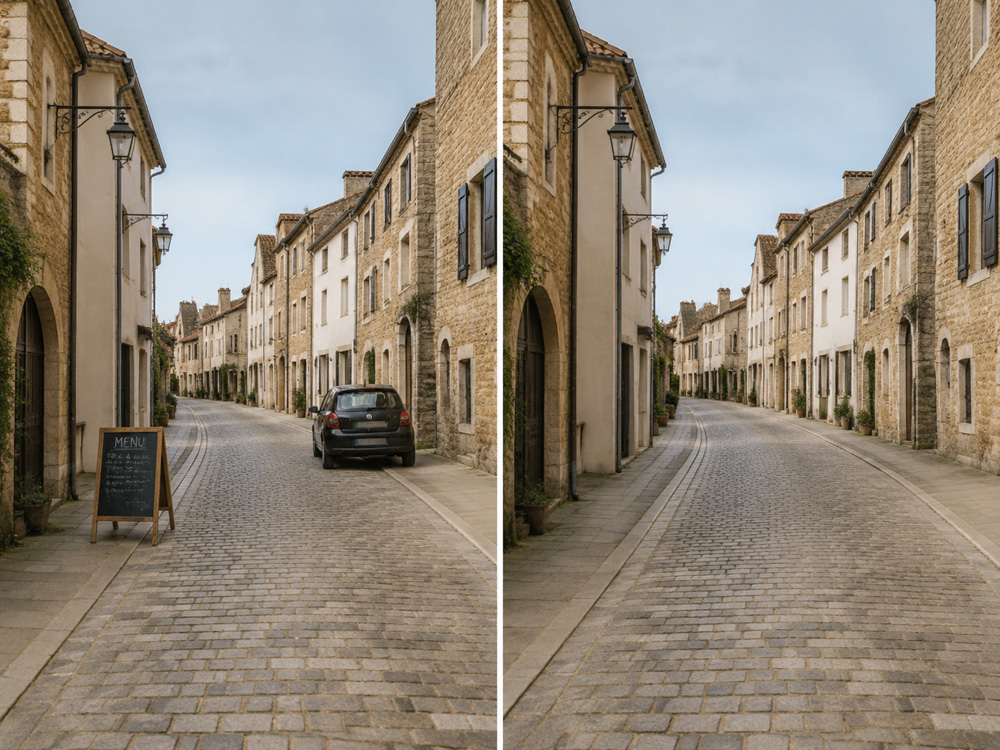
How to Remove Background from Images with AI (2026 Guide)
Step-by-step guide to removing photo backgrounds with a free AI background remover in 2026. Works on portraits, products, and tricky edges.