AI Virtual Try-On: How to Try Clothes On Online
AI virtual try-on puts a garment on your own photo before you buy it. Here is how it works, where it helps, and where it cannot tell you the truth.
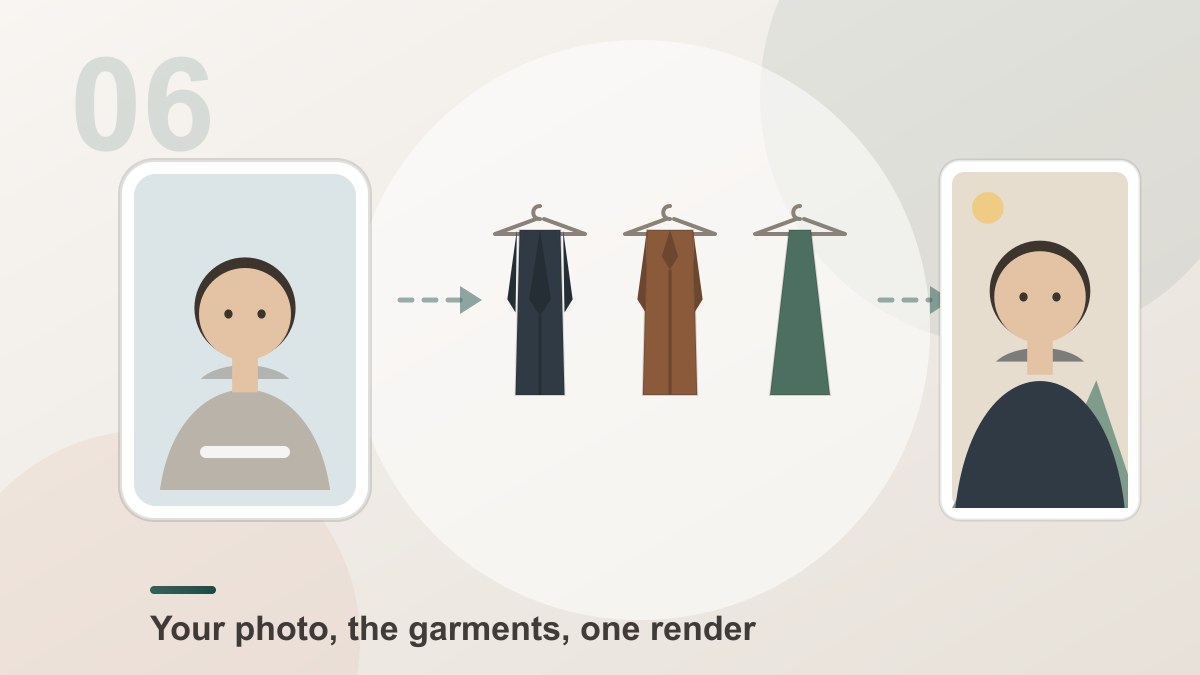
AI virtual try-on is a way of seeing a garment on yourself before you commit to it. You upload one photo of yourself and a picture of the clothing, and the tool rebuilds the picture with you wearing it — your face, your body, your pose and your background stay exactly as they were, and the garment is fitted to you and lit to match your scene.
It answers the question people actually hesitate over — does this colour work on me, does this cut suit my shape — in about a minute.
What Virtual Try-On Is For
Colour. A rust blazer that looked good on the model can look completely different on you. The preview shows you that in advance, which is the single most useful thing it does.
Silhouette. A structured shoulder, a long line, a high waist. These are shape decisions, and seeing them on your own body beats a flat product shot.
Necklines and length. Where a neckline sits and where a hem falls change the whole read of an outfit, and both are obvious in a preview and invisible in a catalogue picture.
Whole outfits. Up to four garments can be layered in a single render, so you can preview a look rather than a piece.
What It Cannot Tell You
Being clear about this is what makes the preview trustworthy.
0size measurements in a try-on preview[Dream Pixel AI]It does not know the size. The tool is not fitted to a garment pattern; it copies the shape it sees in the garment photo and bends it onto your body. A medium photographed on a slim model comes out looking slim on you too. The size still comes from the size chart.
It does not measure you. There is no body scan, no tape measure, no size recommendation. Nothing here replaces a measurement.
It does not show drape over time. Fabric that hangs beautifully in a photo may crease differently after an hour. A preview shows the best case of the garment on a still frame.
It does not show colour exactly. The render reproduces the colour from the garment photo under your photo's light, which is close but not identical to the physical garment under a shop light.
Used with those limits in mind, the preview is genuinely informative. Used as a substitute for a size chart, it will disappoint you.
How to Get a Good Preview
- Photograph yourself in good light. Daylight from a window, or a lamp at an angle. Flat overhead light hides the very fit cues you are trying to judge.
- Stand normally. Arms slightly away from the body, not pressed to the sides. A garment cannot be fitted to an arm that is not there.
- Show enough of the body. Waist up for tops, full length for dresses and trousers. If the hem is out of frame, the model has to guess where it ends.
- Avoid a busy background. It bleeds into the edges of the garment.
- Use a whole-garment photo. A hanger shot or a flat lay of the item you are actually considering.
- Preview the outfit, not the piece. Add the layers in the order you would wear them.
Where Stores Use It
The same workflow, pointed the other way, is how a shop fills a seasonal page without a studio.
A model photo becomes the scene, and the shop's own catalogue images of the actual products become the garments. The listing photo then shows the real item — the exact colour, the real print — worn by a person, in a batch, without a shoot, a model fee and a turnaround measured in weeks.
It also solves the classic catalogue problem: the same garment photographed on four different models in four different colours. One model photo plus four product photos produces one consistent set.
Common Problems
The preview looks nothing like the product photo. The garment photo contained a model, and their shape came with it. Use a garment without a person in it.
The colour is off. The two photos had different white balance. Neutralise the garment photo before uploading.
The hem is wrong. Your photo was cropped above it. Use a frame that includes where the garment ends.
An accessory vanished. Very small items — sunglasses, earrings, a watch — sometimes get absorbed into the re-render. Keep them out of the shot if they are not part of what you are evaluating.
Frequently Asked Questions
What is AI virtual try-on?
AI virtual try-on is an online tool that puts a garment onto a photo of you. You upload a picture of yourself and a picture of the clothing, and the AI rebuilds the picture with you wearing it — keeping your face, body, pose and background, and matching the garment to your shape and the light in the photo.
Can virtual try-on tell me if a size will fit?
No. The tool is a look generator: it shows how the cut, the colour and the silhouette work on your body shape, and it can suggest whether a style suits you. It does not measure you and it does not know the garment's measurements, so the size you need still comes from the size chart and the measurements listed on the product page.
What can I realistically judge from the preview?
How the colour sits against your skin tone, how a cut falls on your shape, whether the neckline and the length suit you, and whether the style matches the occasion. Those are the decisions people actually hesitate over, and they are the ones the preview answers well.
How do I get the best virtual try-on preview?
Use a clear, sharp photo of yourself, ideally from the waist up or full body, with your arms clear of your torso and the light coming from one direction. For the garment, use a photo that shows the whole item on a hanger or a mannequin rather than a cropped detail shot.
Can I try a whole outfit on at once?
Yes. Up to four garments can be layered on the same photo, and they are applied in the order you add them — so a shirt added first sits under a jacket added second. Previewing the full outfit in one render is usually more useful than previewing one piece at a time.
Is virtual try-on useful for online shopping?
For style decisions, yes. It lets you check a colour, a neckline and a silhouette against your own photo before you order, which removes the guesswork that comes from a product photo shot on somebody else. It is a companion to the size chart, not a replacement for it.
How do stores use virtual try-on for their own photos?
The same workflow, run in the other direction: a model photo plus your own catalogue images of the actual products produces listing photos that show the real item on a person. It is the fastest way to fill a seasonal page without a studio booking.
Is virtual try-on safe to use with my own photos?
Your photos are used to build the preview and saved to your private library, where only you can view and download them. They are never published, never shared and never turned into public examples.
Product Recommendation
Try it freeAI Clothes SwapSwap any outfit onto a photo — a free online AI clothes changer and virtual try-on.One photo of you, up to four garments, one render. Download it watermark-free and at the resolution you choose.
Want a workflow question answered? Get in touch — we read every message.
Try these tools
Try it freeAI Clothes SwapSwap any outfit onto a photo — a free online AI clothes changer and virtual try-on.Try it freeAI Image EditorTransform a single photo with a text prompt — restyle, re-light, re-imagine.Try it freeAI Photoshoot GeneratorTurn a single product photo into a full photo set.Try it freeAI Background RemoverRemove any background from a photo in one click — free.Sources
- Try-on Diffusion — Virtual Try-On with Diffusion Models — Reference for the two-stage try-on architecture behind virtual fitting-room tools.
- IDEA Research — Virtual Try-off — Reference for clothing-agnostic generation and why the garment is described separately from the body.
- arXiv — Diffusion Models for Virtual Try-On survey — Reference for how modern try-on systems combine a clothing encoder with a body-aware diffusion model.
- MIT Media Lab — DeepFake detection research — Reference for the visual tells that make a generated try-on read as synthetic.