Bring Old Photos Back to Life with Free AI Online

Repair damaged photos, sharpen blurry faces, remove scratches, and colorize old memories instantly with AI-powered restoration.

Upload Your Old Photo

Drag & drop or click to browse

JPEG, PNG, WEBP — max 5MB

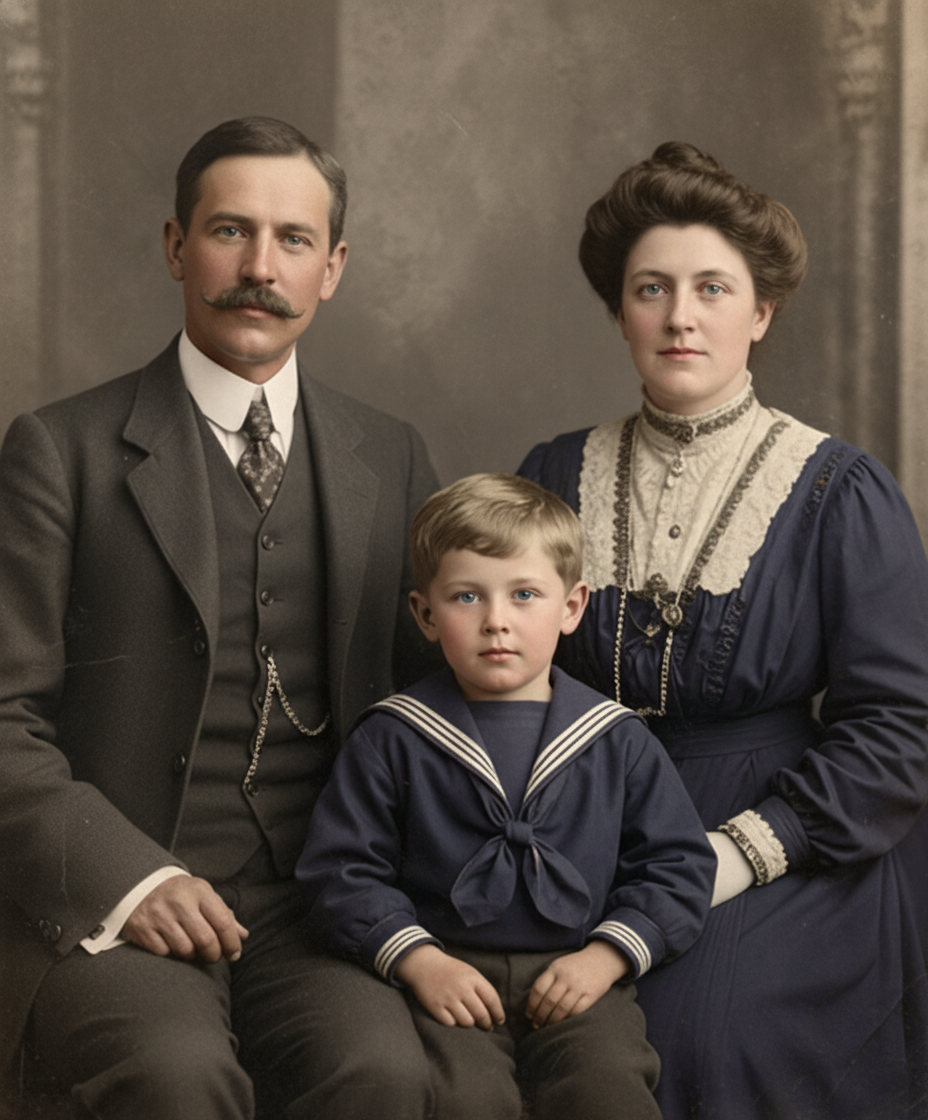
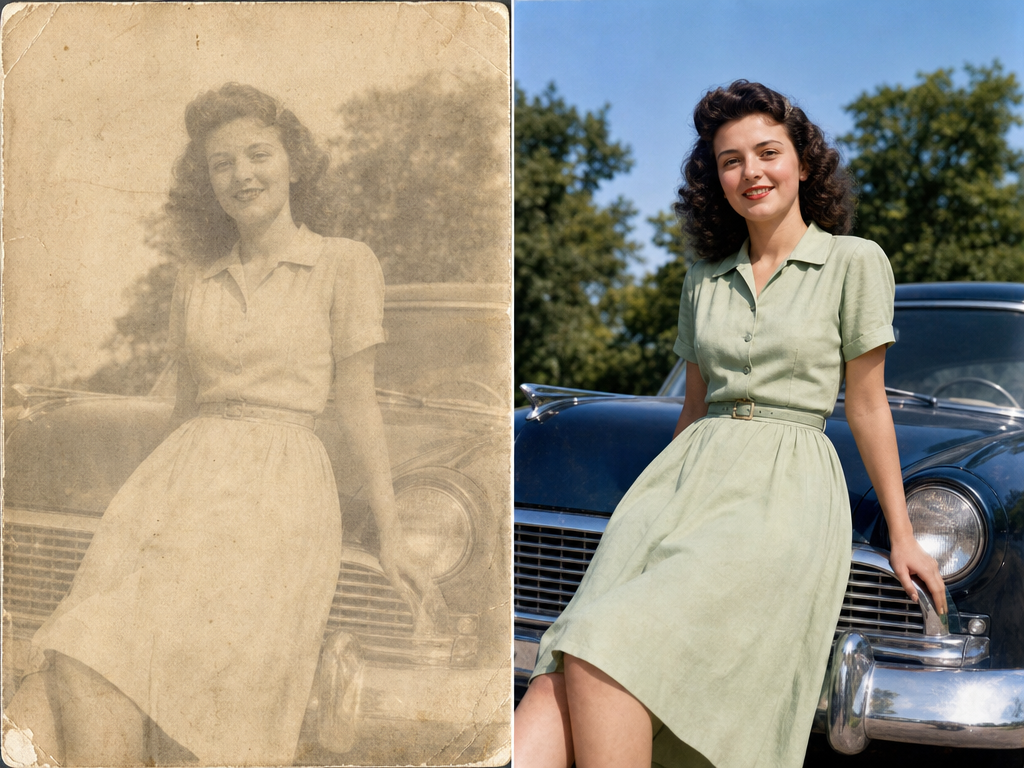
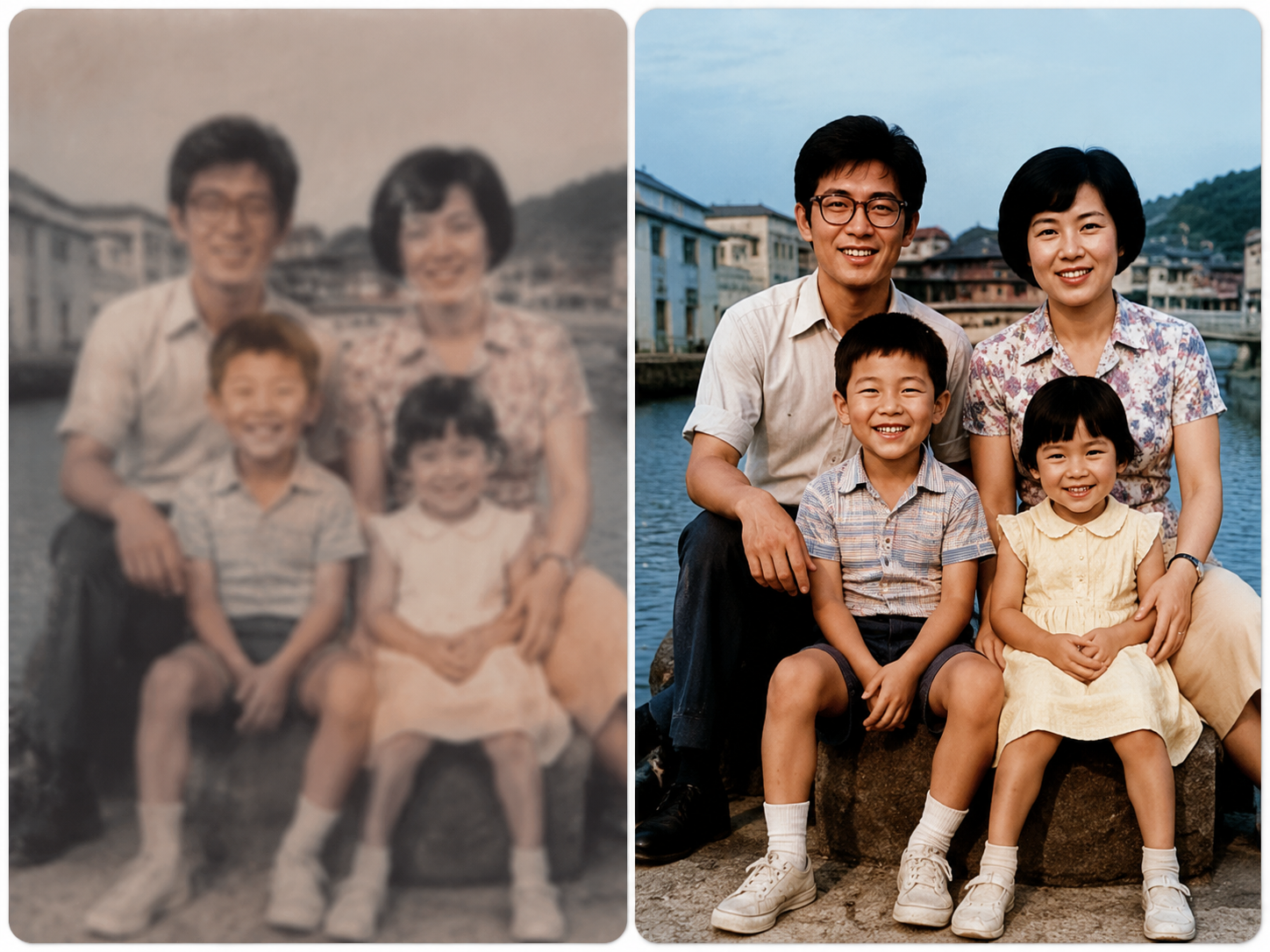
See the Difference in Real Results

Drag the slider to compare original and restored photos side by side.
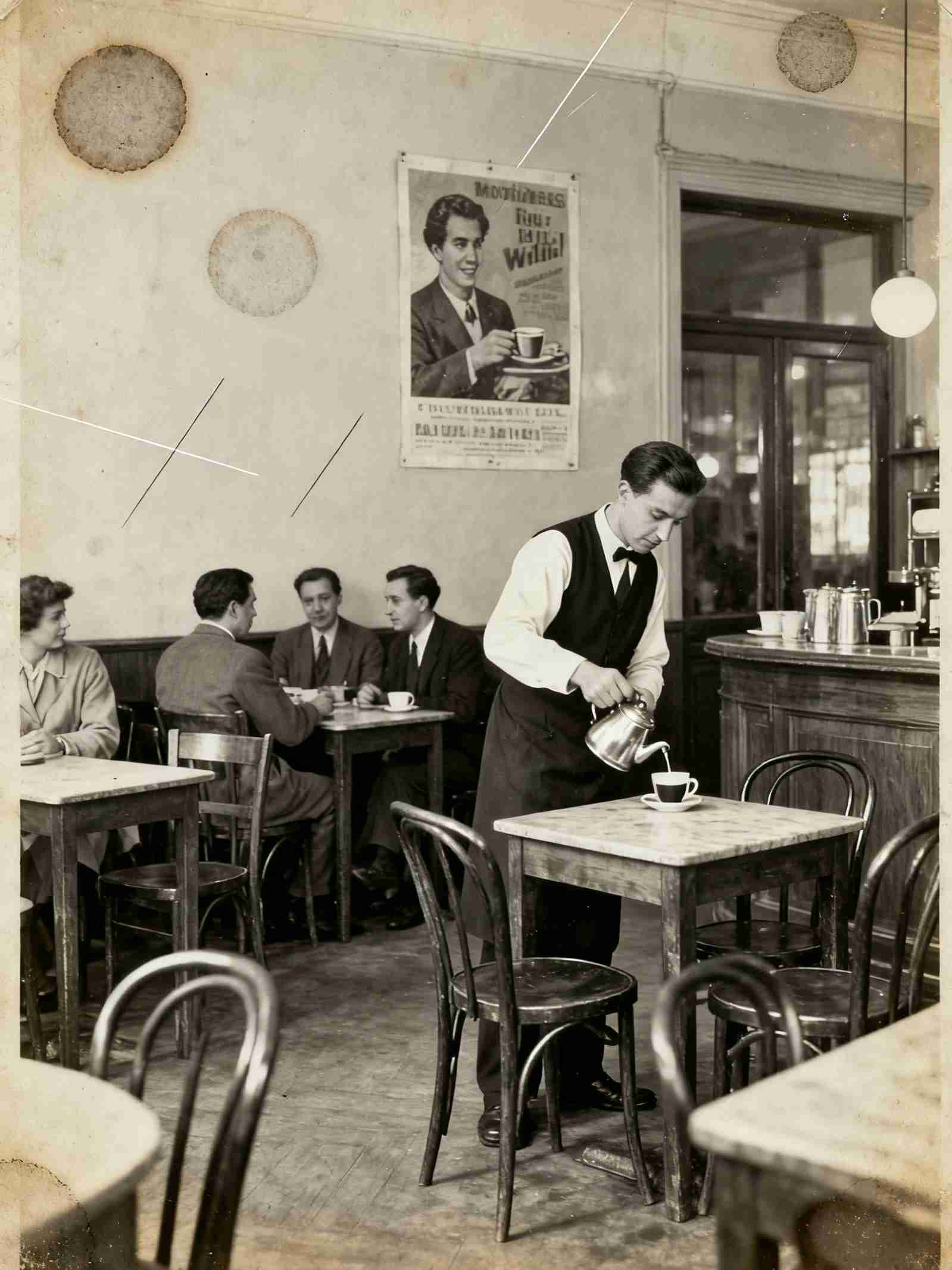
Before
After
Original
AI Restored
Before
After
Original
AI Restored
Before
After
Original
AI Restored

See What Our AI Photo Restorer Can Do

From vintage family albums to faded archival photos — restore memories with precision and care.
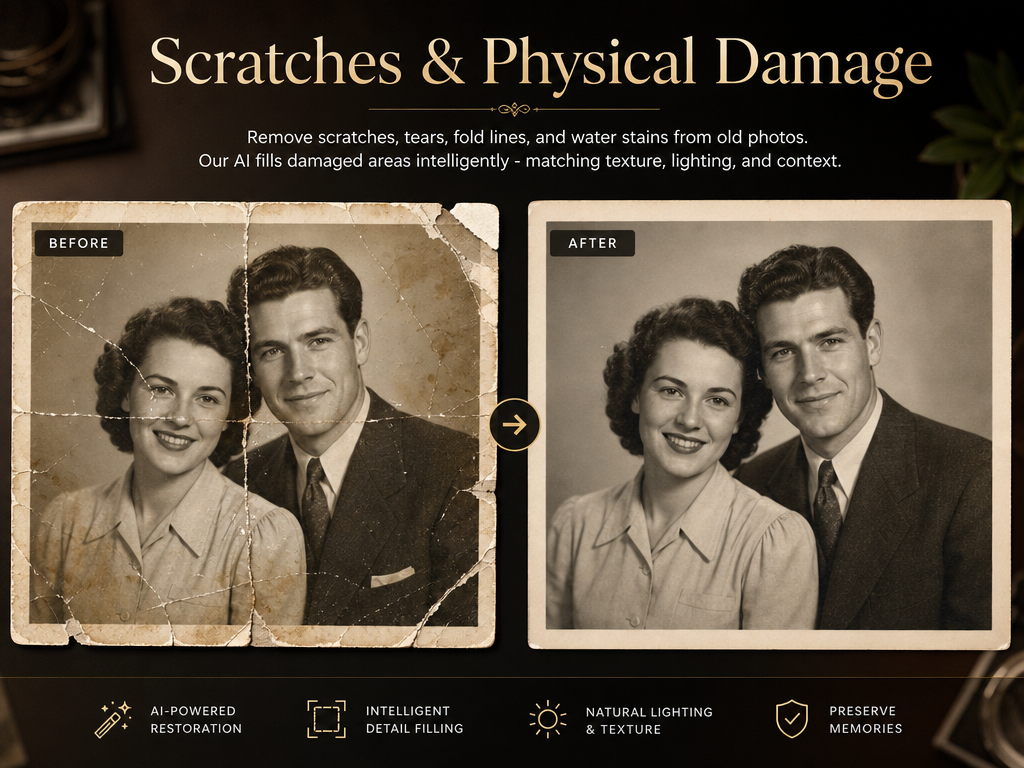
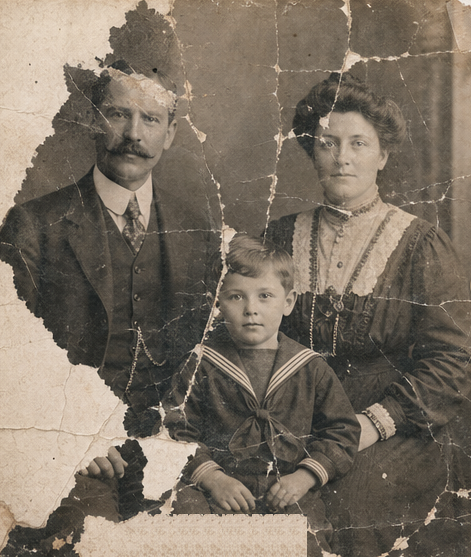
Scratches & Physical Damage

Scratches & Physical Damage

Remove scratches, tears, fold lines, and water stains from old photos. Our AI fills damaged areas intelligently — matching texture, lighting, and context.

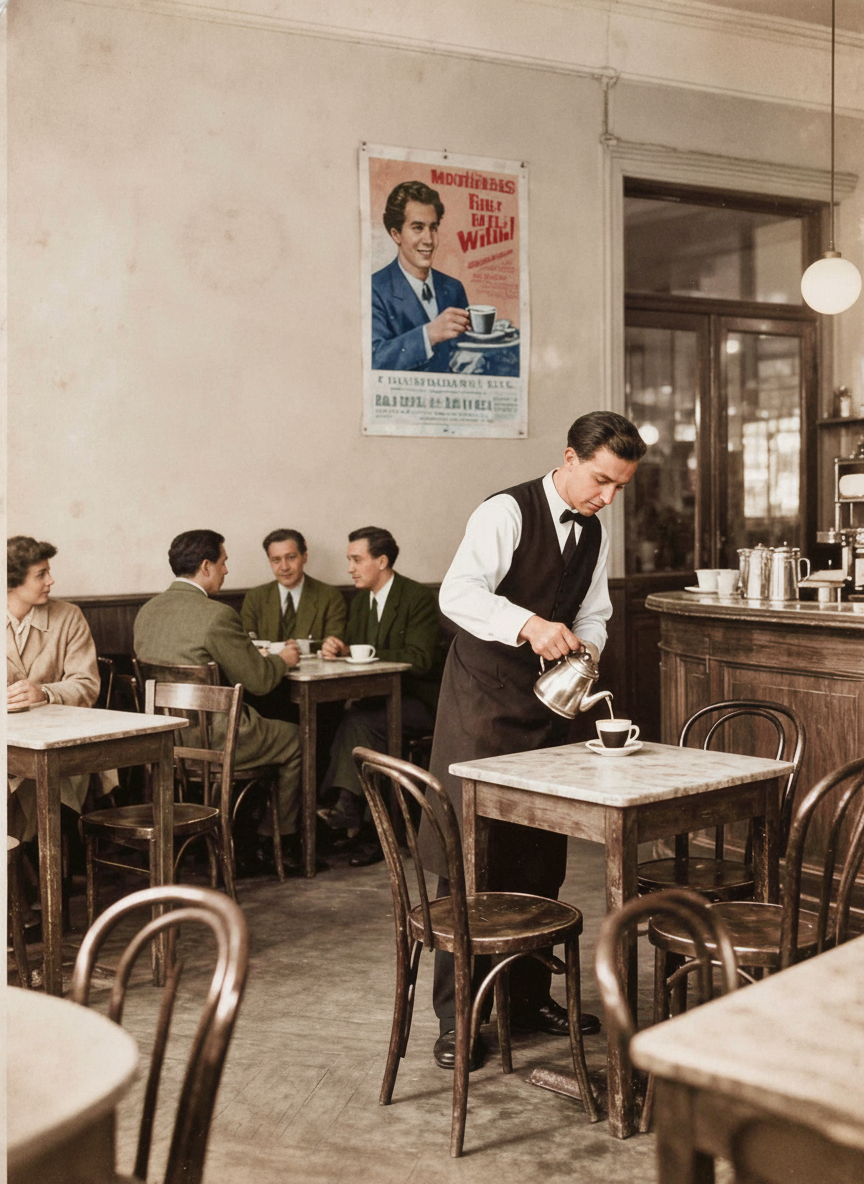
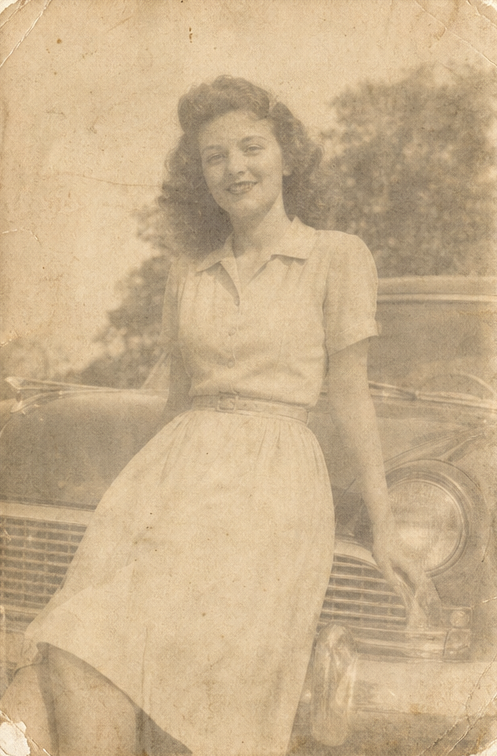
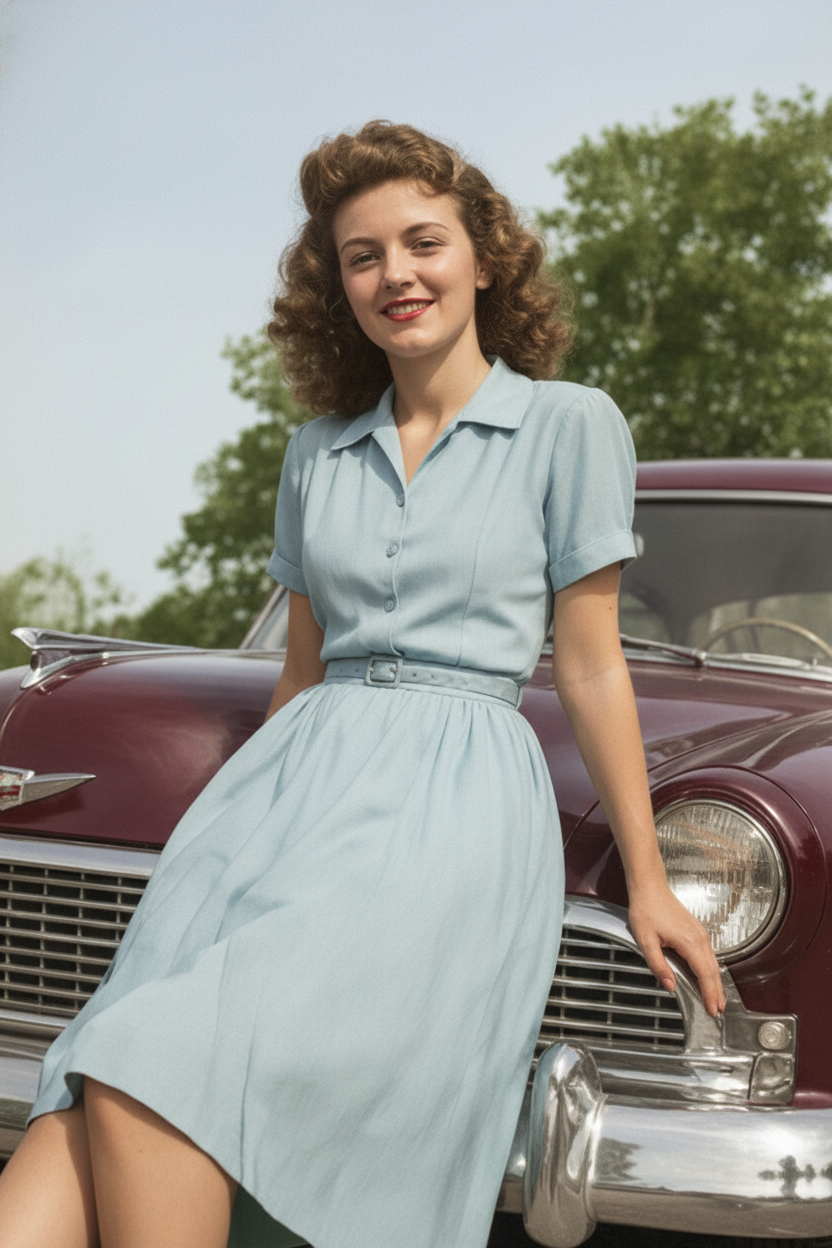
Faded & Discolored Photos

Faded & Discolored Photos

Restore lost contrast and color to faded black-and-white or sepia photos. Rebuild accurate skin tones, natural colors, and proper exposure.

Blur & Low-Resolution Photos

Blur & Low-Resolution Photos

Enhance blurry or low-resolution old photos. Sharpen faces, restore fine details, and improve overall clarity — making old memories viewable again.

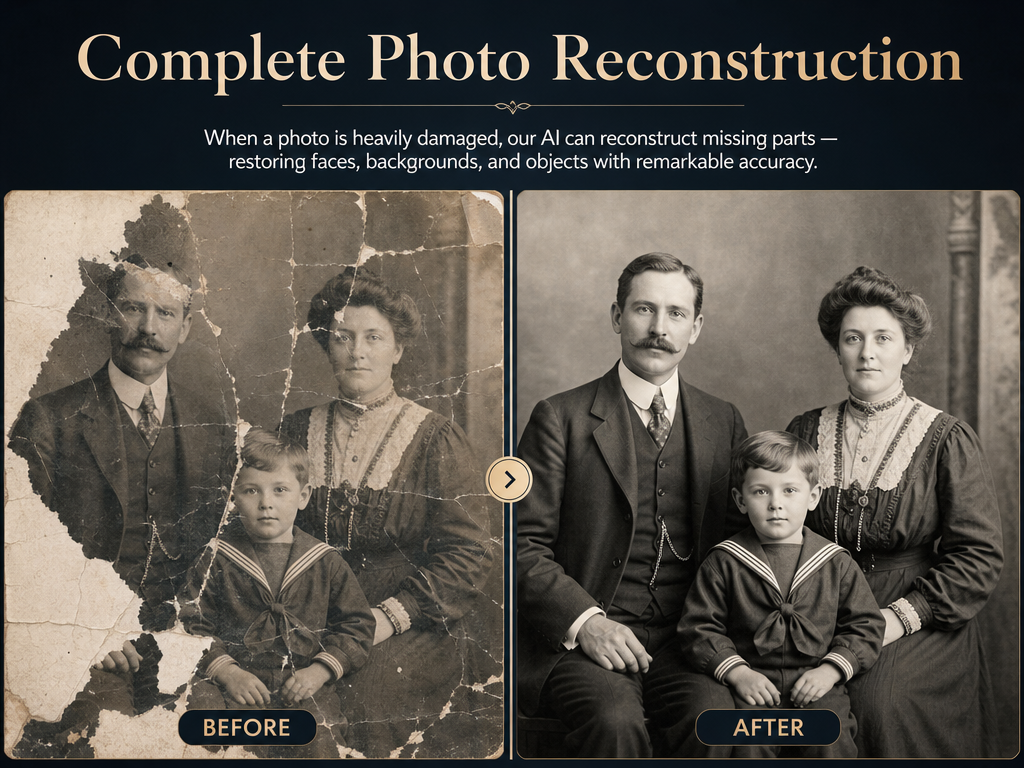
Complete Photo Reconstruction

Complete Photo Reconstruction

When a photo is heavily damaged, our AI can reconstruct missing parts — restoring faces, backgrounds, and objects with remarkable accuracy.

Why Our AI Photo Restorer Stands Out

Unlike manual editing tools, our AI understands photo content and restores images intelligently — no professional skills needed.

🖼️Fix Scratches & Tears

Remove scratches, cracks, tears, and fold marks from old photos. Our AI fills in damaged areas with contextually accurate content.

🎨Restore Faded Colors

Bring back lost colors and contrast to black-and-white or faded photos. Rebuild color accuracy with intelligent, scene-aware processing.

Enhance Clarity & Detail

Sharpen faces, restore fine details, and improve overall photo quality. Reduce blur and noise while preserving important image information.

🔍AI-Powered Precision

Unlike manual editing tools, our AI understands the content of your photo and restores it intelligently — no Photoshop expertise needed.

How to Restore a Photo in 3 Steps

01

Upload Your Old Photo

Drag & drop or click to select a JPG, PNG, or WebP image — up to 5MB. Works with any old or damaged photo.

02

AI Analyzes and Restores

Our AI detects scratches, fading, and damage — then intelligently restores colors, sharpness, and missing areas.

03

Download the Restored Photo

Preview the result and download as a high-quality image — ready to share, print, or preserve in your family album.

Frequently Asked Questions

Can this fix heavily damaged photos?
Yes. Our AI can reconstruct missing areas, fill in scratches and tears, and restore photos even when significant portions are damaged or missing.
Does it work on black and white photos?
Yes. The AI can enhance black-and-white photos by improving contrast, sharpening details, and optionally colorizing the image based on contextual cues.
How long does restoration take?
Most photos are restored in under 60 seconds. Heavily damaged or high-resolution images may take a bit longer.
Is my uploaded photo kept private?
Yes. Your uploaded photos are only used to generate the restored result and are never shared or made public.
How many credits does each restoration use?
Each photo restoration uses 1 credit from your account balance.