AI Clothes Swap
AI Clothes Swap — Free Online AI Clothes Changer
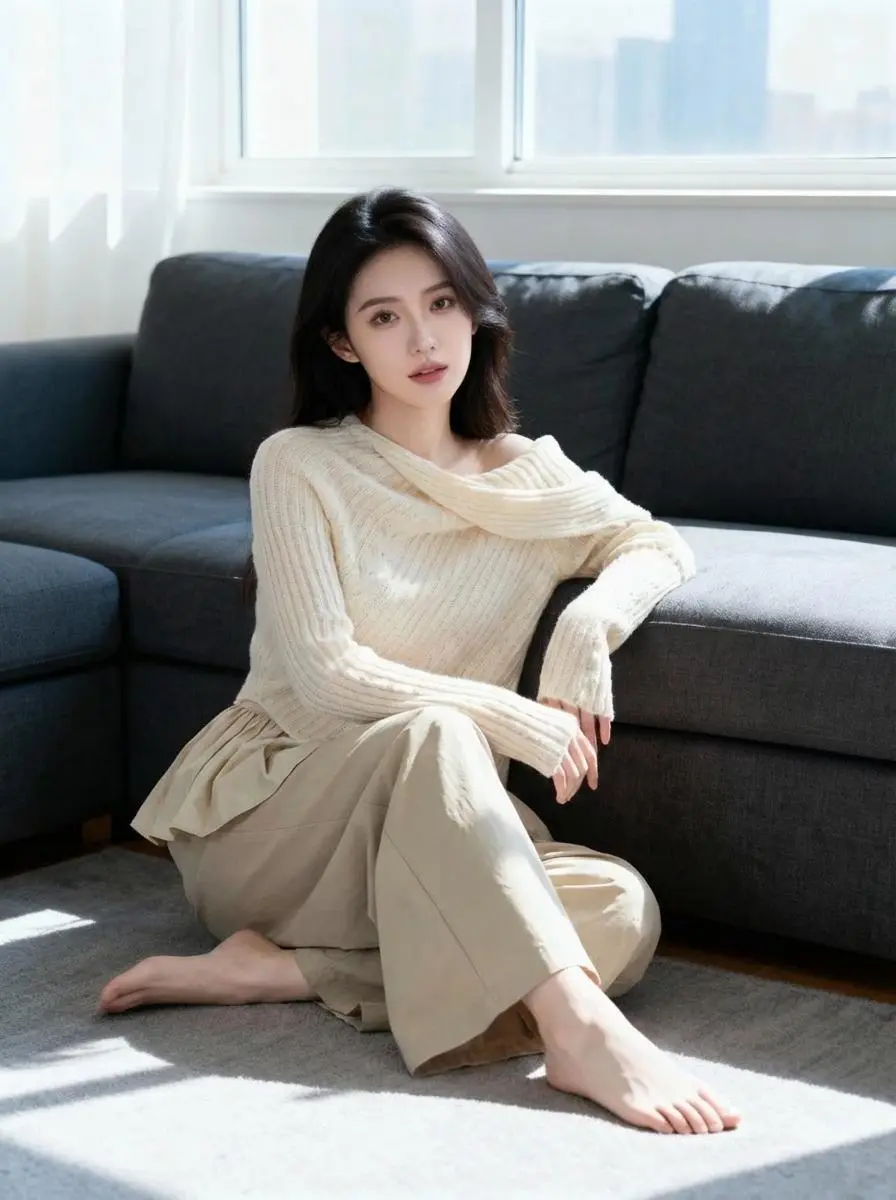
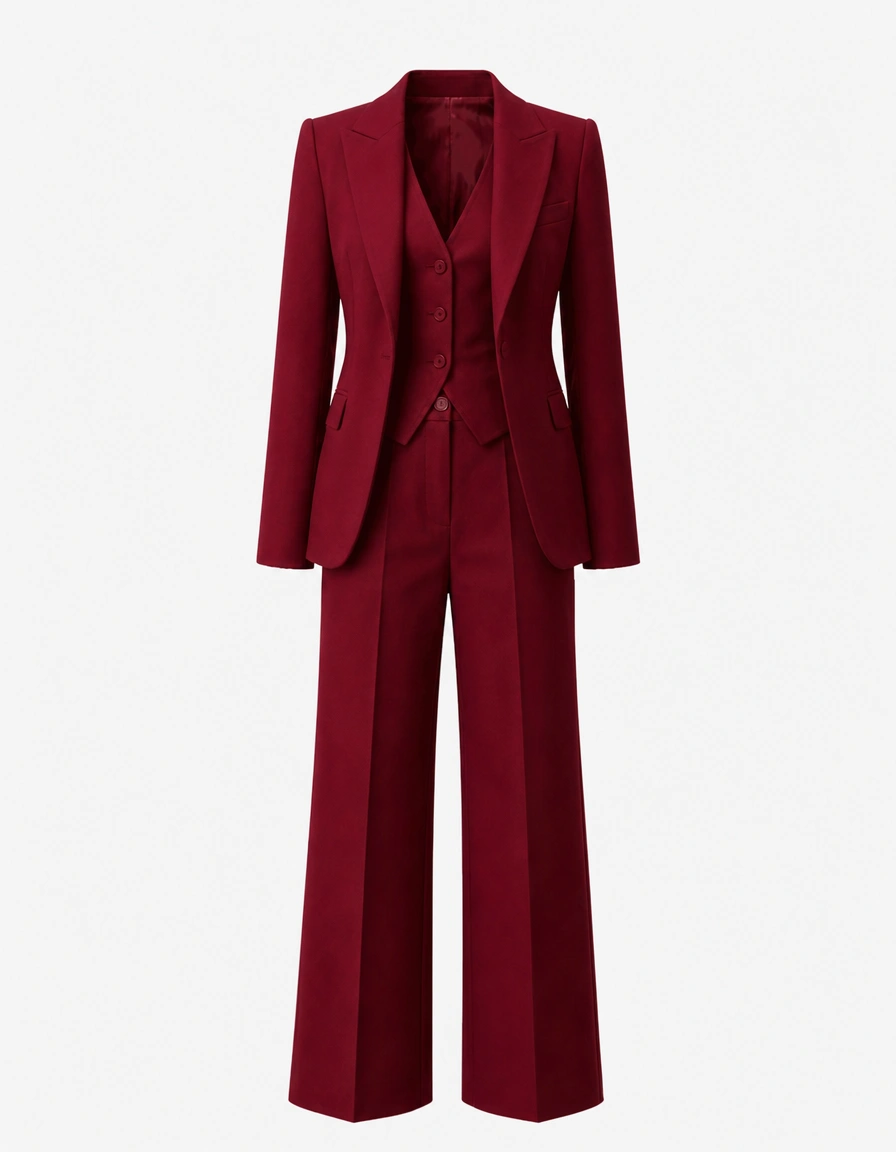
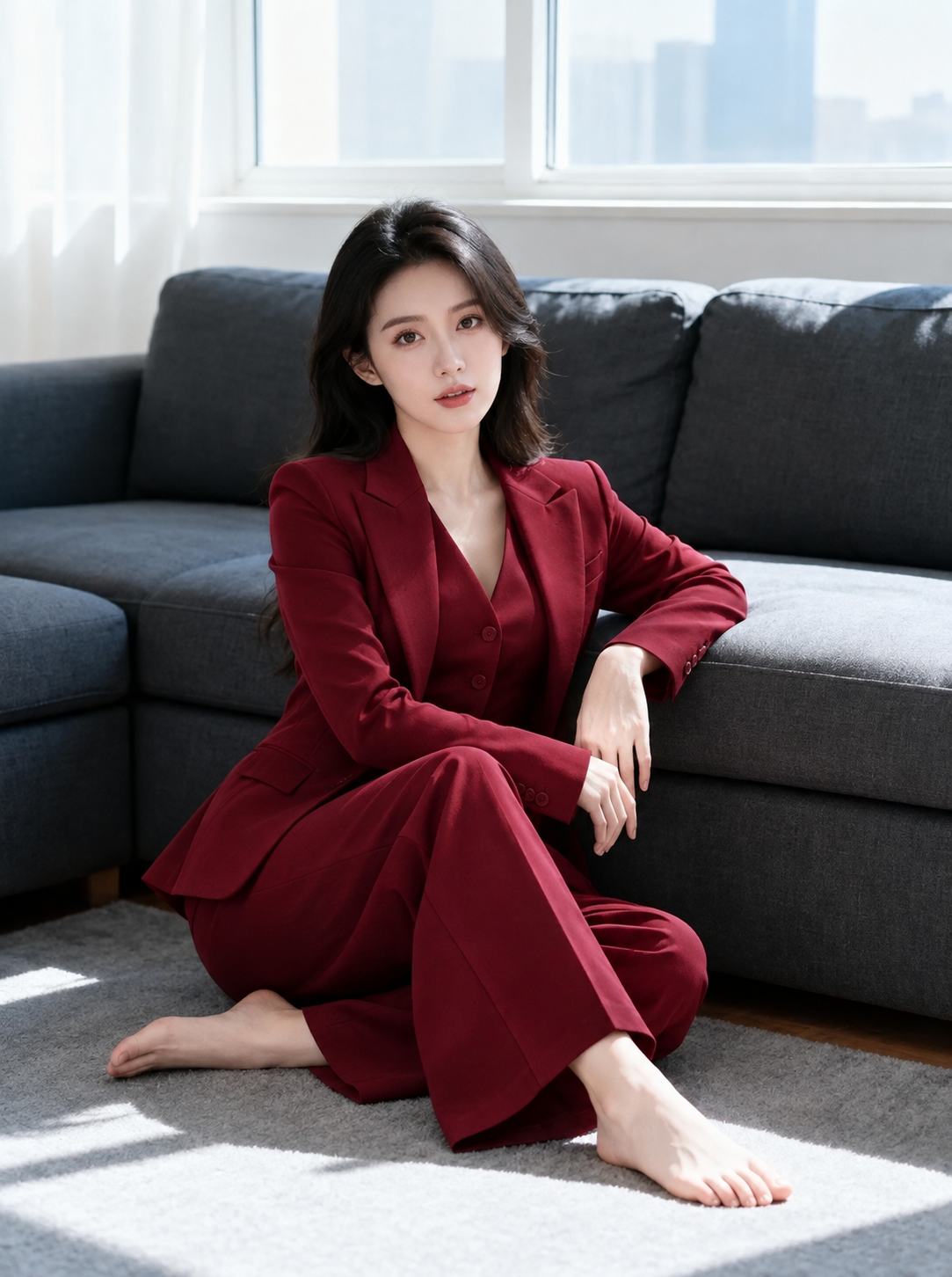
AI Clothes Swap is a free online AI-powered clothes changer — a virtual try-on that puts any outfit on any photo. It detects the clothes the person is already wearing and replaces them with the garment you choose, matching the fit, the folds, the shadows and the light of your original picture. Upload a person photo and a garment photo, and the AI does everything automatically: no studio shoot, no manual editing, and a fast, realistic, watermark-free result in just a few clicks.
Your swapped image
Your swapped image will appear here.
Upload a person photo and a garment, then press Swap Clothes. Ask for up to 4 variations in one go.
Set up your swap
Person and garment photo
+
Upload the person who will wear the clothes, then add the garment.
You may only upload materials for which you have all necessary rights and permissions. Content involving minors or non-consensual content is strictly prohibited.
Or start from a preset outfit
Your words only change the clothing — the person, the face and the background stay exactly as they are.
1 credit · 1 result
Credits are used only when generation starts.
What Makes AI Clothes Swap Different
AI Clothes Swap does not paste a garment on top of a photo. It reads the body, the pose and the light of the person photo, then re-renders the same picture with the new outfit fitted to it, so every result reads as one believable photograph instead of an edited composite. It is the same reason an AI Clothes Changer beats a manual paste every time: your photo keeps its own pixels while the clothing is rebuilt to fit.
AI-Powered Virtual Try-On
The tool reads the body, the pose and the light of your photo, then re-renders the same picture with the new outfit fitted to it. The garment keeps its colour, pattern, cut and details, so the clothes look worn instead of pasted on.
Stack Multiple Garments Online, Free
AI Clothes Swap is a free online AI clothes changer — no watermark and no installation required. Upload a person photo and up to four garments and it dresses them in seconds, which makes it ideal for lookbooks, online stores and social posts.
Garment Detail Preserved
Advanced AI algorithms read the garment photo before dressing the person, so logos, patterns, buttons, trims and fabric texture survive the swap. Whether you are styling a look or producing a product shot, the result stays true to the garment.
High-Resolution Output for Posts, Posters and Lookbooks
Download crisp results in 1:1, 16:9, 9:16, 4:3 or 3:4 ratios — ready for Instagram, YouTube thumbnails, posters and phone wallpapers. Ask for up to four variations in one run and pick the one that fits.
Watermark-Free Results, Free Credits to Start
Start with free credits and judge the result before spending anything else. Every download comes out watermark-free in high resolution, ready to publish without a second editing pass — extra credits are available whenever you need them.
Safe and Private Creations
Your photos are used only to build the swap and stay in your private library. Never published, never shared, never turned into a public template.
How AI Clothes Swap Works in Three Steps
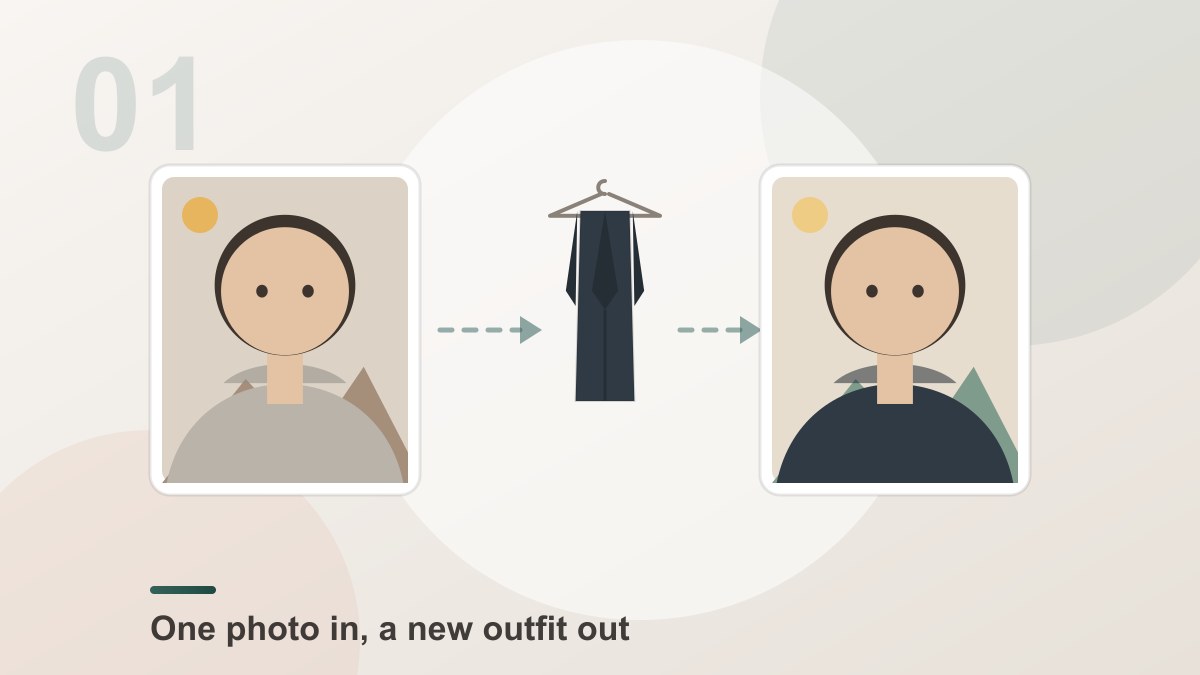
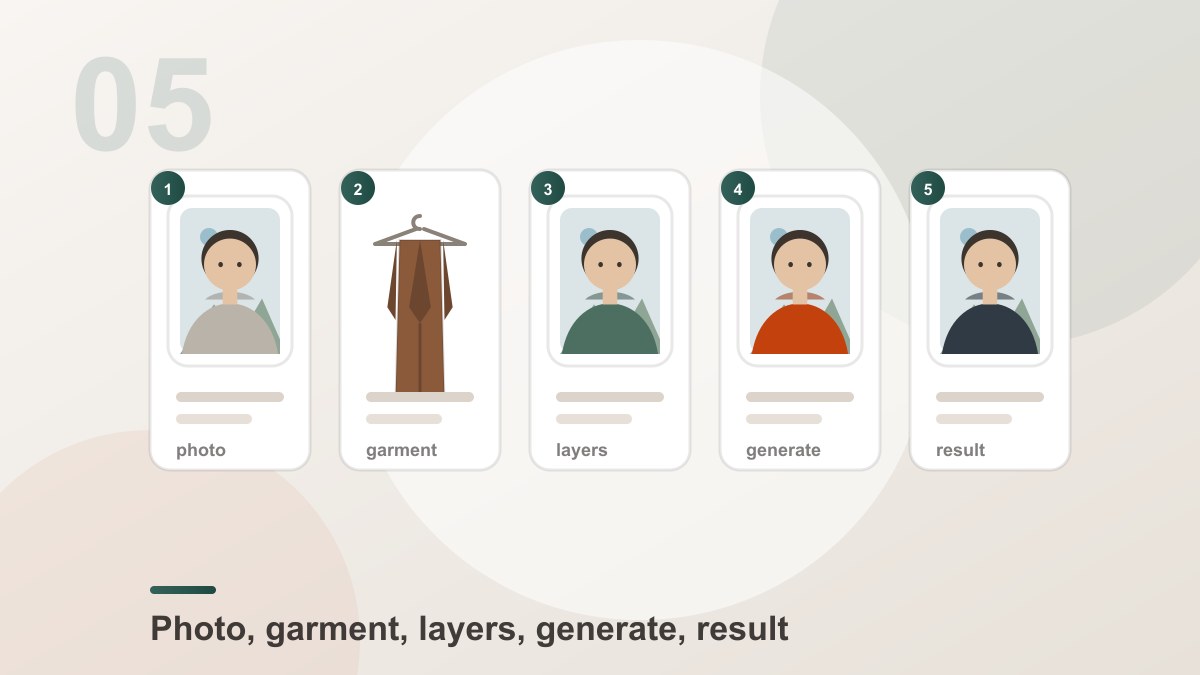
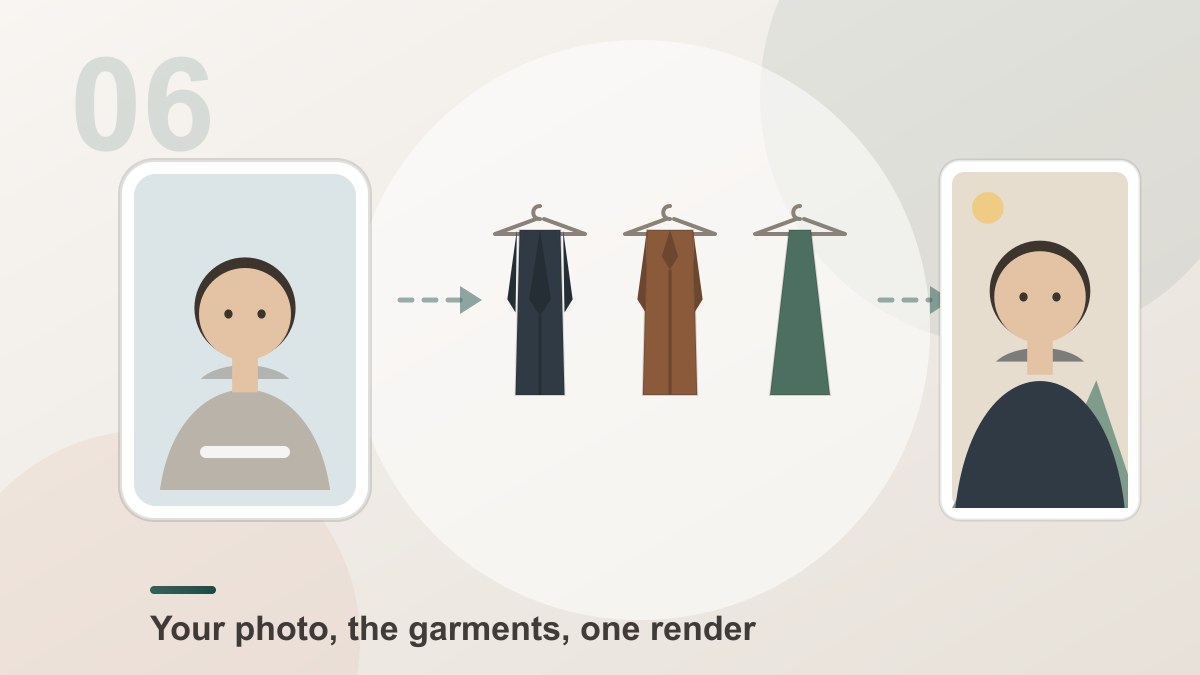
Add the person, add the garment, download the result. Watch the AI clothes changer demo play itself step by step.
STEP 01
Upload the person and the garment
Add a clear photo of the person you want to dress, then the clothing — your own garment photo or one of the built-in Workwear, Activewear, Evening and Glam presets. A full-length photo with a clear body works best for fitting the clothes.
STEP 02
Set the options and generate
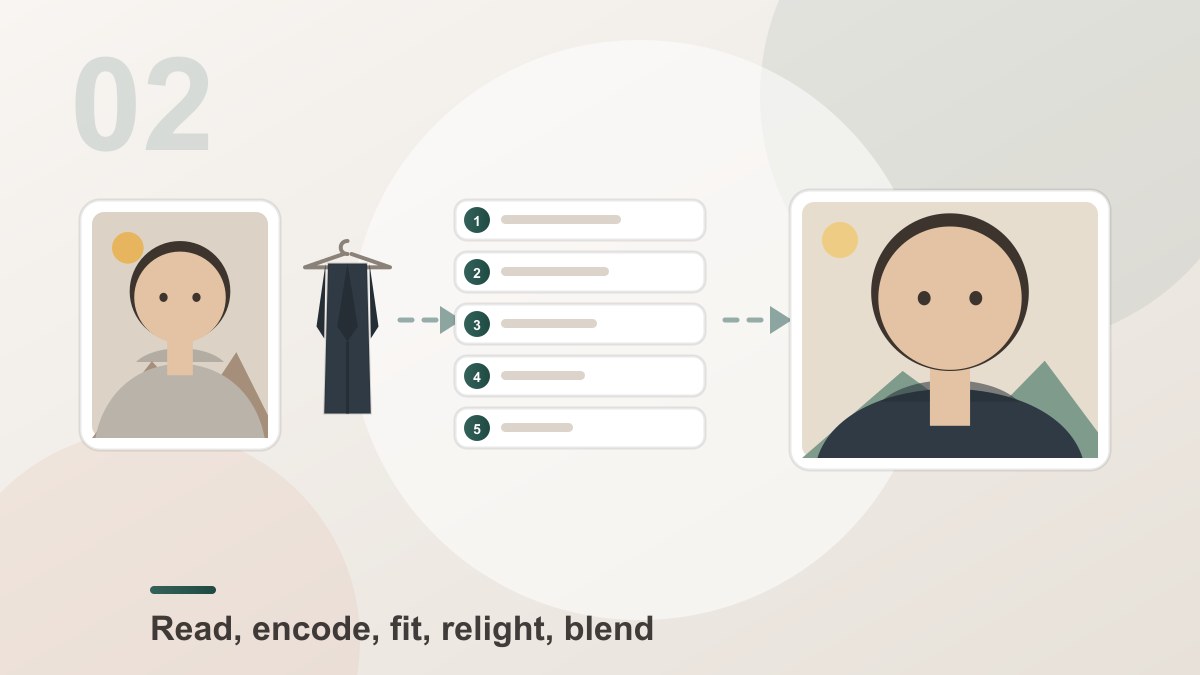
Pick a resolution, an aspect ratio and how many variations you want, then press Swap Clothes. AI Clothes Swap re-renders the same photo with the new outfit fitted to the body, and matches the lighting of the original shot.
STEP 03
Download your new outfit photo
Preview the result, regenerate if it missed the mark, then download in high resolution — ready for a lookbook, a store listing or any social post, with no watermark.
The demo plays on its own — no clicking needed.
Where People Use AI Clothes Swap
Six real projects where a new outfit meets an existing photo — lookbooks, online stores, social posts, travel shots and everyday pictures. Pick a look, watch the swap run, then download the result.
Online stores
Product Shots Without a Photoshoot
Shoot one garment on a hanger and one model photo, then dress the model in it. AI Clothes Swap renders the item on the body with the right drape and folds, so a small store can publish a full outfit grid without booking a studio or a model.
- One garment photo reused across every model photo
- Folds and drape follow the body instead of hanging flat
- Same photo, several ratios — 1:1, 4:3, 9:16 and more
Fashion creators
Style a Look in a Few Seconds
Pick a dress, a jacket or a whole outfit from the preset library and try it on the photo you already have. It is the fastest way to answer "would this actually look good" before you spend money on the real thing.
- Try an outfit on your own photo in one render
- Up to four garments stacked in a single look
- No watermark on the download
Marketplace sellers
List the Item on a Model You Like
Sellers often have the garment but not the model, or the model but not the garment. Put both together and the tool dresses the model in the item, keeping the pattern, the trim and the logo exactly as photographed.
- Logos, patterns, buttons and trims preserved
- Colour and fabric carried over from the garment photo
- Ready to publish without a second editing pass
Content teams
Same Person, Different Outfits
Keep one set of model photos and change the clothing for every campaign. Because the person, the pose and the background never change, the results line up as one consistent series across a whole social calendar.
- One model, many outfits — a consistent series
- Background, pose and framing stay untouched
- Aspect ratios ready for every platform
Costume and design
Concept Looks Before the Sample Exists
Use AI Clothes Swap for costume ideas, styling experiments and early design direction. Describe the garment you have in mind in a sentence, and the render shows how it would sit on the body before anyone cuts a pattern.
- Describe the garment in plain words
- Your words only touch the clothing — the person stays the same
- Fast enough to explore many directions
Everyday use
A New Outfit Photo in a Minute
Need a picture for a post, a gift or a party invitation? Drop in a person photo and a garment, press one button, and download the result. There is nothing to install, no manual colour matching and no watermark to crop off afterwards.
- Two photos and one click — no editing skills needed
- Nothing to install, no setup, works in any browser
- Clean high-resolution download, no watermark
AI Clothes Swap vs manual clothes editing
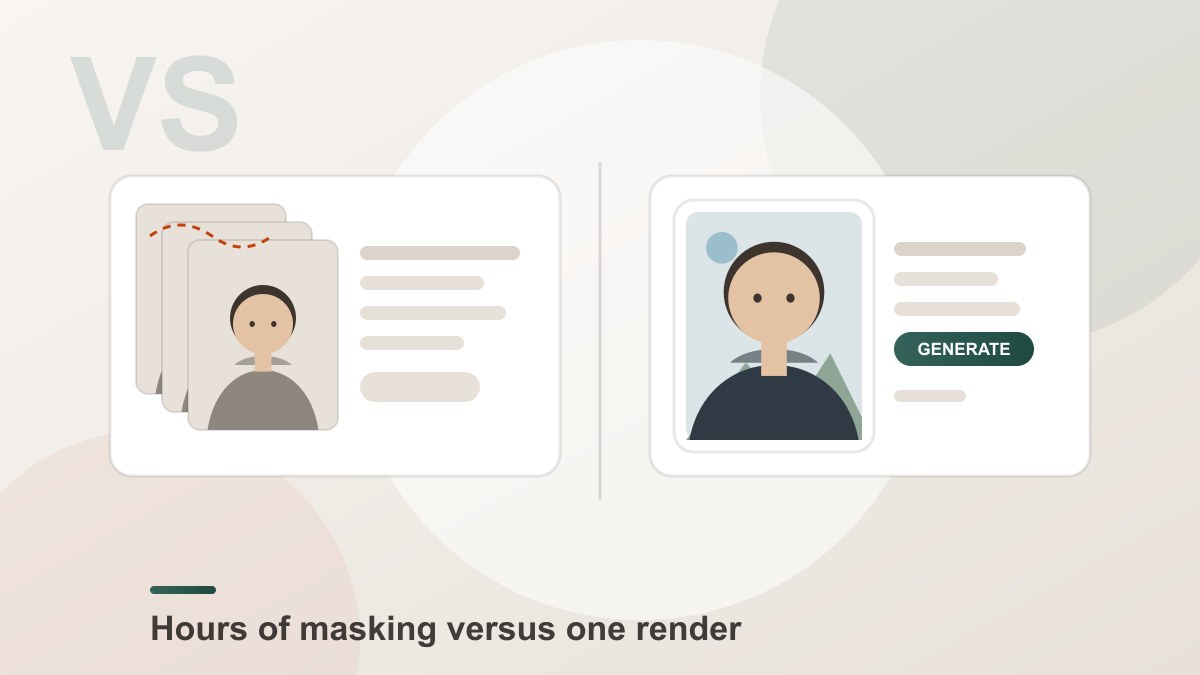
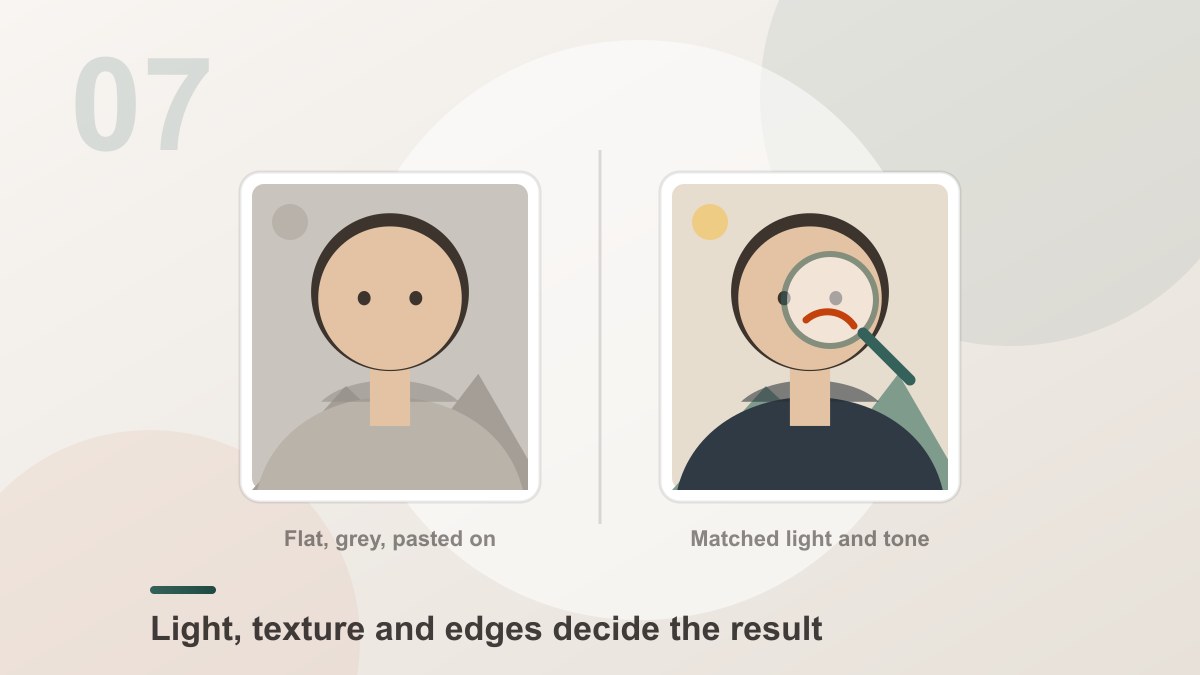
Both put clothes onto a photo. Only one of them re-lights the scene and re-fits the fabric to the body while it does it — which is the difference between changing clothes and pasting a cut-out.
| Manual clothes editing | AI Clothes Swap | |
|---|---|---|
| Your inputs | One photo plus a stock outfit image you hunt down yourself | One person photo and up to four garment photos — or a preset |
| The result | A pasted garment with cut edges and no sense of weight | One re-rendered photo that reads as if it was always that way |
| The fit | The garment keeps its original shape and hangs flat | Fabric re-fits the body, the pose and the perspective |
| Colour and detail | Manual colour matching, often left flat and dull | Pattern, texture and colour carried over from the garment |
| Lighting | Whatever the stock photo happened to have | Light direction and shadow matched to your photo |
| Editing skills | Layers, masks, warp tools and a lot of clean-up | No editing skills — two photos and one sentence |
| Time per result | Many minutes of detailed retouching | One render, usually finished in seconds |
| Best for | Retouching a photo you already own, outfit barely changed | New outfits, lookbooks and product shots from scratch |
Swipe the table sideways to see the full comparison.
Get Inspired
Curated results across our tools — tap any image to try it yourself
Frequently Asked Questions
Frequently Asked Questions About AI Clothes Swap
What is AI Clothes Swap?
AI Clothes Swap is a free online AI clothes changer — the same tool people also call an AI Clothes Changer or a virtual try-on tool. Upload a photo of a person and a photo of a garment, and the AI puts that outfit on the person: it keeps their face, hair, body, pose and background untouched, and rebuilds only the clothing with the colour, pattern, cut and details of the garment you chose.
Is AI Clothes Swap the same as an AI Clothes Changer?
Yes — they are the same tool. "AI Clothes Changer" and "virtual try-on" are simply the longer names people use when they search for changing clothes in a photo. The workflow, the engine and the results are identical: upload a person photo, upload a garment photo, and the AI dresses the person in it.
How do I change clothes in a photo?
Upload a photo of the person, then add the outfit you want — either pick one from the preset library (Workwear, Activewear, Evening, Glam) or upload your own garment photo. Optionally describe the look in the outfit box, then press Swap Clothes. The AI handles the fit, the folds, the shadows and the lighting for you.
Can I try on multiple garments at once?
Yes. You can stack up to four garments on the same person photo — a shirt, a jacket and an accessory for example. They are sent in the order you added them, and the result layers them the same way.
Do the results look real?
Yes. The tool does not paste the garment on top of the picture. It re-renders the person wearing the garment, matching the fit to the pose, the shadows to the light of the original photo and the fabric to the rest of the image, so the result reads as one real photograph rather than a collage.
What photo works best for a clothes swap?
A clear photo where the person is visible from the waist up or full body, well lit and not blurred, gives the cleanest fit. For the garment, a photo that shows the whole item — on a hanger, a mannequin or a model — works best, because the AI copies the colour, pattern and cut from it.
Can I describe the outfit I want?
Yes, and it only affects the clothing. The description box is for details the picture cannot show — "make it a fitted charcoal wool coat", "add a silk scarf in cream". Your words are appended behind the swap instruction, so they can never change the person, the background or the framing of your photo.
Are AI clothes changers safe to use?
The tool itself is safe to use — it runs online and needs no installation. The one rule that matters is rights: only upload photos you own or have permission to use, and only use garment photos you are allowed to use. Content involving minors or non-consensual content is strictly prohibited, and your images are never published or turned into public templates.
Do I need to download software?
No. AI Clothes Swap is an online tool — everything runs on the server with nothing to install and no setup. JPEG, PNG and WebP are supported, and larger files are compressed in your browser before they are sent so the upload stays fast.
What does "free AI clothes changer" mean?
You get free credits to start, and every swap spends credits based on the quality you pick — 1K output costs less than 2K, and 2K less than 4K. Asking for several variations multiplies that cost by the number of images you request. Credits are only used once a generation actually starts, and failed swaps are refunded automatically. Every download is delivered without a watermark.
Can I use the result for my shop or social media?
Yes — every download is high resolution and watermark-free, so the picture is ready for Instagram, TikTok, online stores, lookbooks or ads. Just make sure you have the rights to both the person photo and the garment photo you used.
Do I need editing skills to use an AI clothes changer?
No. There are no layers, masks, warp tools or templates to learn. You upload two photos, write one short sentence if you want to steer the look, and the model handles the garment, the fit and the lighting for you.
How long does it take to generate a clothes swap?
Most swaps finish in seconds. Time depends on the resolution you choose and how many variations you request — a 4K result takes longer than a 1K one because it renders more detail.
Is AI Clothes Swap safe and privacy-friendly?
Yes. Your photos are used only to build the swap and are saved to your private library, where only you can view and download them. They are never published, never shared and never turned into public examples.
Ready to change clothes?
Add a photo of the person and a photo of the garment, press one button, and AI Clothes Swap does the rest — in seconds, in HD, with no watermark and no editing skills needed.