What Is AI Clothes Swap? A Complete Guide
AI Clothes Swap puts a new outfit on a photo while keeping the face, pose and background untouched. Here is how the tool works and where it breaks.
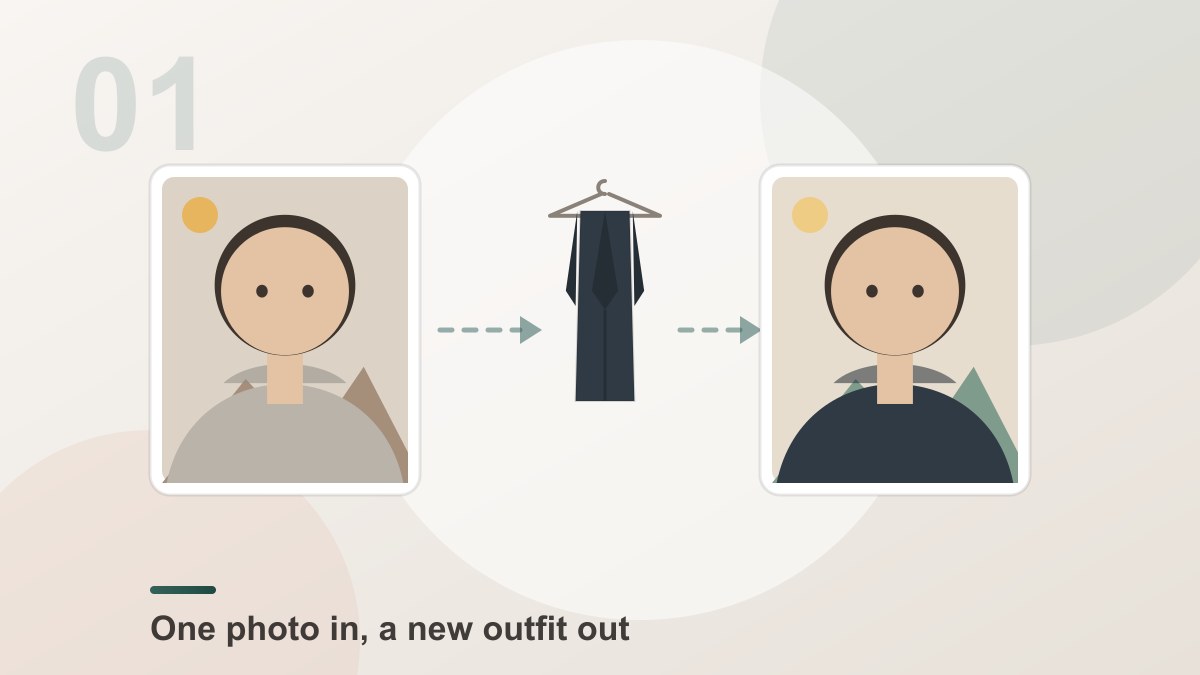
AI Clothes Swap is an online tool that puts a different outfit on a person in a photo and leaves everything else alone. You give it one picture of a person and up to four pictures of garments, and it returns the same photo with the new clothes fitted to the body — the face, hair, pose, hands, background and framing all untouched.
It is the tool behind the searches for an "AI clothes changer" and "virtual try-on", and the reason it works is that it re-renders the person wearing the garment rather than pasting the garment on top of the picture.
What Makes a Clothes Swap Different
Up to 4garments on one person photo[Dream Pixel AI]Most people assume "change the clothes in this photo" means a full image-to-image restyle. That is a different job with a different risk: ask a restyle model for a red dress and you may get a new face, a new pose and a new background along with it.
A clothes swap is a narrow edit with a wide blast radius if it goes wrong, so the tool keeps the boundary hard:
| Part of the photo | What the tool does | Why it matters |
|---|---|---|
| Face, hair, skin | Keeps it exactly | A changed face makes the whole picture look stolen |
| Body shape, pose, hands | Keeps it exactly | The garment has to follow the body, not replace it |
| Expression, camera angle | Keeps it exactly | The result reads as the same moment |
| Background and lighting | Keeps it exactly | Shadows on the new clothes match the old light |
| The outfit | Rebuilds it | This is the only part that is allowed to change |
| Your description | Applied to the outfit only | Text steers the garment, never the person |
The last row is the one that surprises people. The description box looks like a general prompt box, but it is scoped: your words are appended behind a fixed swap instruction that names the person, the face and the background as things to preserve.
How the Swap Actually Works
- Read the person photo. The model builds a description of the body — shape, pose, where the shoulders and arms are, what the light is doing.
- Read the garment photos. Each garment is encoded on its own: colour, pattern, cut, material, how it hangs. The garment is described as clothing, never as a person to copy.
- Fit the garment to the body. The cut is re-shaped to the pose in photo one, so a shirt that hangs straight on a hanger follows the shoulder and the arm of the person wearing it.
- Relight it. Shadows and highlights on the new clothes are generated from the light in the person photo, which is what makes the result read as one photograph.
- Blend it back. The garment is composited into the original frame with the original background, and the untouched parts of the photo are preserved exactly.
Types of Clothes Swap
The preset library in Dream Pixel AI is grouped into four families, and each one has a different failure mode worth knowing about.
Workwear. Suits, blazers and shirts with a tie. The easy case: structured collars and lapels give the model clear edges to follow.
Activewear. Hoodies, sweatshirts and sneakers. The tricky part is volume — a hoodie is bulkier than a shirt, so the fit has to grow around the shoulders without swallowing the neck.
Evening. Dresses on a rack or on a model. The hardest case: thin straps, a low back and a long silhouette give the model very little to anchor to.
Glam. Sequins, jewellery, bridal gowns. The hardest case of all, because a reflective surface has to reflect the right room, not the garment photo.
Beyond the library, the tool also handles the obvious everyday cases: putting a specific product from your own store onto a model, restyling an old photo, and building a lookbook from one sitting.
How to Get a Result That Looks Real
Five habits do most of the work:
- Give the model the whole garment. A jacket cropped at the shoulder in the source photo cannot be finished — the model has to invent the missing half, and invented sleeves are where the illusion breaks.
- Use a person photo with the arms clear. Hands in pockets, arms crossed and hair covering the shoulders all hide the places where a garment has to attach.
- Match the light. A garment shot in warm indoor light on a person shot in cold daylight is the single most common reason a swap looks pasted on.
- Keep the garment the hero. If you upload a garment photo with a model in it, the model can pull that model's shape into the result. A flat lay, a hanger shot or a mannequin gives it only the clothing.
- Say less than you think. The garment photo already carries the colour and the cut. A description helps with things the picture cannot show — a heavier fabric, a different colourway, an extra layer — and hurts when it contradicts what the picture shows.
Common Problems
The result looks flat. Usually the person photo had soft, even light and the garment arrived with its own baked-in shadows. Re-shoot the person photo in directional light, or pick a garment photo with visible shadow.
The colour is off. The garment photo was in a warm light and the person photo is cool, so the colour is read from a warm source. Editing the garment photo towards neutral before uploading fixes it more often than any prompt will.
A hand or a collar looks wrong. The garment is covering a part of the body the model could not see clearly. Reposition the arm or clear the collar in the person photo.
The outfit reads as two separate pieces. The garments were added in the wrong order — the jacket went on before the shirt, so the shirt covers the jacket. Remove and re-add them in the order you want them layered.
The person changed anyway. That should not happen. The swap instruction keeps the face, the pose and the background fixed on purpose, so if the face moved, retry with a clearer person photo — usually a low-resolution or heavily compressed source.
Frequently Asked Questions
What is AI Clothes Swap?
AI Clothes Swap is an online tool that changes the outfit in a photo without changing anything else. You upload a picture of a person and up to four pictures of garments, and the AI re-renders the person wearing them. Their face, hair, skin, body shape, pose, hands, expression, background, lighting and camera framing all stay as they were — only the clothes are rebuilt.
Is AI Clothes Swap the same as an AI Clothes Changer?
Yes. "AI clothes swap", "AI clothes changer" and "virtual try-on" are three names for the same action: putting a garment onto a person photo. The workflow is identical in all three cases — one person photo, one or more garment photos, one render — so the results look the same too.
What stays the same in the result?
Everything except the clothes. The face, hairstyle, skin tone, body shape, pose, hands, expression, background, lighting direction, camera angle and the framing of the shot are all preserved. That is the difference between a clothes swap and a full image-to-image restyle, where the whole picture can change.
How many garments can I put on at once?
Up to four on the same person photo. They are applied in the order you added them, so a shirt added first sits under a jacket added second. Stacking them in the right order is what makes an outfit read as one layered look instead of a pile of clothes.
Do the results look like a real photo?
Usually yes, because the tool does not paste the garment on top of the picture. It re-renders the person wearing the garment, matching the fit to the pose, the shadows to the light in the original photo and the colour to the rest of the frame. The remaining risk is in the input photos — a blurry person shot or a garment photo cropped mid-sleeve is where the tell shows.
Can I describe the outfit in words?
Yes, and it only affects the clothing. The description box is for details the pictures cannot show — "fitted charcoal wool coat", "add a cream silk scarf". Your words are appended behind the fixed swap instruction and are explicitly scoped to the garment, so they cannot change the person, the background or the framing of the photo.
Is AI Clothes Swap free to use?
You get free credits to start, and every swap spends credits based on the quality tier you pick — 1K costs less than 2K, and 2K less than 4K. Asking for several variations multiplies the cost by the number of images. Credits are only spent once a generation actually starts, failed swaps are refunded automatically, and every download is watermark-free.
Do I need Photoshop or any editing skills?
No. There is no layer stack, no mask, no warp tool and nothing to learn. You upload a person photo, add one or more garments, press one button and download the finished picture.
Is it legal to swap clothes in a photo?
Editing photos of yourself, or of people you have permission to use, is generally fine. It becomes a problem when the result is used to deceive — for example, pretending a product looks different from how it ships, or mocking someone who did not agree to it. Keep it for creative work and personal use, and use only garment photos you have the rights to.
Product Recommendation
Try it freeAI Clothes SwapSwap any outfit onto a photo — a free online AI clothes changer and virtual try-on.Upload one person photo, add up to four garments from the library or your own pictures, and press swap. The download comes back at the resolution you chose, with no watermark.
Want a workflow question answered? Get in touch — we read every message.
Try these tools
Try it freeAI Clothes SwapSwap any outfit onto a photo — a free online AI clothes changer and virtual try-on.Try it freeAI Image EditorTransform a single photo with a text prompt — restyle, re-light, re-imagine.Try it freeAI Photoshoot GeneratorTurn a single product photo into a full photo set.Try it freeAI Professional HeadshotsGenerate studio-quality headshots from a single selfie.Sources
- Try-on Diffusion — Virtual Try-On with Diffusion Models — Reference for the two-stage try-on architecture that encodes the garment separately from the person and composites it back onto the body.
- MIT Media Lab — DeepFake detection research — Reference for the visual tells that make a generated garment read as synthetic, and how to avoid them.
- IDEA Research — Virtual Try-off — Reference for garment-preserving person generation and the clothing-agnostic representation it uses.
- U.S. Federal Trade Commission — AI-generated content and impersonation guidance — Reference for the disclosure expectations when publishing photos with generated clothing.