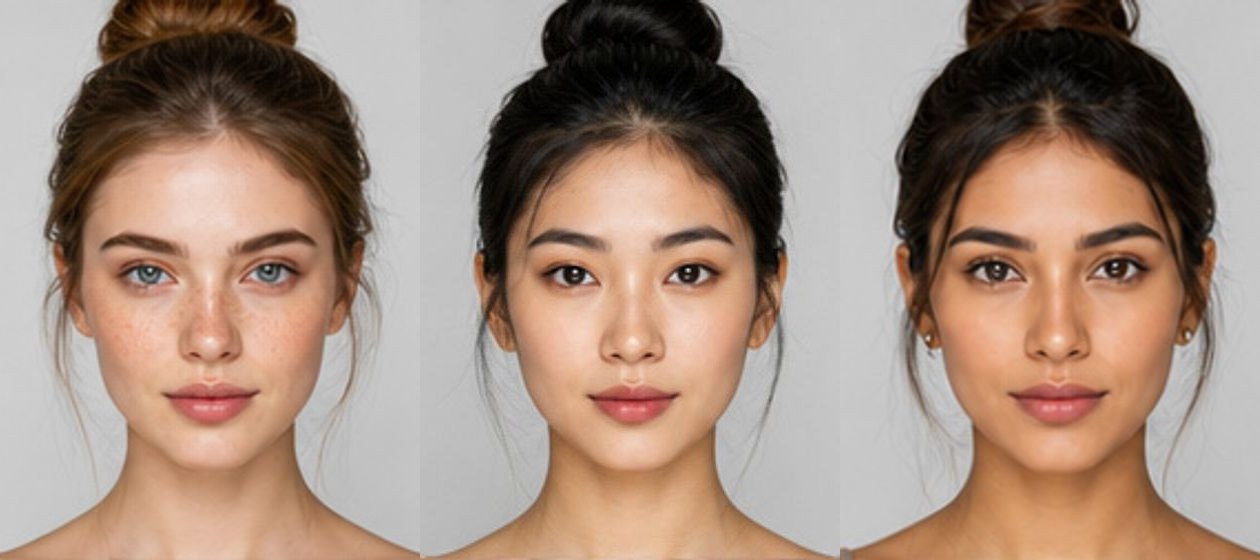


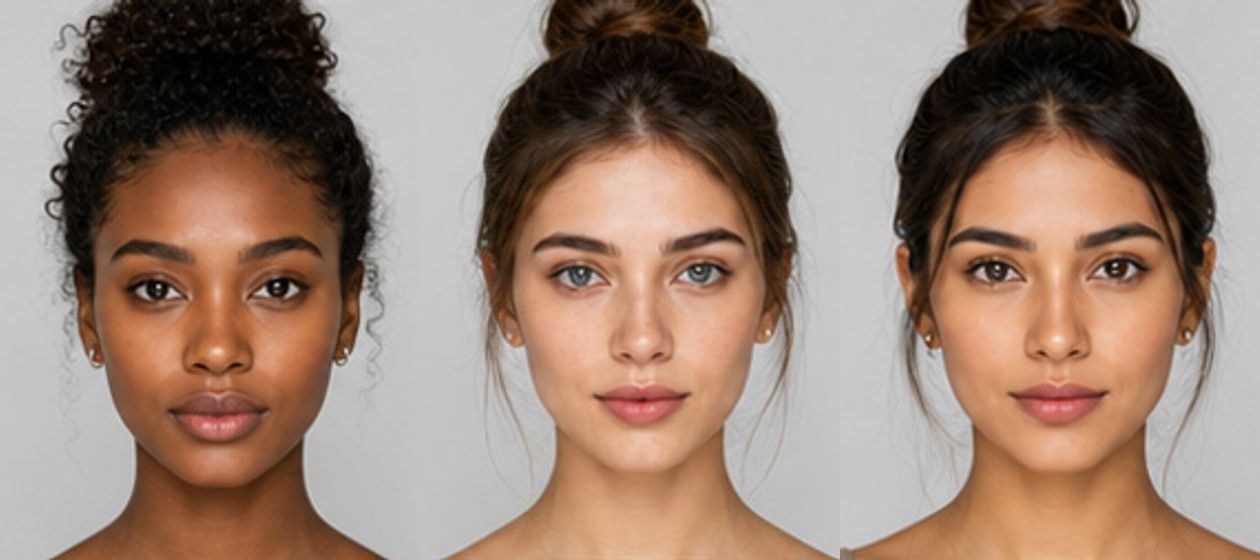
AI Multiple Face Swap
AI Multiple Face Swap — Replace Every Face in One Photo
AI Multiple Face Swap replaces several faces in the same picture in a single run. Upload one group photo — the picture that keeps its scene, its framing and its background — plus up to eight clear photos of the replacement faces. The AI detects every face in the frame, fits each one to the right person and re-lights it to match the scene, so the finished group photo looks real rather than pasted together. No manual editing, no stitching separate runs together, and a high-resolution, watermark-free result in seconds.
Swap one face or a whole group
Single FaceMultiple Faces
Your swapped image
Your swapped image will appear here.
Upload a group photo and up to eight replacement faces, then press Swap Faces. Ask for up to 4 variations in one go.
Set up your swap
Group photo and replacement faces
Start with the group photo — the picture that keeps its scene and background. The replacement cards unlock once the people in it are found.
You may only upload materials for which you have all necessary rights and permissions. Content involving minors or non-consensual content is strictly prohibited.
1 credit · 1 result
Credits are used only when generation starts.
What Makes AI Multiple Face Swap Different
AI Multiple Face Swap does not paste cut-outs onto a photo. It analyses the lighting, skin tone, angle and expression of every face it finds, then re-renders each replacement so it belongs to the scene. The group photo keeps its original framing, clothing, background, head angles and expressions, while each replacement arrives with its own identity and hairstyle — so the faces change, and they change convincingly.
Smart AI Face Detection
The engine analyses every face it finds — lighting, skin tone, angle and expression — so each replacement lands on the right person in the frame instead of drifting to the wrong head.
Studio-Grade Face Blending
Swapped faces inherit the scene: realistic shadows, matched lighting and seamless blending at the hairline and jaw. The group photo keeps its original framing, clothing and background.
Instant Identity Transformation
Upload the group photo, drop in the replacement faces and generate them all at once. One run replaces up to eight faces — no single-face limits and no repeating the whole job eight times.
Natural HD Results with No Watermark
Sharp details, clean hair edges and natural skin tones across every swapped face. Every download is high resolution and watermark-free, so the picture is ready to post or print.
Nothing to Download, Free to Start
No GPU, no tutorials, no version conflicts — it runs in a browser tab and works the same on a phone as on a desktop. Free credits let you try the whole flow before spending anything.
Safe and Private Creations
Your photos are used only to build the swap and stay in your private library. Never published, never shared, never turned into a public template.
How AI Multiple Face Swap Works in Three Steps
Upload the group photo, assign a replacement to each face, download the result. Watch the demo play itself step by step.
STEP 01
Upload your group photo
Add the photo where you want to swap faces. It keeps its scene — the framing, the clothing, the background — and the faces change. JPEG, PNG and WebP are supported.
STEP 02
Assign a replacement to each face
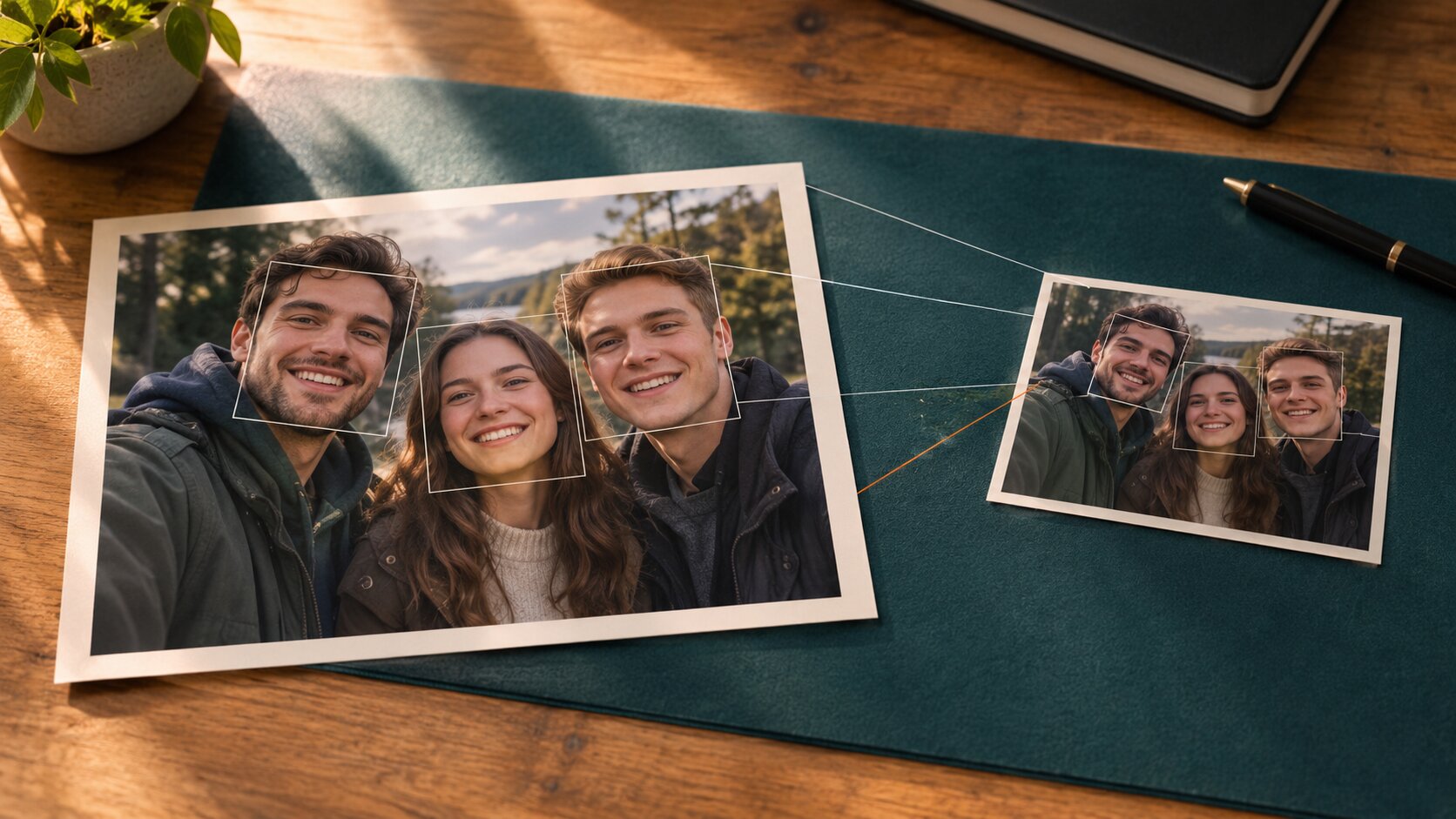
The AI detects every face in the frame. Upload a clear photo of the replacement face for each person you want to change — front-facing and well-lit photos give the most realistic multiple face swap results. Swap every person in the frame or just one.
STEP 03
Generate and download
Hit generate and watch as the AI swaps every face at once. Your HD result is ready in seconds with no watermark. Download it and post it.
The demo plays on its own — no clicking needed.
Where People Use AI Multiple Face Swap
Six real projects where a whole group of faces changes at once — family jokes, team pranks, memes, dating profiles, film scenes and quick photo fixes.
Family and friends
Funny Family Group Photos
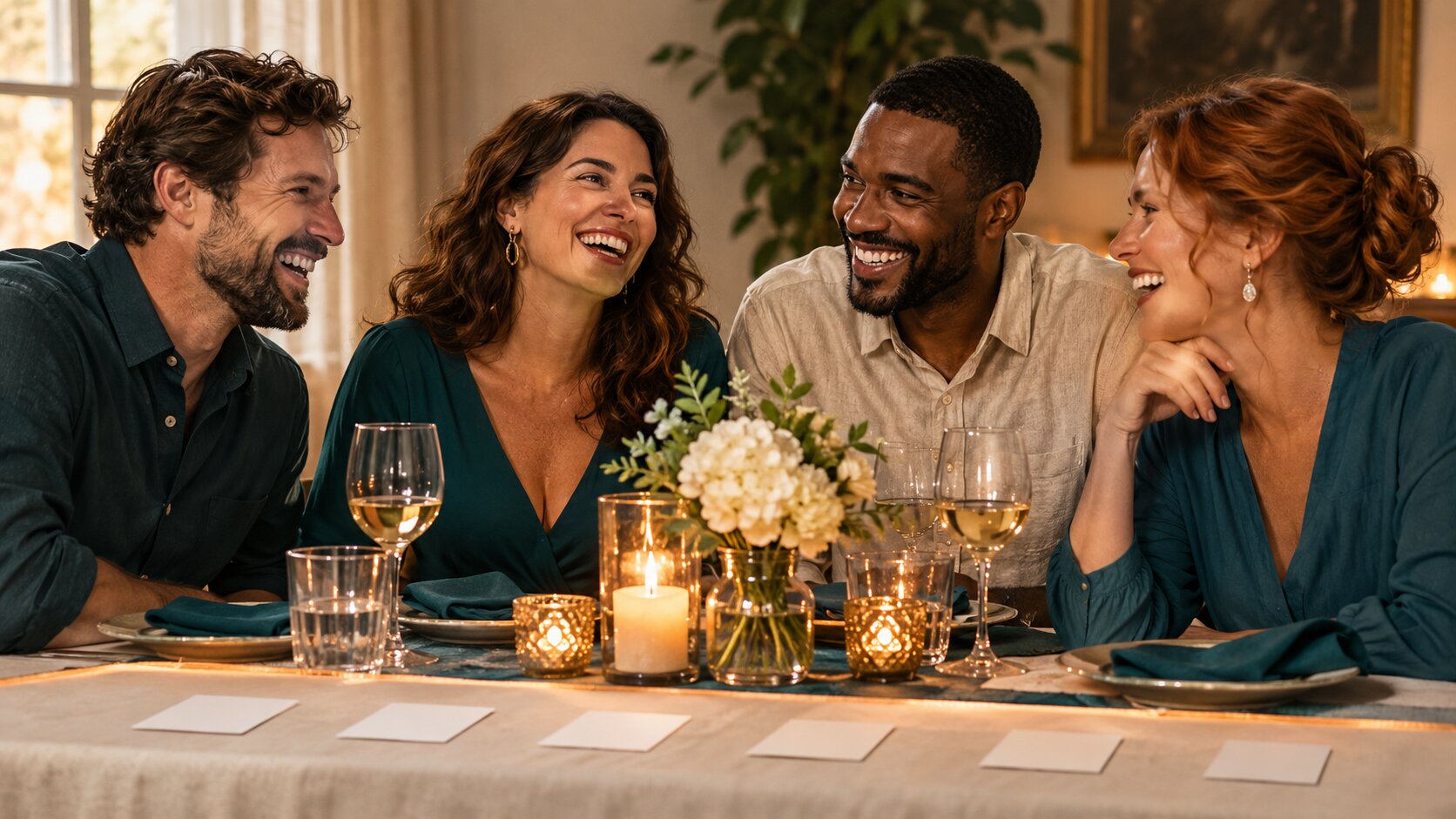
Swap every face in a family photo with one person's face and send it to the group chat. AI Multiple Face Swap keeps everyone's position, scale and lighting intact while the joke lands perfectly — the memory stays funny because the edit stays believable.
- Every face in the frame replaced in a single run
- Positions, framing and lighting left exactly as they were
- Watermark-free results — ready for the group chat
Workplace
Team Photo Pranks
Replace your team's faces with the boss in the company photo, or swap the whole row with a celebrity. Because every face is handled in one pass, you can edit the entire picture in one go — there is no single-face limit and no stitching several runs together.
- Up to eight faces replaced in one generation
- No per-face editing and no compositing several runs
- Ready to post before anyone notices
Meme makers
Friend Group Meme Photos
Take a trending meme template and drop your entire friend group into it — one person's face repeated across the row, or each friend as a different character. Multiple face swap means you are not stuck editing one face at a time.
- One face repeated across a whole row in a single run
- A different character for every friend in the frame
- Fast enough to try a few variations before you post
Dating profiles
Dating Profile Group Shots
Swap the faces in a group photo to highlight yourself, or feature yourself next to different people. AI Multiple Face Swap lets you experiment with different looks inside the same photo without booking another shoot.
- Try a different look in the same photo, no reshoot needed
- The scene, framing and background stay untouched
- Several variations per run to pick the strongest one
Film and fandom
Movie and Character Scenes
Put yourself and your friends into iconic movie or character scenes with multiple face swap AI. Swap several faces at once to build a fun, personalised scene — instead of editing each face separately and hoping they match.
- Several characters replaced in the same frame
- Faces re-lit to the scene, head angle and expression kept
- Ideal for cosplay meets, group scenes and posters
Everyday photos
Fix a Group Photo
Give your group photos a quick fix when someone blinked, looked away or missed the perfect shot. Swap multiple faces to replace the awkward expressions and produce a better-looking photo in seconds.
- Replace the awkward faces, keep the good ones
- A better-looking photo in seconds, not an afternoon
- Nothing to install — it runs in the browser
AI Multiple Face Swap vs manual group photo editing
Both put faces onto a photo. Only one of them re-lights the scene and re-fits the facial structure while it does it — and only one of them replaces every face in the frame in a single pass, which is the difference between editing a group photo and pasting a row of cut-outs onto it.
| Manual group photo editing | AI Multiple Face Swap | |
|---|---|---|
| Your inputs | One photo plus clipart faces you hunt down yourself | One group photo plus up to eight replacement faces |
| The result | A pasted head with visible edges and a mismatched outline | One re-rendered photo that reads as if it was always that way |
| Face count | One face per run — the rest of the group stays unchanged | Up to eight faces replaced in a single pass |
| Face shape | The cut-out keeps its original proportions | Facial structure re-fits the pose and head angle of each person |
| Skin and colour | Manual colour matching, often left flat and dull | Tone, texture and colour adjusted to the new scene |
| Lighting | Whatever the source photo happened to have | Light direction and shadow matched to the group photo |
| Editing skills | Layers, masks, warp tools and a lot of clean-up | No editing skills — a group photo and a few faces |
| Time per result | Many minutes of detailed retouching, per face | One render for the whole group, usually finished in seconds |
| Best for | Retouching a photo you already own, face barely changed | Group photos, memes, team shots and family jokes |
Swipe the table sideways to see the full comparison.
Get Inspired
Curated results across our tools — tap any image to try it yourself
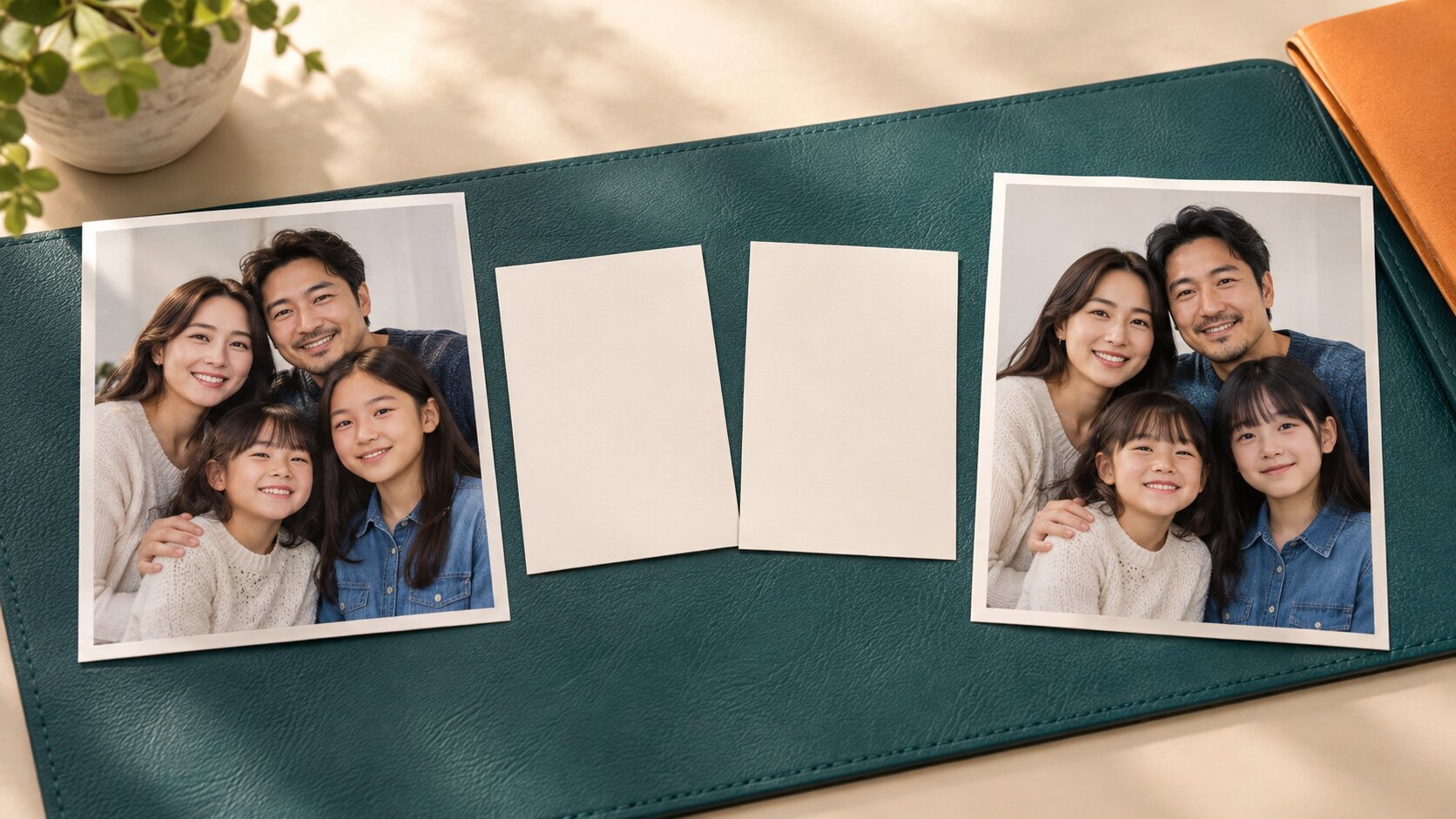
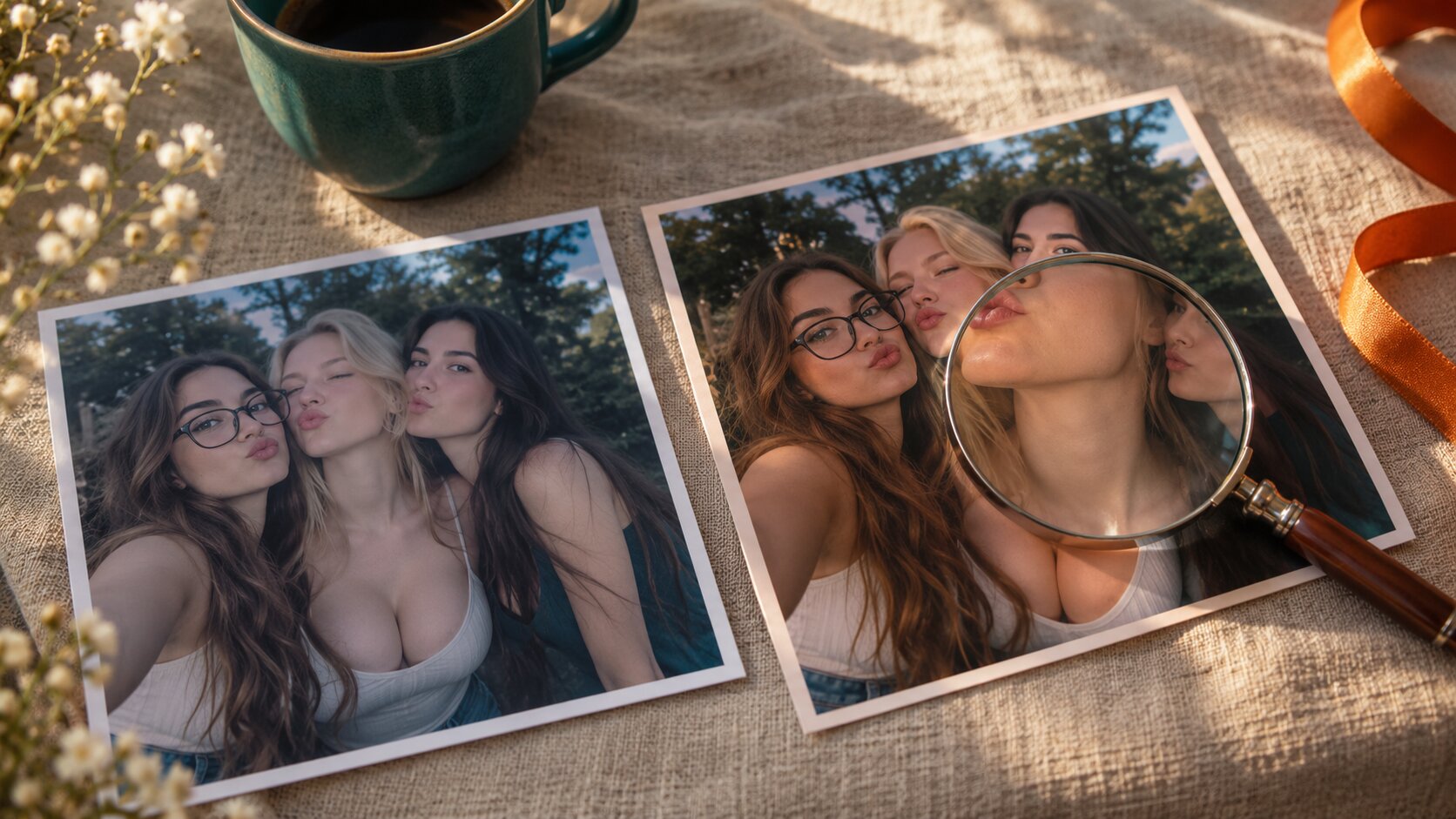
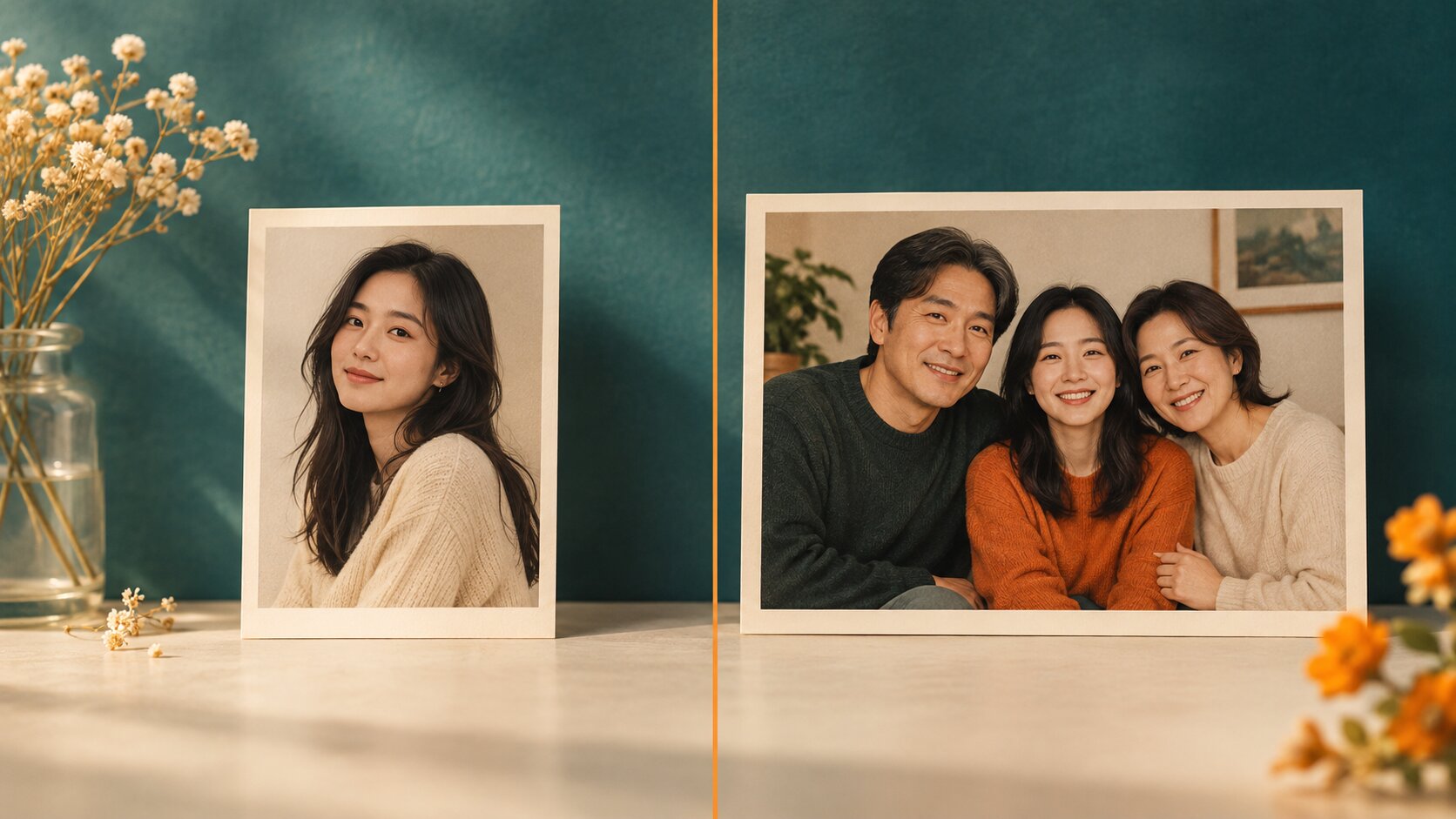
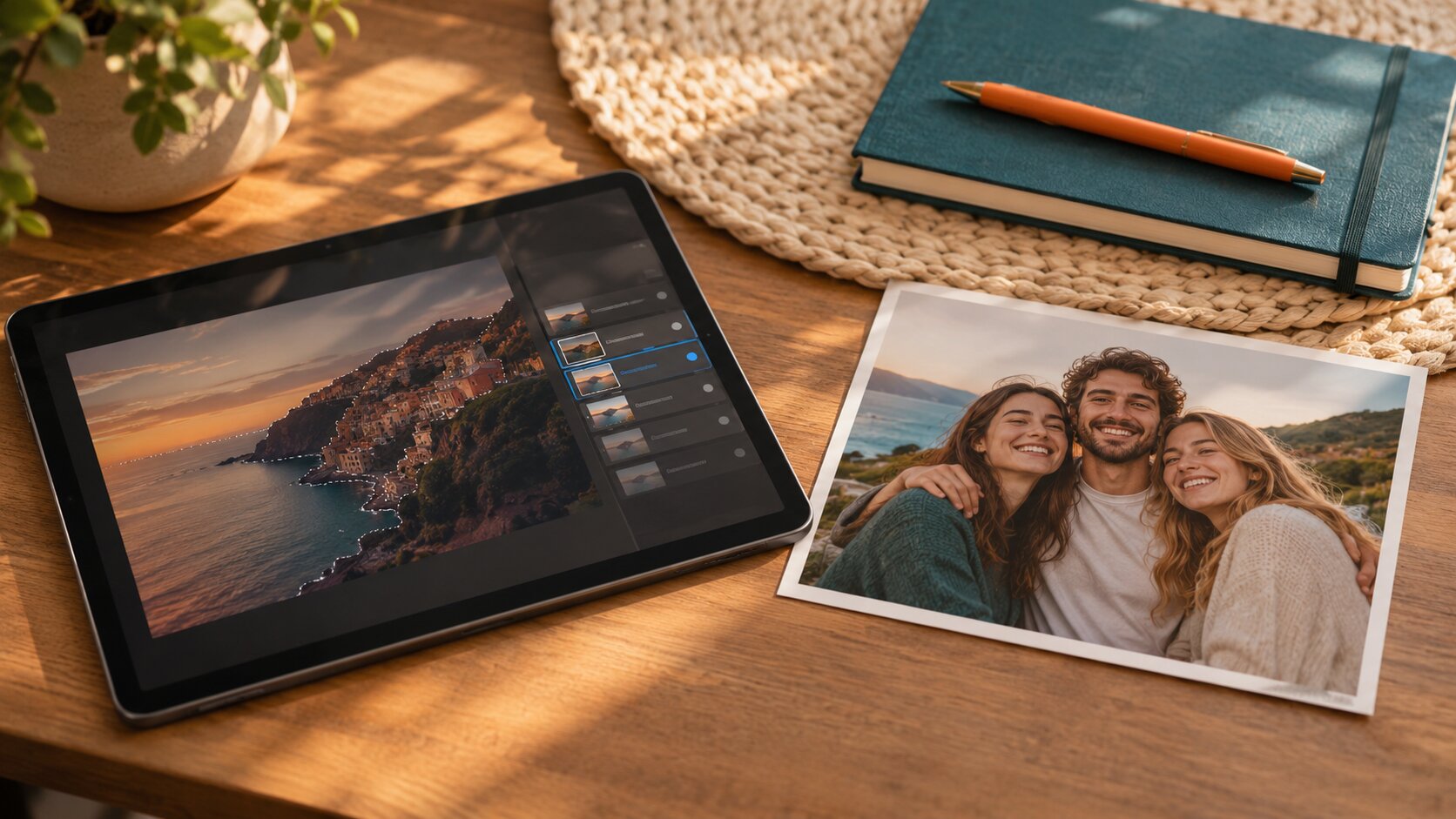
Frequently Asked Questions
Frequently Asked Questions About AI Multiple Face Swap
What is AI Multiple Face Swap?
AI Multiple Face Swap is an online tool that replaces several faces in the same photo in one run. You upload one group photo — the picture that keeps its scene, framing, clothing and background — plus up to eight clear photos of the replacement faces. The AI detects every face in the frame, fits each replacement to the right person, and re-lights it to match the scene, so the result reads as one photograph instead of a collage of cut-outs.
How do you face swap multiple faces?
Upload the group photo first. Then add a clear photo of the face you want to appear in each slot — Face 1 goes to the leftmost person, Face 2 to the next one, and so on. Press Generate and the AI swaps every face in a single pass. You can also type one short sentence to steer the result.
Is there an AI that can swap multiple faces?
Yes — that is exactly what this tool does. The difference between a single-face tool and a multiple face swap is the number of passes you have to make: swapping a group of faces one at a time means a generation and a round of clean-up for every single person, while one multiple face swap handles the whole frame in a single render.
Can ChatGPT swap multiple faces?
ChatGPT can describe or plan a face swap, but it does not render edited photographs. Producing the actual image — detecting each face, fitting the replacement identity and matching the lighting — needs a dedicated image model, which is what AI Multiple Face Swap runs.
Which AI is the best for face swap?
The best tool is the one that re-renders the face instead of pasting a cut-out, matches the scene lighting, and handles every face in the frame at once. AI Multiple Face Swap does all three: it analyses the lighting, skin tone and head angle of each face, replaces up to eight of them in one run, and delivers the result in high resolution with no watermark.
How many faces can I swap in one photo?
Up to eight. The group photo plus one to eight replacement faces makes two to nine uploads in total, and the tool creates one slot for every person it finds in the picture. That covers the classic group shot — a family of four, a team of five, a big group of friends — and keeps the mapping unambiguous, because each replacement face is assigned to one specific person in the frame.
What tips give the best multiple face swap results?
Use high-resolution source photos with the face clearly visible and filling a good part of the frame. Front-facing, well-lit replacement photos blend far better than angled or heavily shadowed ones. Keep the faces in the group photo separated from each other, and avoid faces that are blocked, blurred or cut off at the edge of the frame.
Is face swap safe to use?
The tool is safe to use — it runs online and needs no installation. The one rule that matters is rights: only upload photos you own or have permission to use. Content involving minors or non-consensual content is strictly prohibited, and your images are never published or turned into public templates.
Is multiple face swap legal?
Editing photos of people you own, or that you have permission to use, is generally fine. It becomes a problem when the result is used to deceive — impersonating someone, creating fake evidence, or mocking a real person. So keep the tool for fun, art and personal use, and never to misrepresent somebody who did not agree to it.
Is my uploaded photo private?
Yes. Your photos are used only to build the swap and are saved to your private library, where only you can view and download them. They are never published, never shared, and never turned into public examples.
Do I need to download software?
No. Everything runs on the server with nothing to install and no setup. JPEG, PNG and WebP are supported, and larger files are compressed in your browser before they are sent so the upload stays fast. It works the same on a phone as on a desktop.
How much does an AI multiple face swap cost?
Every generation spends credits based on the quality you pick — 1K output costs less than 2K, and 2K less than 4K. Asking for several variations multiplies that cost by the number of images you request. Credits are only used once a generation actually starts, failed swaps are refunded automatically, and every download is delivered without a watermark.
Start your free multiple face swap
Upload a group photo, add the faces you want to swap in, and watch the AI handle the rest — in seconds, in HD, with no watermark and no editing skills needed.