AI Multiple Face Swap vs. Single Face Swap: Which One?
A single face swap handles one face per run. A multiple face swap replaces up to eight in one render. Here is the full comparison and when to use each.
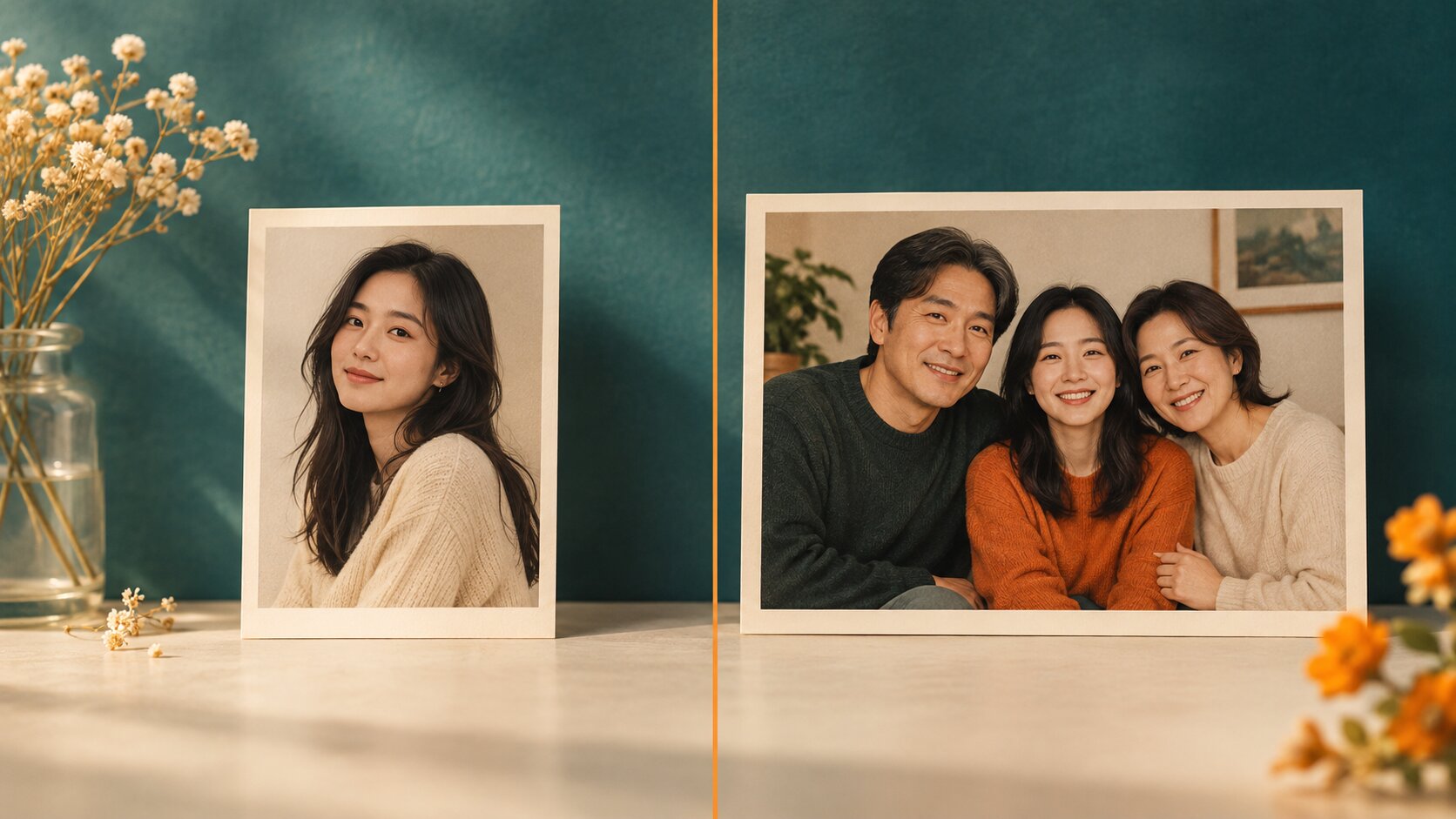
The two tools do the same job at different sizes. A single face swap replaces one face per generation, so a group photo of four people means four runs, four lighting behaviours and four rounds of clean-up. A multiple face swap replaces up to eight faces in one render, which is both faster and — more importantly — consistent across the whole frame.
Neither is a better version of the other. They are two tools for two different sizes of job, and the deciding question is simply: how many faces in this photo need to change?
AI Multiple Face Swap vs. Single Face Swap: The Comparison
| Dimension | Single face swap | Multiple face swap |
|---|---|---|
| Faces replaced per run | 1 | Up to 4 |
| Uploads per run | 2 (source + target) | 2 to 9 (group photo + replacements) |
| Generations for a group of four | 4 | 1 |
| Light model across the frame | One per result, so four slightly different looks | One shared model for the whole frame |
| Consistency of skin tone across faces | Varies between runs | Matched by construction |
| Clean-up afterwards | Per face | Once, on the finished frame |
| Mapping of who gets what | Not a factor | Strictly left to right across the group photo |
| Variation budget | All of it on one face | Split across up to four outputs |
| Weakest-link risk | Only that one face | The whole frame inherits the worst input |
| Best for | One prominent face, close-ups, headshots | Family photos, team shots, groups of two to four |
Where the Difference Actually Comes From
The single face swap runs the full pipeline once: detect one face, encode one identity, decode it into the target, blend it back. The multiple face swap runs the same pipeline, but the render stage is shared — every identity is rendered into the same frame, under the same light and the same colour treatment.
That shared decode is the whole story. It means:
- One light direction across every face in the frame.
- One colour temperature, one contrast treatment, one grain.
- One resolution, so the new faces are exactly as sharp as the photo around them.
When you run a single face swap four times and try to combine the results, each render applies its own lighting and its own colour response. The differences are subtle individually and obvious together: two people in the same picture end up looking like they were photographed a week apart, on different days, with different cameras.
The Cost Comparison
For a group of four where three faces need replacing:
| Approach | Generations | Credits at 1K, one variation each | Time | Clean-up |
|---|---|---|---|---|
| Three single face swaps | 3 | 3 × single-face cost | Three rounds of waiting | Stitching and colour matching by hand |
| One multiple face swap | 1 | 1 × multiple-face cost | One wait | None |
The multiple face swap is cheaper in credits and dramatically faster in wall-clock time, because you are not paying for two extra renders you will throw away.
The single face tool wins on one axis though: variation budget. If you are swapping one face and want eight different options to pick from, the single-face tool gives every credit to that one decision. A multi-face run splits its budget across the whole frame.
Where Multiple Face Swap Is the Harder Problem
Two things make group work genuinely harder, and they are worth understanding before you start.
Ordering. A detector returns faces in an arbitrary order. The pipeline has to sort them by horizontal position so that the first replacement face lands on the leftmost person. When that mapping is wrong, the result is not subtly wrong — it is obviously wrong, and it is the single most common complaint about multi-face tools.
Shared failure. Because the frame is rendered together, a render inherits the quality of its worst input. One replacement photo shot at a 45° profile can make the other three faces look slightly off too, because the model has to reconcile all four within one lighting model.
The single face tool has neither problem. It has one face to worry about and no ordering to get wrong.
Which Should You Use?
- One face, one photo — a portrait, a headshot, a meme: Try it freeAI Face SwapSwap faces between two photos with realistic results.. Two upload slots, one button, one to four variations per run.
- Two to eight faces in the same photo — a family, a team, a couple plus friends: Try it freeAI Multiple Face SwapReplace up to eight faces in one group photo in a single run.. One group photo plus up to eight replacement faces, one render, one consistent light across the frame.
- You need the face itself to be invented first: Try it freeAI Face GeneratorGenerate realistic AI faces for any creative use. generates a source portrait you can feed into either tool.
- You want the whole picture re-imagined, not just the faces: Try it freeAI Image EditorTransform a single photo with a text prompt — restyle, re-light, re-imagine..
Frequently Asked Questions
What is the difference between a single face swap and a multiple face swap?
A single face swap replaces one face per generation, so a group photo of four people takes four separate runs and four sets of lighting fixes. A multiple face swap replaces up to eight faces in one render, applying a single light model to the whole frame — which is both faster and more consistent.
Can you swap multiple faces in one photo?
Yes. Upload one group photo plus one to eight replacement faces, and the AI replaces every face in a single pass. The replacement faces are applied left to right across the group photo, so the first replacement lands on the leftmost person.
Is a multiple face swap better quality than a single face swap?
For one face, no — the single-face tool spends all its effort on one identity. For a group, yes, in a specific sense: because every face is rendered against the same light model, the result looks like one photograph rather than four cut-outs combined.
Why does my multi-face result have one bad face in it?
Because a single render inherits the quality of its weakest input. One replacement photo with a bad angle, a filtered surface or a mismatched skin tone drags down the perceived realism of the whole group, so fix that one source and regenerate.
Is a multiple face swap slower than a single face swap?
Slightly per generation, because the model has to detect and re-render several faces. But for a group of four it is still far faster in total: one render instead of four, with no stitching and no clean-up pass afterwards.
Which should I use for a photo of two people?
Either works. For two faces, the multiple face swap is usually more convenient because you upload both replacement faces at once and get one consistent result. If one of the two faces should stay untouched, a single face swap gives you finer control.
Can I swap only some of the faces in a group photo?
Yes. Upload the group photo and only the replacement faces for the people you want to change — the remaining faces in the frame are left as they are.
The Bottom Line
The decision is a question of count, not quality. One face changed → single face swap. Several faces changed → multiple face swap, because one render will always look more like a photograph than four stitched together.
Want a workflow question answered? Get in touch — we read every message.