AI Image Combiner
AI Image Combiner — Combine Two Photos Into One Online
AI Image Combiner merges two photos into one online. Upload two images or as many as eight, describe the result you want, and the AI blends every source into a single high-quality picture — matching light, shadow and perspective so the final image looks genuinely captured rather than collaged. No design skills required, and most merges are ready in seconds.
Your combined image
Your combined image will appear here.
Upload two or more photos, describe the merge you want, and press Combine Images. Ask for up to 4 variations in one go.
Combine your photos
Photos to combine
Upload 2–8 photos. Two is enough for a single merge.
You may only upload materials for which you have all necessary rights and permissions. Content involving minors or non-consensual content is strictly prohibited.
How to combine
1 credit · 1 result
Credits are used only when generation starts.
Powerful Features of the AI Image Combiner
Built on the latest image-blending models, AI Image Combiner doesn't just stack photos on top of each other — it understands lighting, depth and content, so every merged image feels coherent and natural instead of patched together from cutouts.
Smart AI Blending, Not Just Overlay
Most image combiner tools stack pictures and call it a day. AI Image Combiner re-renders the seam by analyzing both photos, so faces, edges and shadows flow together as one cohesive image instead of a layer drop with hard outlines and mismatched lighting. The result reads like a single photograph, not a collage.
Prompt-Guided Style Control
Add a short text prompt to steer mood, lighting or composition. AI Image Combiner reads your description and applies it consistently across the merged image, so you control the creative direction instead of accepting whatever the model defaults to — useful when the same two photos need a different output vibe.
Merge Two Photos Into One Frame Online
Combine a pair of photos into a single frame, or merge up to eight visuals into one composition. Lighting, layout and balance are handled for you — no masks, layers or templates to learn.
High-Resolution Output for Posts, Posters, and Wallpapers
Download crisp images in 1:1, 16:9, 9:16, 3:2 or 2:3 ratios — ready for Instagram, YouTube thumbnails, posters and phone wallpapers. Every render comes out at print-ready resolution, so you can scale up to A3 prints or set a 4K wallpaper without visible upscaling artifacts.
Watermark-Free Output, Free Credits to Start
Start with free credits and judge the result before you spend anything else. Every download is delivered watermark-free in high resolution, ready to publish without further editing — extra credits are available whenever you need them, and unused credits do not expire mid-cycle.
Safe and Private Creations
Your photos are used only to build your merge and stay in your private library. Never published, never shared.
How AI Image Combiner Works in Three Steps
Add your photos, describe the merge, download the result. Watch the AI image combiner demo play itself step by step.
STEP 01
Upload the photos you want to combine
Drop in two photos you want merged into one — two portraits, a product and its scene, or a group split across separate shots. Add up to five more for a bigger composition.
STEP 02
Describe how the images should merge
Type what the finished picture should look like — "place both of us on the same balcony" — and AI Image Combiner blends the light, edges and perspective for you.
STEP 03
Download your combined image
Preview the merge, regenerate if it missed the mark, then download in high resolution — ready for any platform, with no watermark.
The demo plays on its own — no clicking needed.
How People Use the AI Image Combiner in Real Projects
Six real projects where separate photos become one believable picture — social posts, store listings, reunion portraits, before-and-after layouts and mood boards. Pick a merge style, watch the combination run, then download the result.
Creators and marketers
Combine Two Photos for Social Media
Creators use the AI image combiner to combine two photos into one for social posts, stories and short-form content. By working directly with the uploaded images, the AI produces a seamless picture with clean backgrounds and balanced visuals that stand out instantly — no complex software required.
- Clean backgrounds — the merged frame reads as one photo
- Consistent lighting and colour across both sources
- Ready for feeds, stories and campaign visuals
E-commerce teams
Merge Product Photos for Online Stores
E-commerce teams use the AI image combiner online to merge product photos into one frame. This creates a single merged file that clearly showcases products on one page, improving visual consistency across listings without needing manual layout tools or design expertise.
- One merged file instead of many separate exports
- Consistent scale, alignment and background across listings
- Built for catalogues, mood boards and internal references
Personal projects
Couple Photos and Personal Images
Users combine two photos online to create couple photos or personal memories. The AI image combiner blends portraits naturally into one seamless image, preserving facial details, backgrounds and alignment — perfect for keepsakes, profile images or shared digital albums.
- Both faces stay recognisable in the merged frame
- Lighting, colour temperature and shadow get matched
- Ideal for long-distance couples, families and friend groups
Family and friends
Put Two People or a Whole Group in One Photo
Bring family, friends or partners who were never in the same place into one natural-looking shot. The AI image combiner blends faces, lighting and surroundings so the picture reads as if it was taken together — not stitched. Perfect for reunion-style portraits, long-distance couples and any group that should have been in the frame.
- Faces, lighting and surroundings blended into one photo
- Looks like a real group shot, not a collage of cutouts
- Built for reunions, proposals, birthdays and shared albums
Before-and-after layouts
Combine Two Photos Side by Side in One Frame
Need a clean before/after, comparison or split-screen layout? AI Image Combiner places two pictures side by side in one frame with matched tones and clean alignment — no manual cropping and no jarring colour jumps between the halves. Useful for fitness progress, design comparisons and any layout that benefits from a dual-panel frame.
- Two photos aligned in a single dual-panel frame
- Matched tones across both halves — no colour jumps
- Ready for before/after posts, reviews and case studies
Mood boards and visuals
Combine Multiple Images Into One Frame Online
The AI image combiner supports combining multiple images into one frame, making it ideal for photo collages, presentations and visual comparisons. Upload several images, describe the layout, and the model arranges them on a single page as one clean, professional-looking result.
- Up to eight sources in a single generation
- The prompt controls the layout and the story
- One render instead of eight separate exports to merge
AI Image Combiner vs a manual collage maker
Both put two pictures into one file. Only one of them re-lights the scene while it does it — which is the difference between combining images and stacking them.
| Manual collage maker | AI Image Combiner | |
|---|---|---|
| Your photos | Two or more files you align by hand | Two to eight photos plus one sentence of intent |
| The result | Two pictures sitting next to each other | One re-rendered photo that looks genuinely captured |
| Lighting and shadow | Left exactly as it was, right exactly as it was | Light, shadow and perspective matched across the merge |
| Layout control | Fixed guides you resize and crop by hand | Describe the split or scene and the layout follows |
| Design skills | Layers, masks and templates you have to learn | No design skills required — describe it in one sentence |
| Time per result | Many minutes of masking, aligning and exporting | One render, usually finished in seconds |
| Best for | Exact side-by-side comparisons and evidence shots | Group photos, product scenes and branded composites |
Swipe the table sideways to see the full comparison.
Get Inspired
Curated results across our tools — tap any image to try it yourself
Frequently Asked Questions
Frequently Asked Questions About AI Image Combiner
What is an AI image combiner?
An AI image combiner is a generative tool that merges two or more photos into a single new picture. Instead of placing images side by side, AI Image Combiner re-renders them together: light, shadow, perspective and colour are matched across every source, so the result reads like one photograph that was actually captured that way. You can also describe the result you want and the merge follows your instruction.
Is the AI Image Combiner free?
You get free credits to start, and every merge spends credits based on the quality you pick — 1K output costs less than 2K, and 2K less than 4K. Asking for several variations multiplies that cost by the number of images you request. Credits are only used once a generation actually starts, and failed merges are refunded automatically.
Can I get several versions of the same merge at once?
Yes. Set "Number of images" to 2, 3 or 4 and the combiner renders that many variations of your merge from the same photos and prompt — handy when you want to compare lighting, framing or mood before picking the one to publish. Every variation is delivered as a separate high-resolution download.
How many images can I combine at once?
Up to eight source photos per generation. Two images give you the cleanest merge, while three to eight are useful for group photos, product scenes, mood boards and campaign visuals where several elements need to live in one composition.
Do I need editing skills or design software?
No. AI Image Combiner is built for people with no design background — there are no layers, masks, crop tools or templates to learn. You upload your photos, write one short sentence about the picture you want, and the model does the blending, the lighting and the layout for you.
Can I merge product photos for an online store?
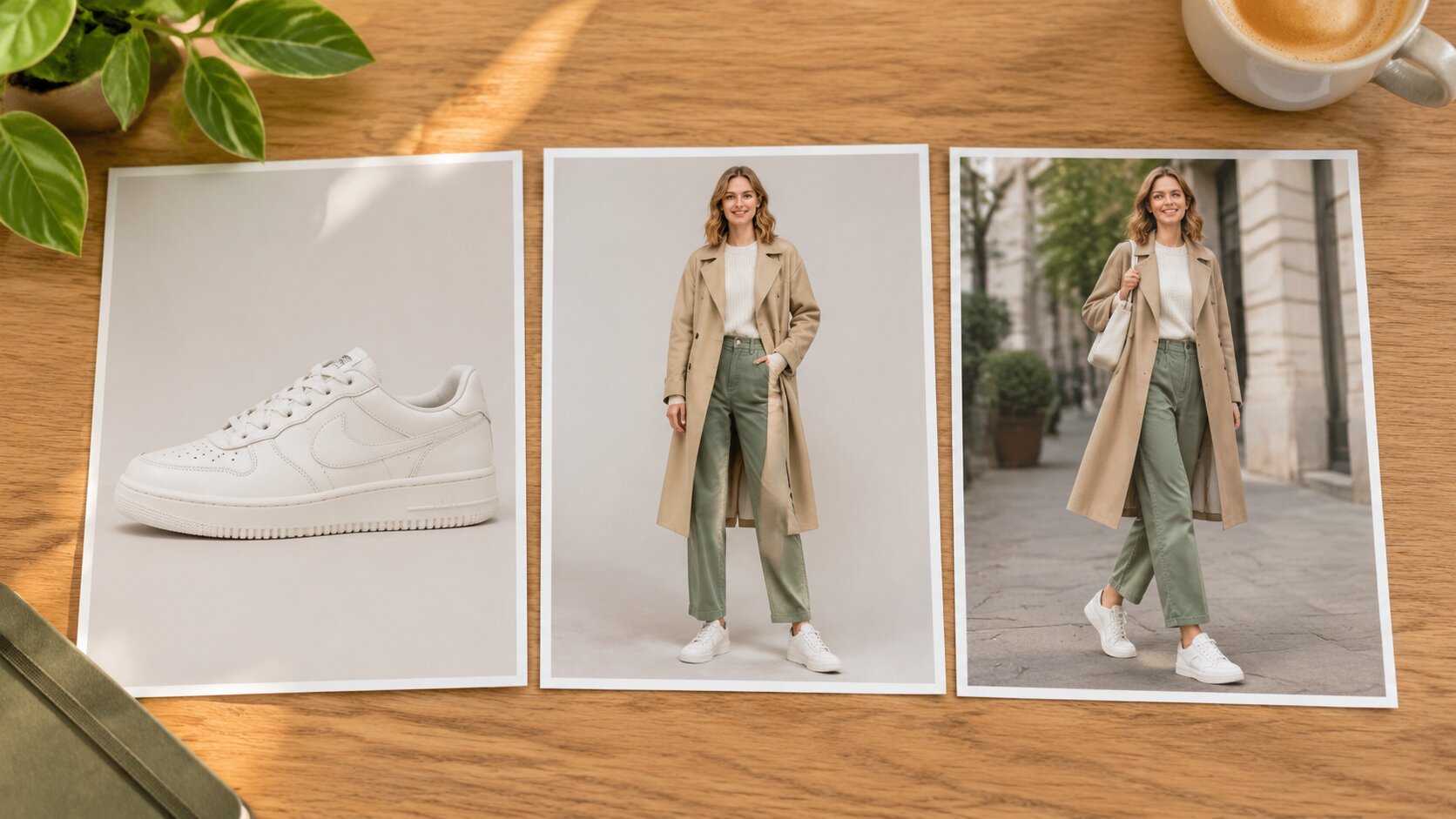
Yes. Upload a product shot and the scene it belongs in, or several angles of the same item, and AI Image Combiner merges them into one frame. That gives you a single image for listings, catalogues and mood boards with consistent scale, alignment and background across the whole set.
Is the merged image high quality?
Yes. Output is generated at up to 4K with no watermark and no visible seams, so the finished picture is ready for posts, posters and print without a second editing pass.
Does the AI Image Combiner work entirely online?
Yes — everything runs in your browser with just an internet connection. There is no software to install and no setup needed. JPEG, PNG and WebP are supported, and larger files are compressed in your browser before they are sent so the upload stays fast.
How fast is the merging process?
Most merges finish in seconds. Time depends on how many photos you combine and the resolution you choose — a multi-photo 4K merge takes longer than a two-photo 1K one because it renders more detail.
What is the difference between an AI image combiner and a photo collage?
A collage stacks your photos next to each other exactly as they are, so seams, mismatched light and hard edges are visible. AI Image Combiner re-renders the sources as one scene: it matches the lighting direction, shadow softness and colour temperature, and blends the edges. That is why the output looks like a real photograph rather than a layout.
Are my uploaded photos private?
Yes. Your photos are used only to build the merge and are saved to your private library, where only you can view and download them. They are never published, never turned into public templates, and the finished image comes out clean with no watermark.
What should I write in the prompt when merging photos?
Describe the finished picture rather than the editing steps. Naming the scene, the lighting and the mood — "both of us on a Tokyo street at night, neon reflecting on wet pavement" — gives the combiner far more to work with than "combine these". Mention what must stay the same ("keep the jacket and the face") whenever a specific detail matters, and leave the rest open.
Ready to combine your photos into one?
Add two or more photos, describe the merge, and AI Image Combiner does the rest — in seconds, in HD, with no watermark and no design skills needed.