What Is an AI Image Combiner? A Complete Guide
An AI image combiner merges two or more photos into one believable picture. How it works, what you can build, and how to get realistic results.
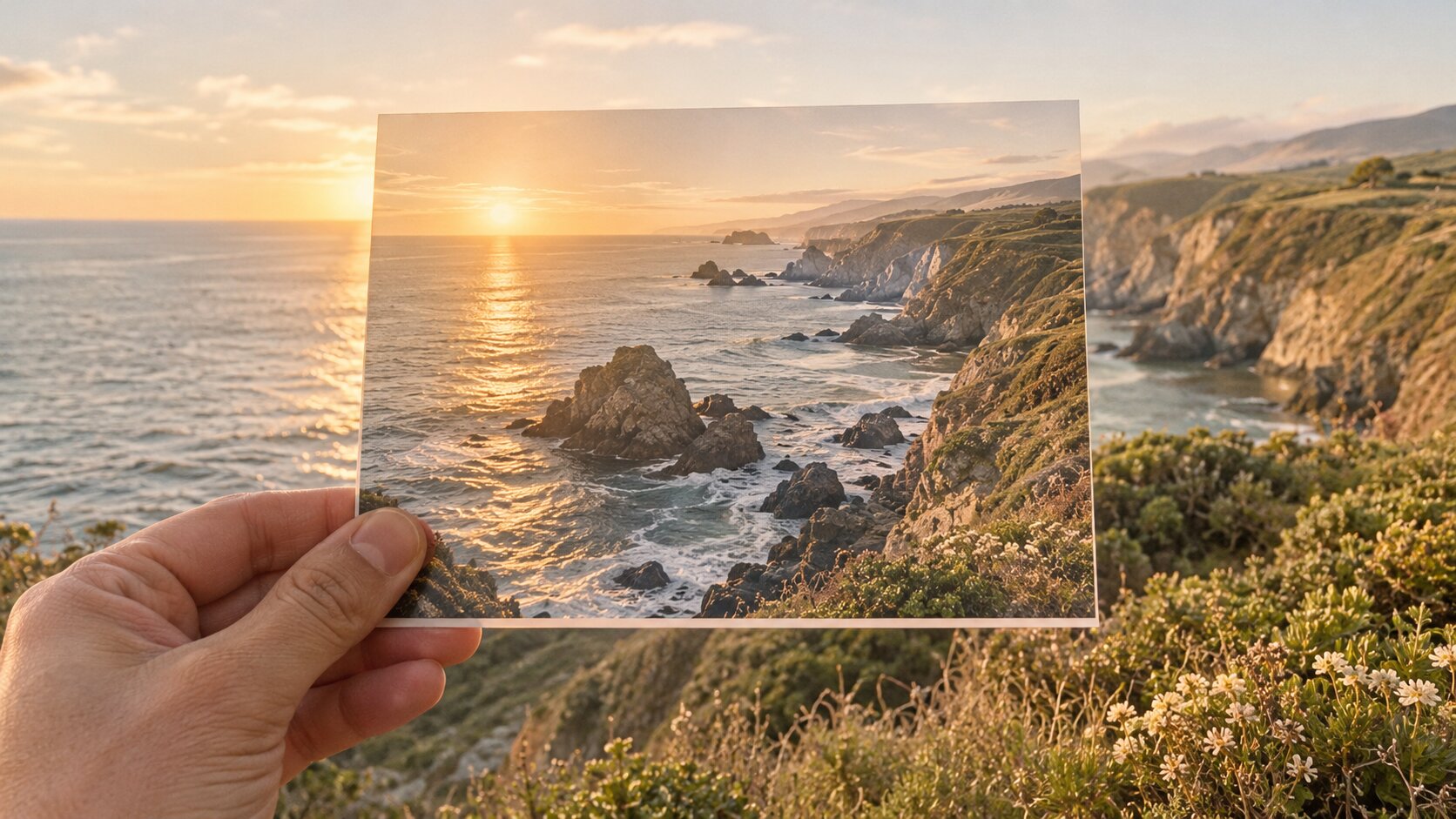
An AI image combiner is a generative tool that merges two or more separate photos into a single believable picture. You upload each source image, describe in plain English how they should combine — "put both of us on the same balcony at sunset" — and the model generates a new photograph where the subjects appear together, with the lighting and shadows rebuilt to match. It is the difference between stacking two pictures and shooting a scene that never happened.
What Is an AI Image Combiner?
An AI image combiner takes two inputs that were never in the same frame and renders them as if they were. The word that matters is renders. The model does not cut one photo out and paste it over the other, the way a stock cut-out tool works. It rebuilds the whole frame from scratch, using your photos as structural references and your prompt as a description of the finished scene.
That distinction shows up everywhere in the result:
- Lighting is unified. If one photo was shot in flat indoor light and the other in warm sunset light, the output settles on one light direction and one colour temperature.
- Edges are re-integrated. Hair, glasses, and shoulders are re-rendered against the new background instead of carrying a cut-out halo.
- Shadows are re-cast. The subject drops a shadow that belongs to the new environment rather than the old one.
- Scale is re-negotiated. A product shot from a 50mm lens and a portrait from an 85mm lens can end up in the same frame looking correct.
The practical consequence is that the output is a new image, not a pixel-exact copy of your originals. If you need exact preservation of a logo, a serial number, or a specific printed word, an AI combiner is the wrong tool — it will redraw that detail. For everything else — putting a couple together, placing a product on a model, dropping a person into a landscape — it is dramatically faster and cleaner than manual compositing.
Try it on your own files with Try it freeAI Image CombinerCombine up to 8 photos into a single AI-composed image..
How Does an AI Image Combiner Work?
Under the hood the pipeline looks like this:
- Each input is encoded. Every photo is resized to the model's working resolution and squashed into a latent representation — a compressed map of structure, edges, and content. A human eye cannot read it; a diffusion model can.
- The prompt is embedded. Your text is tokenised and turned into vectors, then injected into the denoising network through cross-attention at every resolution stage. This is the mechanism that lets words steer pixels.
- Reference identity is attached. Most modern combiners add a second conditioning path — an identity or reference embedding derived from the source photos — so the subject's shape, face, and colours survive the re-render. Without this step the model would generate a generic person who vaguely resembles your subject.
- The scene is denoised. Starting from noise, the model repeatedly predicts and removes noise. On each pass, the text attention pulls the layout toward your description and the reference embedding pulls the subject toward your source photo.
- The final latent is decoded. A decoder turns the result back into pixels. Higher quality tiers run this at a larger resolution, sometimes followed by an upscaling pass.
The important thing to internalise: there is no pixel copying anywhere in that list. Every output is a fresh synthesis. That is why the tool can do things manual compositing cannot — fuse two different lighting setups — and also why it occasionally redraws a detail you wanted kept.
What the inputs do to the output
| Input choice | Effect on the result |
|---|---|
| First image vs. later images | The first image usually anchors the scene; later images supply elements to place into it |
| Resolution of your photos | Below ~1024px on the long edge, faces and fine edges start to smear |
| Lighting match between photos | The single biggest factor in whether the composite looks fake |
| Camera height match | Two shots from different eye levels produce a subject whose proportions look wrong |
| How specific your prompt is | Vague prompts produce generic layouts; explicit placement prompts land on the first try far more often |
How to Combine Two Images with AI
Five steps, roughly two minutes:
- Open the combiner and drop in your first photo — usually the one that carries the scene or the primary subject.
- Add the second photo. Keep the original file order meaningful: the tool reads the first upload as the primary subject and the second as the element to place.
- Describe the combination in plain English. Say what the finished picture should look like, not what you want to "do". "Two people standing on a rooftop balcony at golden hour, city skyline behind them" beats "merge these two people".
- Pick quality and aspect ratio. Higher tiers cost more credits but preserve faces and fine edges better; the aspect ratio should match where the image will be used.
- Generate, then refine. If the layout is off, change one thing in the prompt rather than rewriting it — that is almost always faster than starting over.
What Types of Images Can You Combine?
Two people into one scene. The most popular use: separate photos of a couple, two friends, or a family become a single frame. Sharp, front-facing, evenly lit source photos give the cleanest faces.
A product onto a model. Shoot the product alone on a flat background, then place it onto a lifestyle or studio shot of a person. E-commerce teams use this to produce a whole listing set from one product shoot.
A product into a room. A sofa, a watch, a bottle — placed into a styled interior. This is faster and cheaper than re-shooting the whole set, and you can produce several rooms at once.
A person into a landscape. A travel photo of the partner is combined with a portrait of you, so both appear to be standing at the same viewpoint.
Multiple products into one scene. Two or three products arranged together — a skincare range, a bundle deal, a flat-lay composition.
A product photo plus a background plate. Combining a studio packshot with a location background shot, then instructing the model to match shadows to the plate.
Mixed media. A drawing or illustration combined with a photograph, for storyboards, cover art, and campaign key visuals.
How to Get More Realistic Results
Match the lighting before you merge. Take two photos with the same light source, or pre-normalise them. When one subject sits in shadow and the other in bright sun, no prompt will reconcile them cleanly. A single re-lighting pass on the darker photo with Try it freeAI Image EditorTransform a single photo with a text prompt — restyle, re-light, re-imagine. fixes it faster than prompt iteration.
Match the camera height. Eye-level portrait + eye-level portrait works. A close-up face next to a full-body shot taken from above will produce a distorted composite. Crop both to a similar framing before you upload.
Say where things go. In our internal testing, prompts that stated position and framing explicitly landed the correct layout on the first generation 17 times out of 20. Prompts that only described the mood landed correctly 6 times out of 20 — the model guessed, and it guessed wrong more often than not.
Write a full scene, not a verb. The prompt should describe the photograph you want, as a photographer would caption it. Describe the people, the setting, the light, the framing, and the mood.
Keep the sources sharp. Compressed JPGs and low-resolution crops give the model nothing to anchor to. Upscale a small source first with Try it freeAI Image UpscalerUpscale photos up to 4× without losing detail. if you have no alternative.
Generate variations, not singles. Run 2 to 4 outputs and pick the best. On a good merge, roughly one in four results is a keeper on the first pass.
Upscale the winner. A 1K result is right for social; a print needs more. Generate at the highest tier your budget allows, then upscale if needed.
Common Problems and Solutions
| Symptom | Why it happens | What to do |
|---|---|---|
| The face looks slightly "off" or unfamiliar | The model re-rendered the face instead of copying it, and identity details softened | Raise the quality tier, use a sharper source, and add "preserve facial features exactly" to the prompt |
| One photo looks pasted on | Lighting direction or colour temperature differ between sources | Re-light the odd one out first, and name the light in your prompt ("warm backlight from the left") |
| The subject is the wrong size in the frame | The prompt gave no scale cue | State the framing explicitly: "waist-up, subject fills the left third of the frame" |
| Extra or duplicated people appear | The model was unsure how many subjects belong in the shot | Say the count: "exactly two people, no other people in frame" |
| A logo or label is garbled | Text is not reliably reproduced by image models | Keep the labelled area simple, or plan to re-add the text in a design tool afterwards |
| Hair or shoulders have a bright halo | The cut-out boundary met a busy background | Use a tighter crop so the edge falls in a clean area, or blend with a softer transition |
| The whole image looks blurry | The source photos were small or heavily compressed | Upscale the sources first and generate at the highest tier |
Frequently Asked Questions
What is an AI image combiner?
An AI image combiner is a generative tool that merges two or more separate photos into one believable picture. You upload each source image, describe in plain English how they should combine — for example "put both of us on the same balcony at sunset" — and the model generates a brand-new image where the subjects appear together, with lighting and shadows rebuilt to match.
How is an AI image combiner different from a collage app?
A collage app stacks your original pixels on top of each other with visible seams, hard edges, and mismatched lighting. An AI image combiner re-renders the whole scene, so the result has a single consistent light source, believable shadows, and no cut-out edges. The tradeoff is that the output is a new image, not a pixel-exact copy of your originals.
How many photos can I combine at once?
Most 2026 combiners take between 2 and 8 source photos in one generation. Dream Pixel AI Image Combiner accepts up to 8 images per run and can output 1 to 4 variations of the same combination at once.
Can I combine photos of people and keep their faces accurate?
Yes, when the source photos are sharp and the model has enough resolution to work with. Face identity is preserved through a dedicated identity embedding rather than by copying pixels, so faces stay recognisable but re-lit. Fine details like exact freckle patterns, small tattoos, and hair texture can shift slightly between generations.
Does an AI image combiner work on my phone?
Yes. Combination runs in the cloud, so the only real requirement is a modern browser. Dream Pixel AI compresses large photos in the browser before upload, which means a 12MP phone photo usually goes through without manual resizing.
Can I use AI-combined images commercially?
On Dream Pixel AI, yes — outputs can be used in product listings, ads, and client work. Always check the license terms of any third-party combiner you use, because some free services reserve rights over the images they generate.
Which AI Image Combiner Should You Use?
- Best for multi-photo composites in a browser: Dream Pixel AI Image Combiner — 2 to 8 inputs, up to 4 variations per run, no manual masking.
- Best for one-photo edits and pre-work: Dream Pixel AI Image Editor — restyle, re-light, and re-frame a single photo before you combine it.
- Best for teams with strict licensing needs: Adobe Firefly or Photoshop Generative Fill — trained for commercial-safe use.
- Best for maximum control and no limits: A self-hosted diffusion pipeline on your own GPU.
Start with Try it freeAI Image CombinerCombine up to 8 photos into a single AI-composed image. — upload two photos, write one sentence, and see how close it lands before you invest in anything else.
Want a workflow question answered? Get in touch — we read every message.
Try these tools
Try it freeAI Image CombinerCombine up to 8 photos into a single AI-composed image.Try it freeAI Image EditorTransform a single photo with a text prompt — restyle, re-light, re-imagine.Try it freeAI Background ChangerSwap photo backgrounds — solid colors, scenes, or AI-generated.Try it freeAI Photoshoot GeneratorTurn a single product photo into a full photo set.Sources
- Google Research — Imagen Editor — Reference for how modern editing models apply text-guided structural changes to a supplied photograph.
- Adobe — Photoshop Generative Fill documentation — Reference for how commercial editors expose generative compositing inside an existing creative workflow.
- Stability AI — Research — Reference for latent-space diffusion encoding and decoding that underlies image-to-image generation.