Magic Eraser — Remove Anything From Any Photo
Paint over the object you want gone. Magic Eraser rebuilds the background behind it so the photo looks like it was never there — a brush instead of a selection tool.
You may only upload materials for which you have all necessary rights and permissions. Content involving minors or non-consensual content is strictly prohibited.
How Magic Eraser Works in Three Steps
Brush, erase, download. The whole thing takes less than a minute.
Upload your photo
Drop in the picture that holds the object you want gone. It stays private and is used only for this erase.

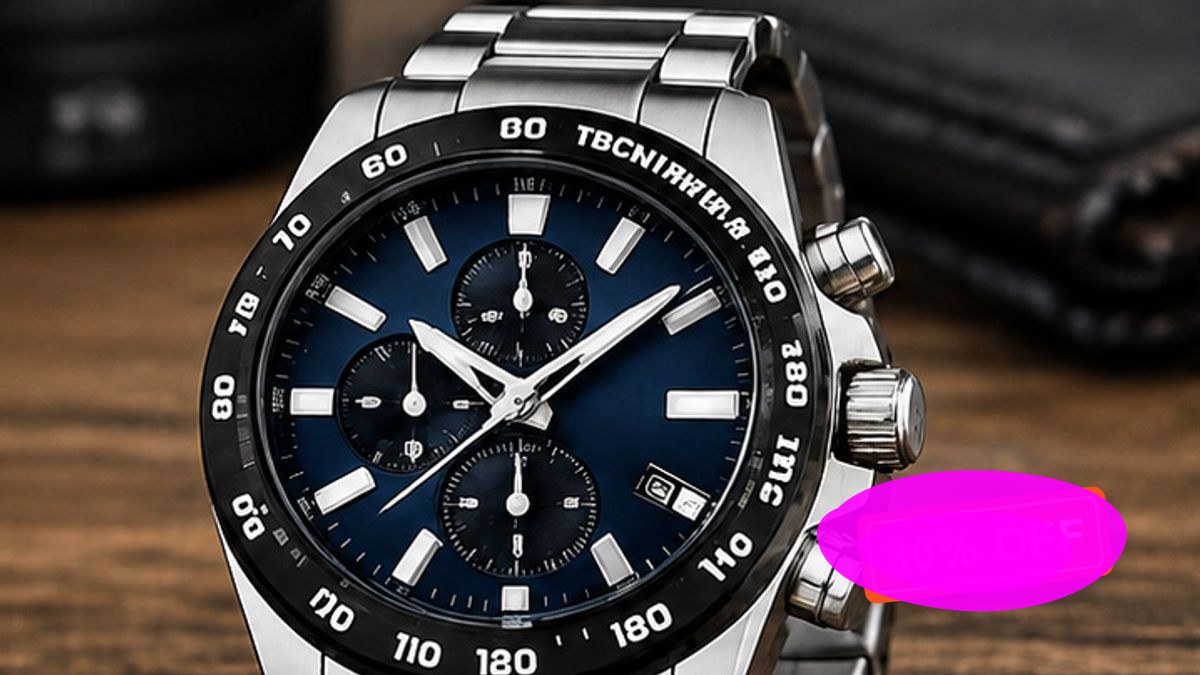
Paint over the object
Brush across everything that should disappear. The size of the brush is adjustable, and undo takes a stroke back.
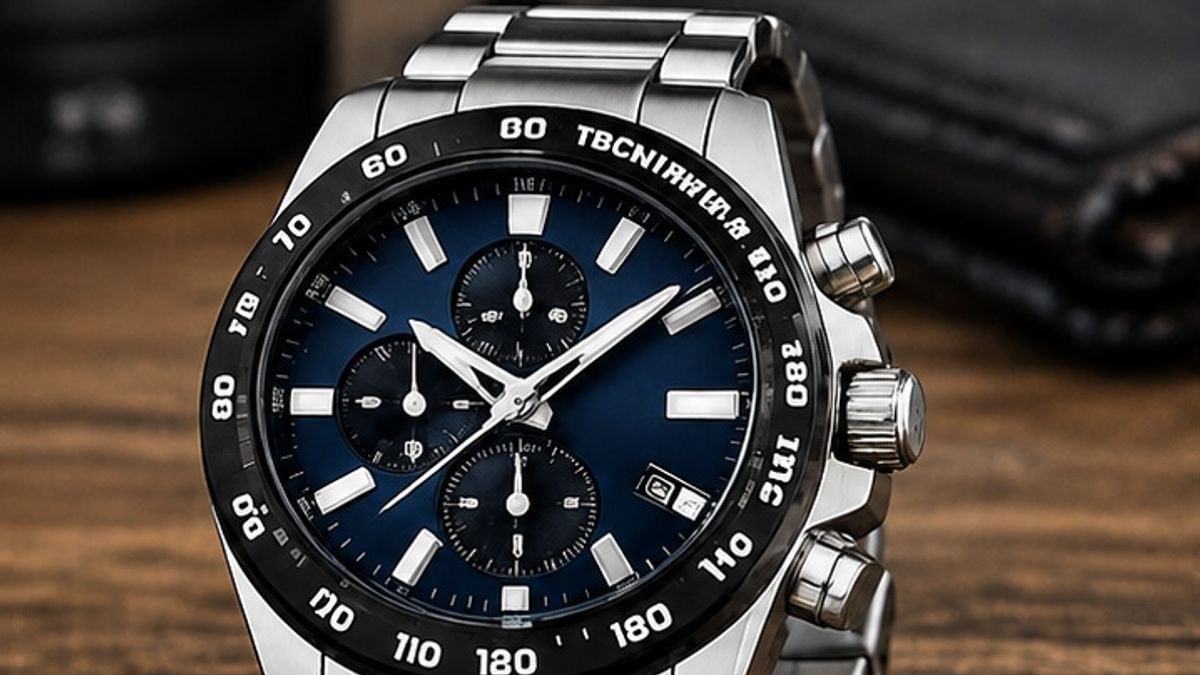
Press Erase
The AI rebuilds the area behind the object from the pixels around it, so the background, the light and the grain run through the patch.
The demo plays on its own — no clicking needed.

Struggling with Unwanted Objects in Your Photos?
A passerby walked through the shot. A price sticker is still on the product. A date stamp is burned into the corner. Magic Eraser takes all of them out with one brush stroke — no selection tool, no layer, no manual retouching.
- People, objects, text and logos — one brush covers them all
- Several separate things can go in a single pass
- Everything outside the brush stays exactly as it was
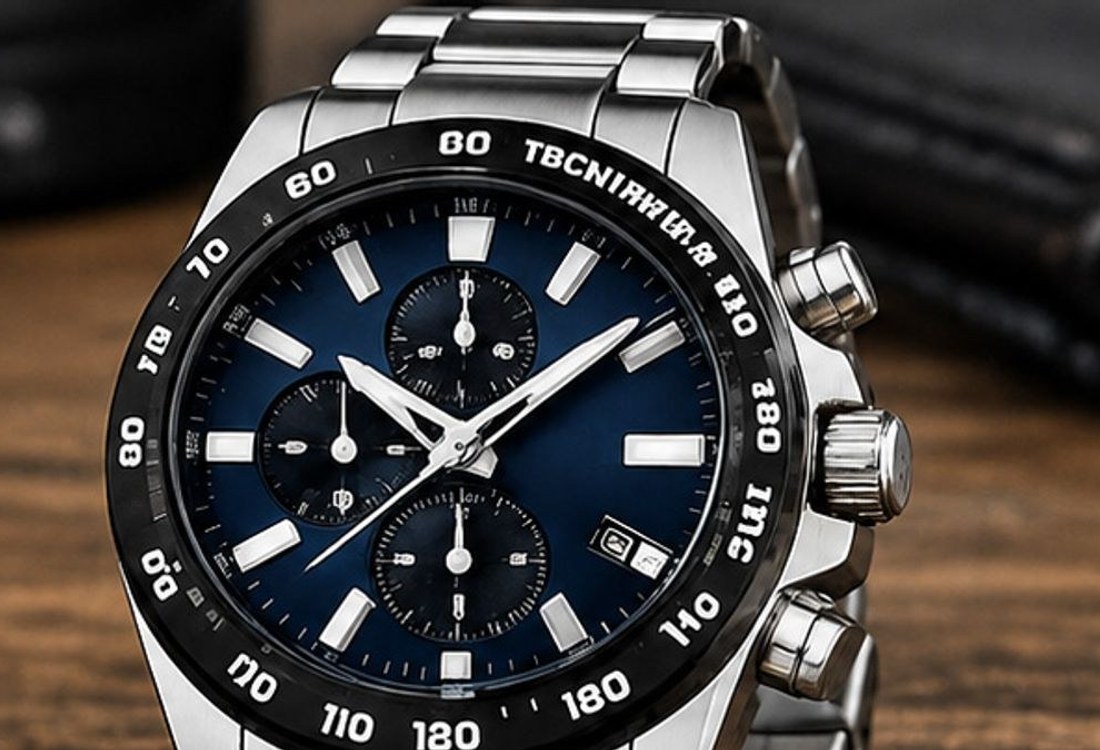
Remove Objects Without a Trace
Every stroke is sent as a real mask, so the model rebuilds only the pixels you painted. It reads the colour, the light and the texture around the gap and carries them through the patch — the result looks like the photo was taken that way.
- The fill is generated from the pixels around the hole
- No seam, no blur and no ghost of the old object
- The framing, the colours and the scene never move
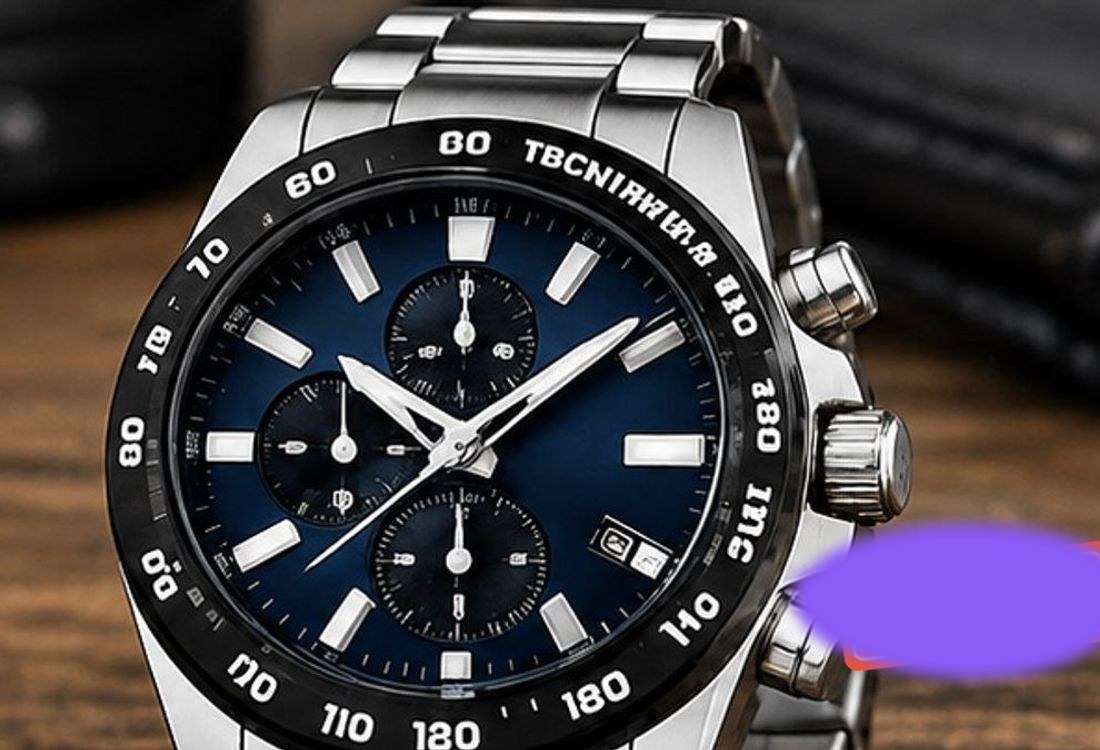
One-Step Editing — No Skills Needed
There is nothing to learn before you start. Upload the photo, brush over what you want gone, and press Erase. If the gap should be filled with something specific — grass, a wooden floor, a plain wall — say so in one line.
- Upload, brush, erase — that is the whole workflow
- One line of text tells it what should fill the gap
- Undo and clear as long as you have not erased yet
Clean Output, Ready to Download
The finished picture comes back as a clean PNG at 1K or 2K with no watermark on it. Download it to your phone or your desktop and put it straight to work — a shop listing, a social post, a print.
- 1K and 2K output, no watermark
- Clean PNG for social media, print and product pages
- Saved to your library, so nothing gets lost
Why People Reach for the Magic Eraser
Cleaning up a photo normally means a selection tool, a content-aware fill and an hour of nudging. This does it in one pass.
Brush instead of masks
There is no selection to build and no layer to feather. What you paint is what gets removed, so the target is never ambiguous.
One click per object
A passerby, a watermark, a date stamp, a chair in the background — paint them all in one pass and erase them together.
Background that continues
The fill is generated from the pixels around the hole, so the texture, the shadow and the light direction carry on into the patch.
Built for real photos
Phone snaps, studio shots, screenshots and product photos all work. The result comes back as a clean PNG, ready to download.
Frequently Asked Questions