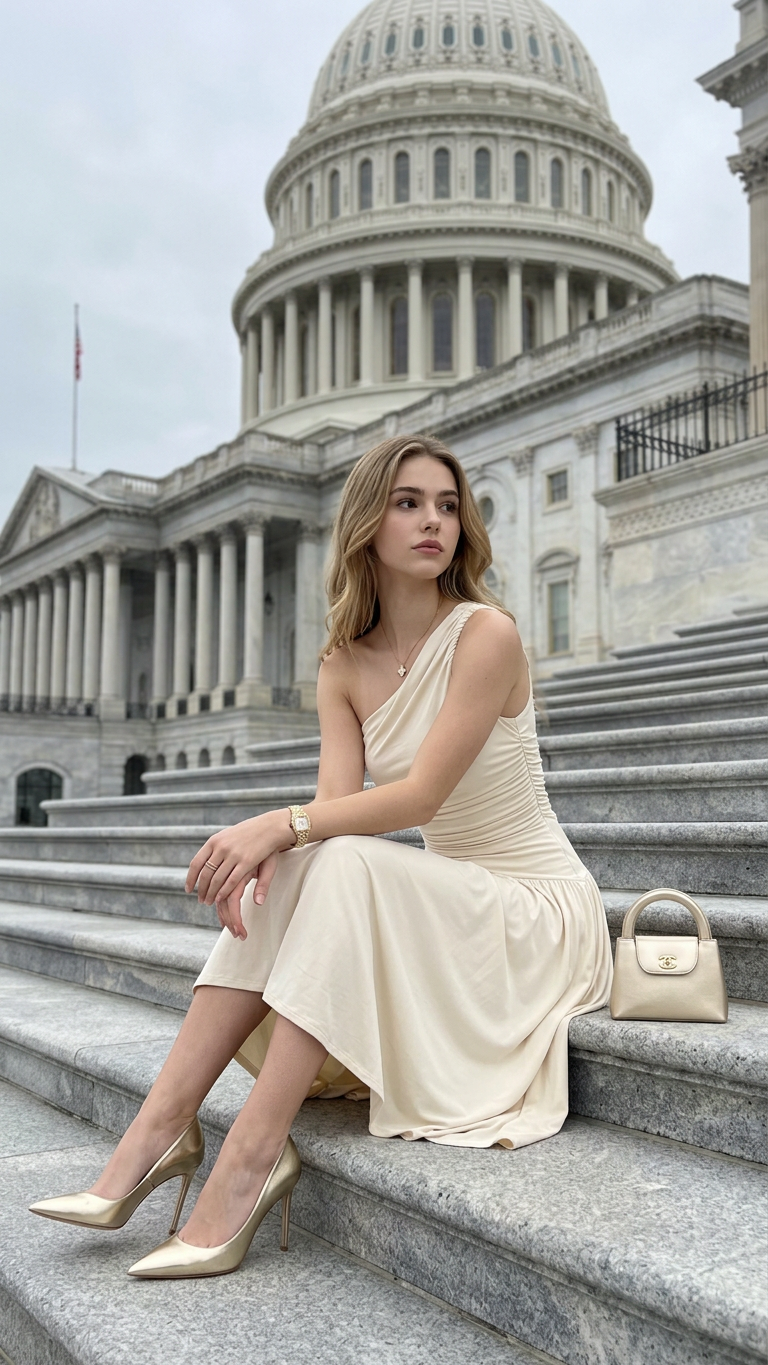
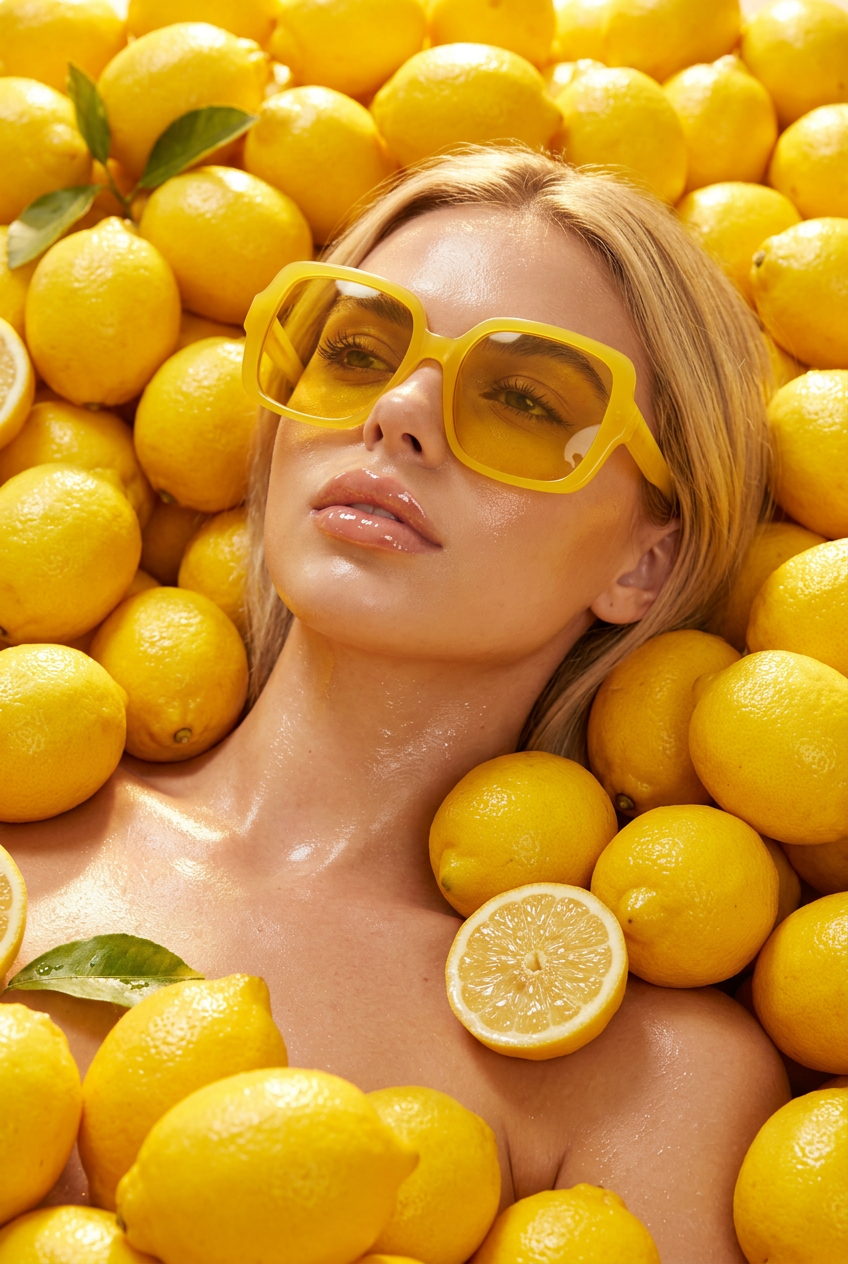
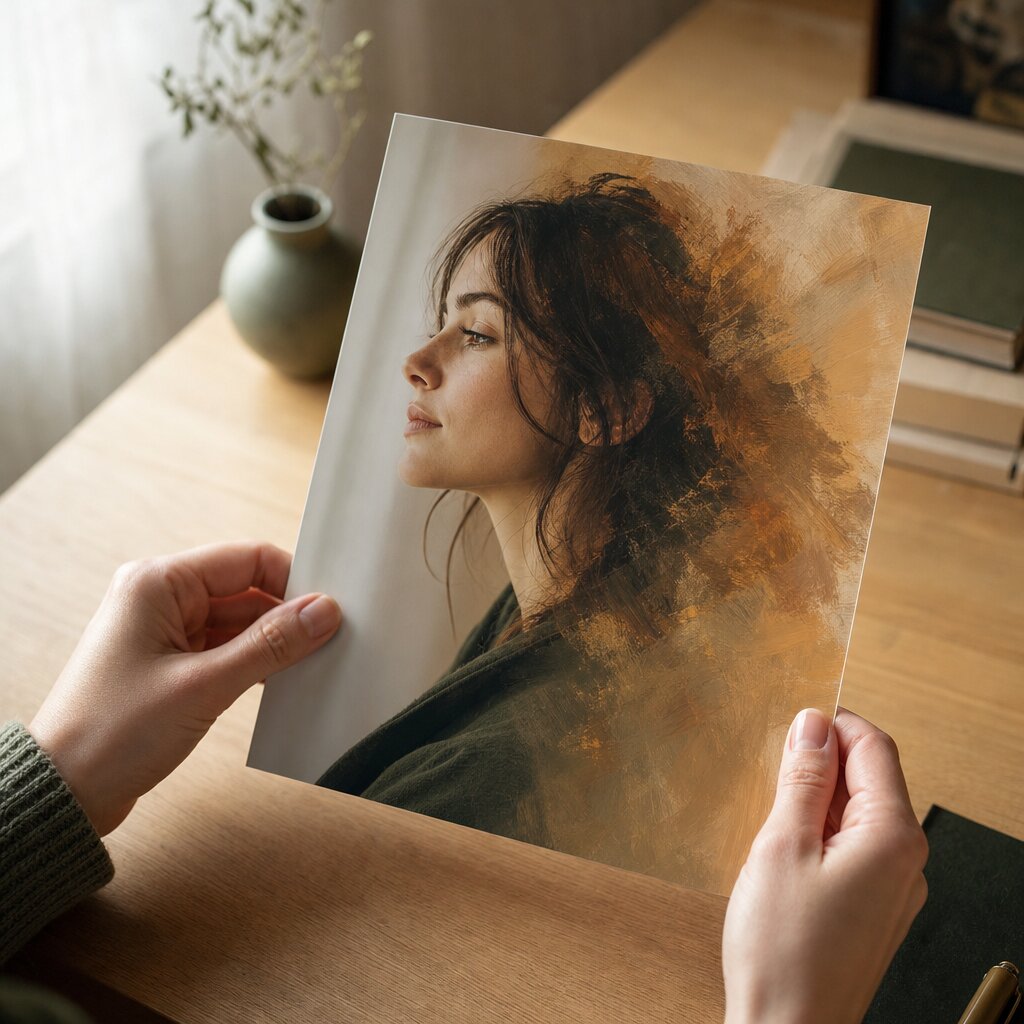
AI Image Editor
AI Image Editor - Edit Any Photo with AI
Transform, edit and enhance photos with simple text prompts. Upload one photo, tell the AI Image Editor what to change, and get a clean HD result in seconds — built for creators, marketers, and designers who would rather skip the manual editing.
Rewrite the photo, or erase what you don't want
AI Image EditorMagic Eraser
Your result
Your image will appear here after generation.
Upload a photo, describe the change you want, and press Generate.
Create or edit your image
Source images
Upload 1–4 photos. The first one is the main subject.
You may only upload materials for which you have all necessary rights and permissions. Content involving minors or non-consensual content is strictly prohibited.
Prompt
Try these examples
Credits are used only when generation starts.
1 credit · 1 result
Why Our AI Image Editor Stands Out
Six reasons creators choose AI Image Editor instead of opening a manual editing suite.
Outstanding AI-Generated Results
The model reads composition, subject and lighting, then rebuilds the image in the style you describe.
HD, Watermark-Free Output
Export up to 4K with no watermark and no forced upscaling blur.
Fast Output Speed
Most edits land in seconds. Generate up to 4 variations in one run.
Safe and Private Creations
Uploads stay in your private library. Never published, never shared.
Consistent Characters and Styles
Use the same photo as a reference and keep a subject identical across a whole series.
No Editing Skills Required
Plain-language prompts do the work. No layers, masks or manual retouching.
How AI Image Editor Works in Three Steps
Pick a photo, describe the transformation, download the result. Watch the demo play itself step by step.
STEP 01
Upload your image
Drop in one photo you want to transform — a portrait, a product shot, artwork, or a social post. Add up to 3 more for composite edits.
STEP 02
Describe the edit and generate
Type what you want in plain words — "turn this into a 90s film photo" — and AI Image Editor handles the rest.
STEP 03
Download your result
Preview the result, regenerate if it missed the mark, then download in high resolution — ready for any platform.
The demo plays on its own — no clicking needed.
Everything You Can Do With AI Image Editor
Upload a photo, describe the change in plain language, and AI Image Editor carries it out — backgrounds, objects, outfits, styles and more.
Say it in plain language
Image Editing Made Easy with Simple Text Prompts
Tell AI Image Editor exactly what should change, from one small detail to the whole scene. Write the idea the way you would say it out loud — swap the background for a beach, take the logo off, make it look like film — and the model turns it into a precise edit. No tools to learn, no sliders to hunt for.
- Any change you can describe — no preset list to fight with
- Small tweaks and full restyles from the same prompt box
- The subject you started with is always preserved
Every part of the picture
Edit and Transform Any Part of Your Image
Change the background, remove or replace an object, switch the outfit, restyle the whole image or add something that was never in it. AI Image Editor is flexible enough to take a photo in the direction you imagine, without starting over from scratch.
- Backgrounds, objects, outfits and whole-image styles
- Add new elements that were not in the original
- One photo is enough — no setup and no layers to manage
Keep what matters
Preserve Faces and Key Details
The edit changes what you ask for and leaves the rest alone. Faces, expressions, poses and important details survive, so the result still reads as the same person, the same product and the same moment — only cleaned up. Your picture stays recognisable, only better.
- Faces and expressions stay recognisable
- Poses and proportions hold through the edit
- Results look natural, not re-rendered from scratch
AI Image Editor vs Text to Image AI, side by side
Both hand you a finished picture. They just ask different things of you first.
| Text to Image AI | AI Image Editor | |
|---|---|---|
| Input | A text prompt only | One or more photos you already own |
| What stays the same | Nothing — every pixel is invented | Your subject, face, pose and composition |
| Best for | Brand-new scenes, concepts and backgrounds | Restyling, retouching and re-shooting existing images |
| Control | The prompt defines everything from scratch | The prompt steers an image that already exists |
| Consistency across a set | Usually drifts between generations | Keeps the same character or product across many outputs |
| Time per result | A full render for every new idea | Most edits land in seconds |
Swipe the table sideways to see the full comparison.
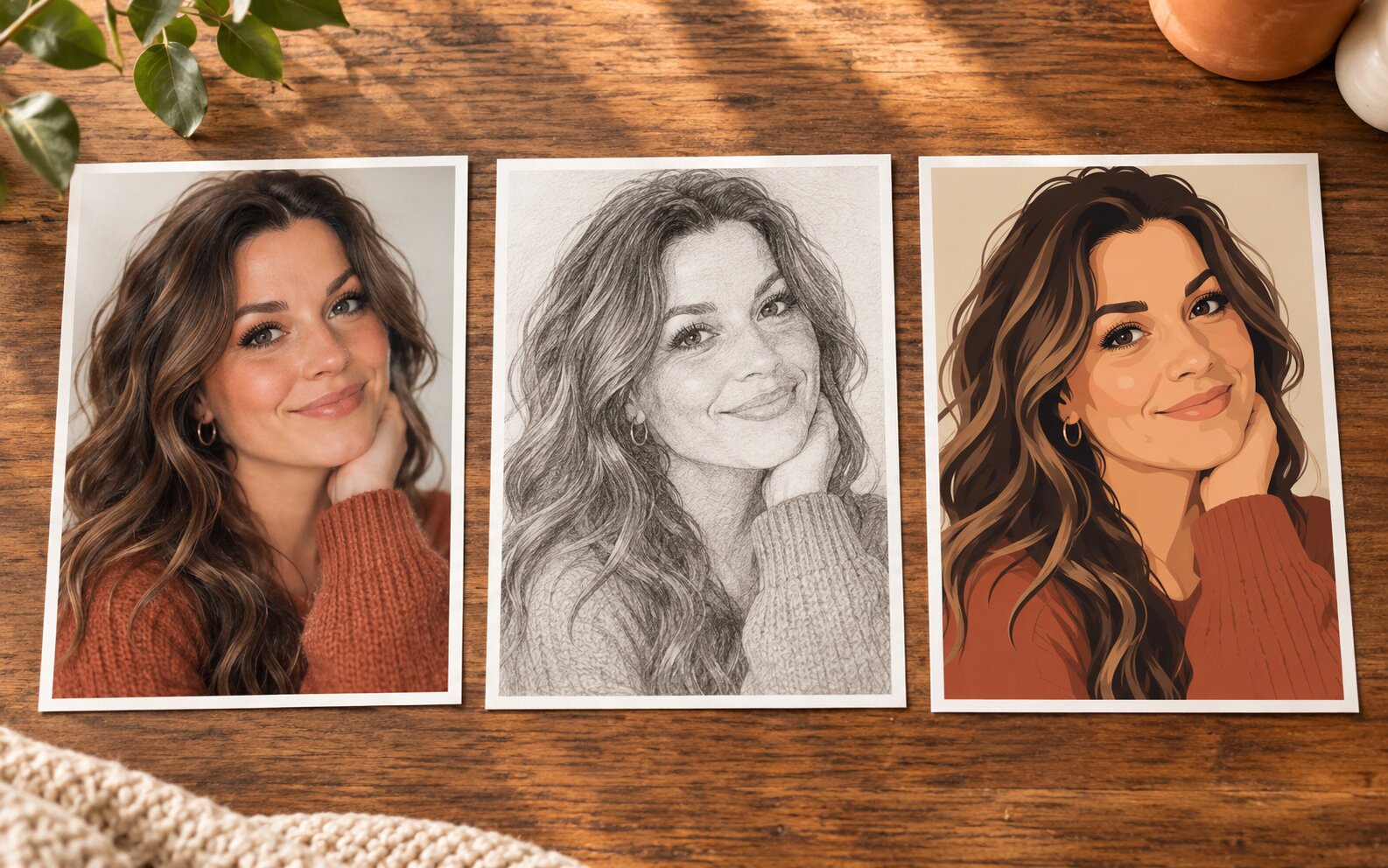
Get Inspired
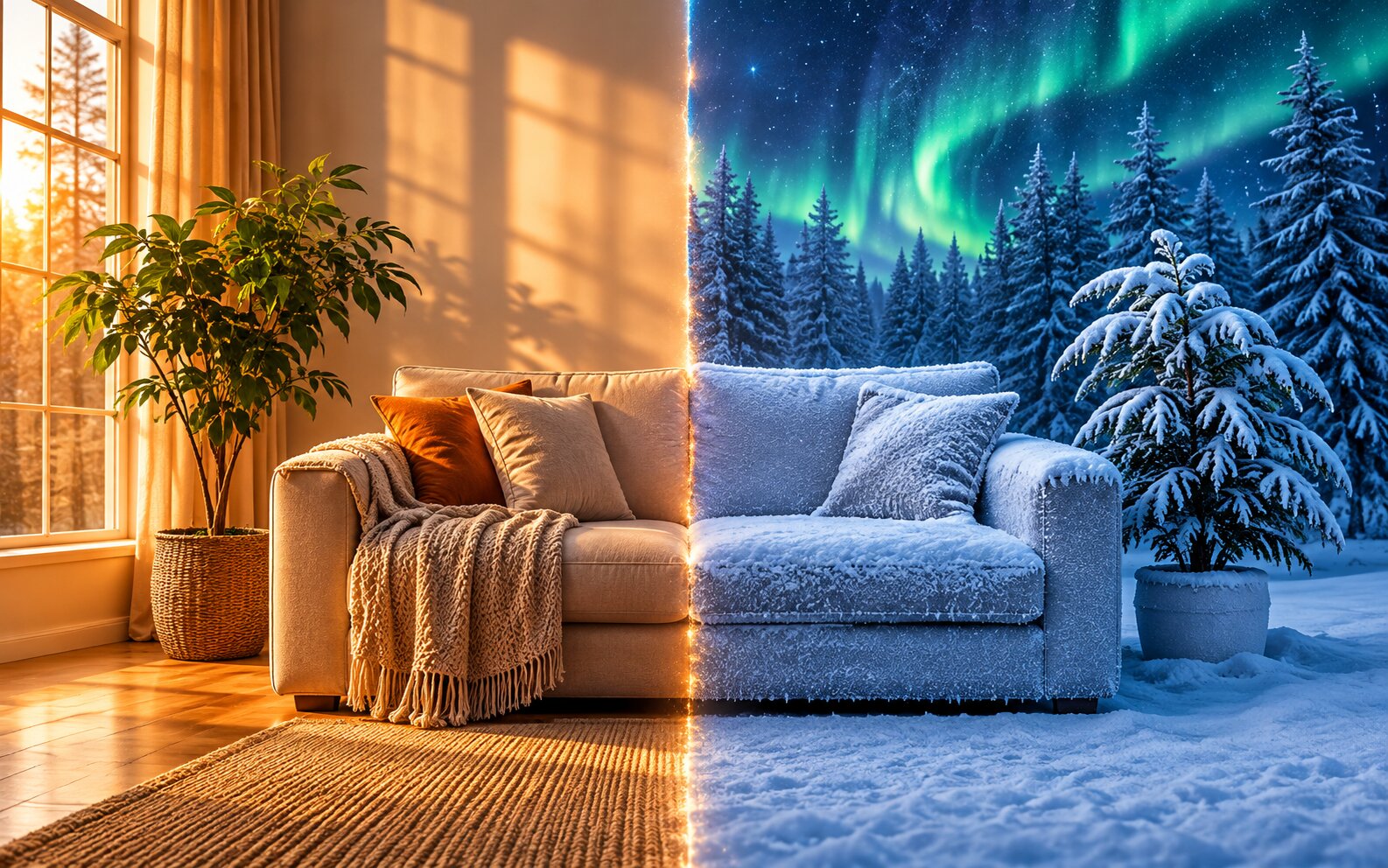
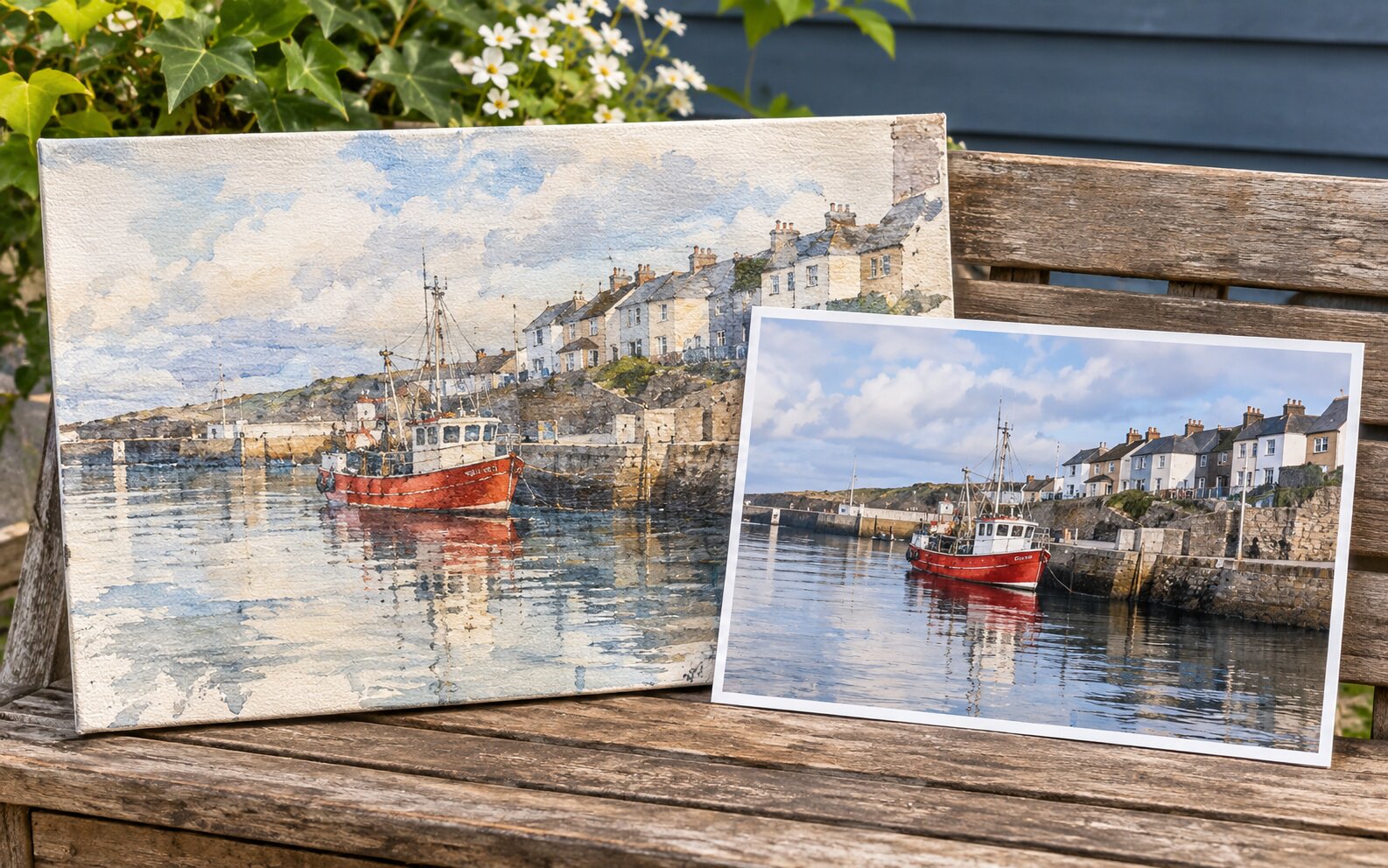
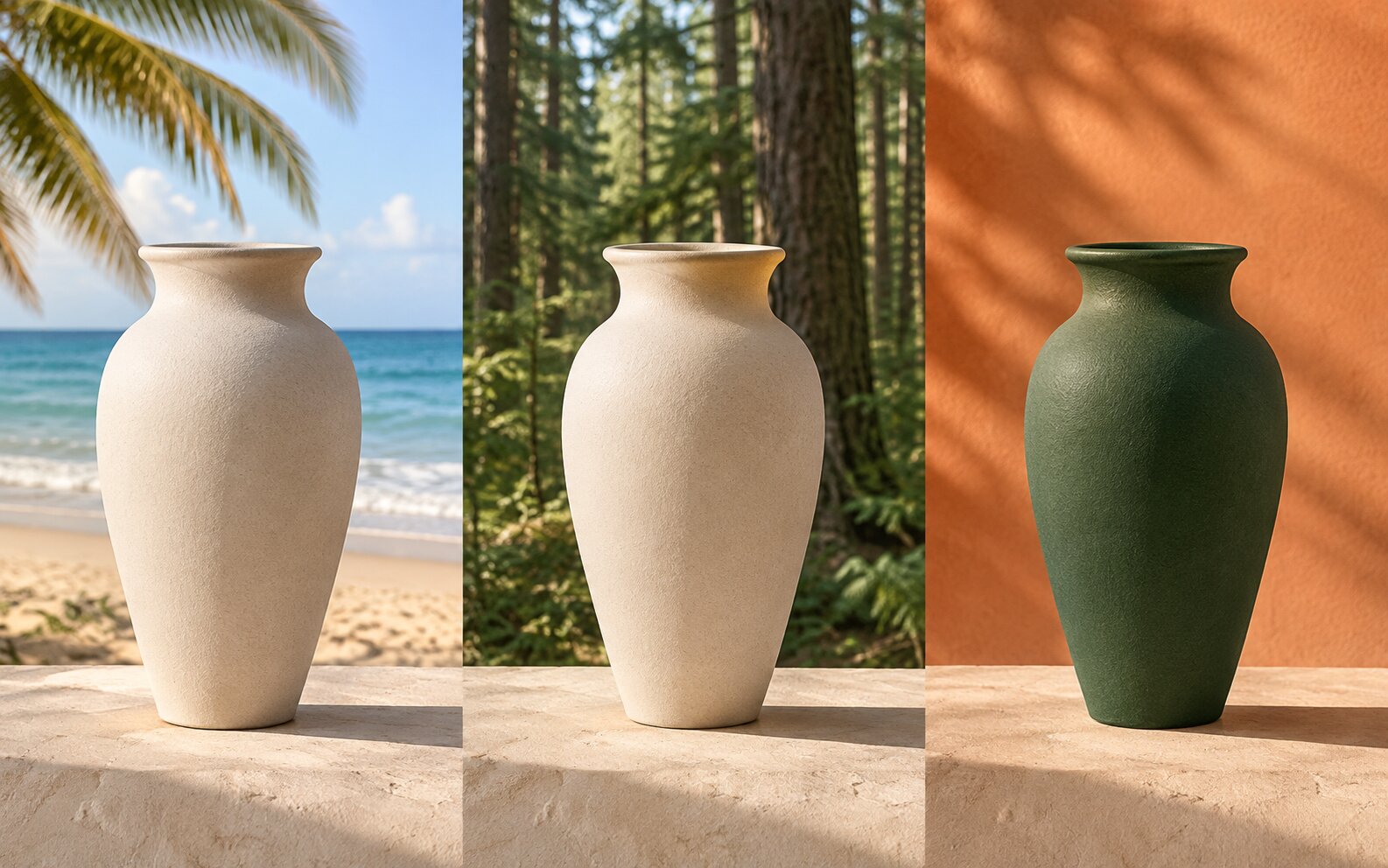
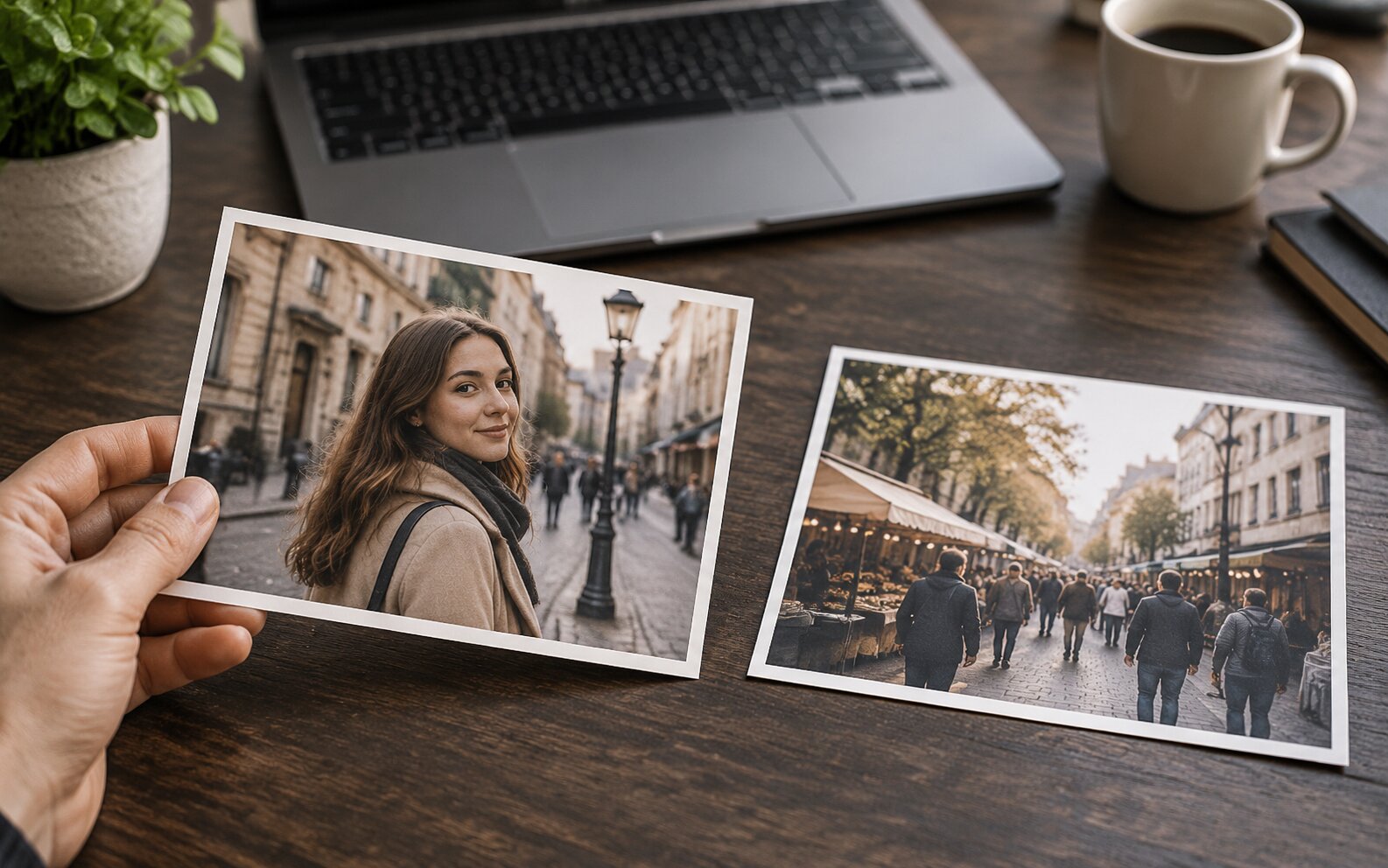
Curated results across our tools — tap any image to try it yourself
Frequently Asked Questions
Frequently Asked Questions About AI Image Editor
What is an AI Image Editor?
An AI Image Editor is a generative editor that starts from a photo you upload instead of a blank canvas. The model reads your image — the subject, lighting, composition, and color — and rebuilds it according to the changes you describe in a text prompt. You keep the identity of your original image while the look, scene, and finish are redrawn by AI.
How is an AI Image Editor different from text-to-image AI?
Text-to-image AI invents a brand-new picture from words alone, so it cannot reproduce a specific face, product, or composition. An AI Image Editor starts from your uploaded image and keeps what matters — the person, the product, the pose — while changing only what your prompt asks for. If you need a specific subject preserved, an image editor is the right tool; if you only need an idea, text to image is faster.
What can I edit with AI Image Editor?
Any photo you can upload: portraits and headshots, product and ecommerce shots, food and interior photography, artwork and illustrations, social media posts, and group photos. You can restyle them, change backgrounds, relight them, repair damage, and extend them into new formats.
How long does AI Image Editor take to generate?
Most edits finish in seconds, though time depends on the number of variations and the resolution you pick. Larger 2K and 4K outputs take a bit longer because they render more detail.
What styles and effects can I apply?
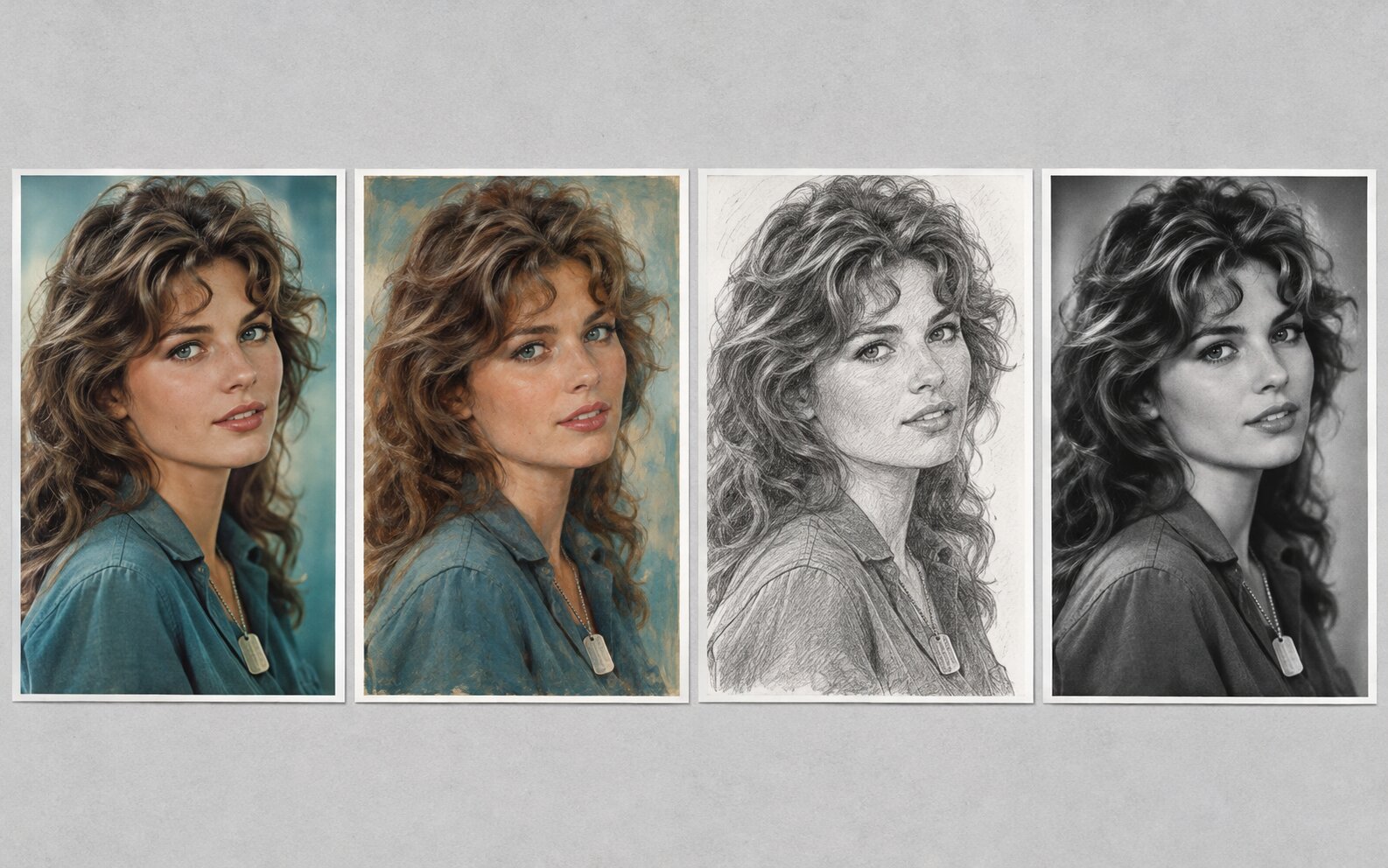
Because the result is generated rather than filtered, you are not limited to preset filters. Common directions include anime and manga, 3D render and Pixar-style characters, oil painting and watercolor, vintage film and 90s photography, cinematic lighting, pencil sketch, pixel art, and studio product look. You can also combine instructions in one prompt.
Do I need any editing skills to use it?
No. AI Image Editor is prompt-driven. Describe the result in plain language — "make it look like a 1990s Polaroid", "put it in a snowy forest" — and the model handles the retouching, relighting, and rendering for you.
Is it free, and how do credits work?
You get free credits when you start, and every generation spends credits based on the quality you pick — 1K output costs 2 credits, 2K costs 3, and 4K costs 5, multiplied by how many variations you request. Higher tiers unlock bigger resolutions and more credits.
Are my uploads private? Is there a watermark?
Yes. Your images are used only to generate your edit and are saved to your private library, where only you can see and download them. They are never published or turned into public templates, and the finished images come out clean — no watermark added.
What image formats and file sizes are supported?
JPEG, PNG, and WebP are supported, up to 10 MB per image. You can upload 1 to 4 images per edit, and larger files are compressed in your browser before they are sent, so the upload stays fast.
How do I get the best results with AI Image Editor?
Start from a clear, well-lit photo where the subject is easy to read, then write one specific instruction per edit — "replace the background with a sunlit studio" or "1990s film grain and warm tones". Naming what should stay the same ("keep the face and the pose") protects the details you care about, and rerunning the same prompt at a different quality tier or aspect ratio is often faster than rewriting it.
Ready to turn your photo into something new?
Upload one photo, describe the result, and AI Image Editor does the rest — in seconds, in HD, with no watermark.