What Is the Difference Between Image to Image AI and Text to Image AI?
Image to image AI starts from your photo; text to image AI starts from nothing. Here is the side-by-side comparison, with the prompt styles each one needs.
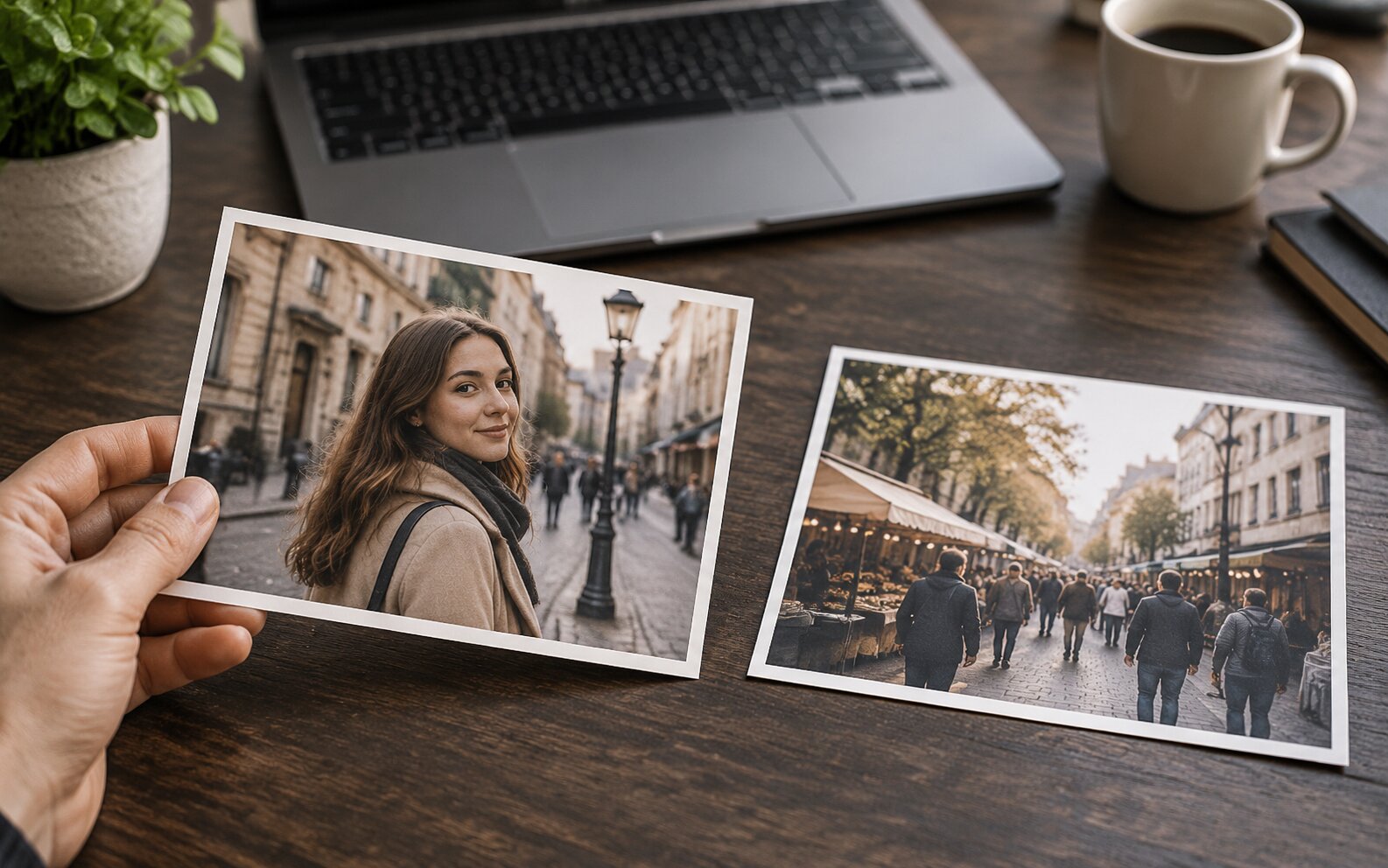
The difference is one sentence: text to image AI invents a picture, image to image AI edits one. Text to image starts from an empty canvas and generates every pixel from your words, which gives you endless variety and almost no control over a specific pose, face, or framing. Image to image starts from a photo you already have, so the structure is decided before you begin and your prompt only decides what happens to it.
Side by Side
| Image to Image AI | Text to Image AI | |
|---|---|---|
| Starting point | A photo you upload | A blank canvas |
| What your prompt controls | The treatment applied to your photo | Everything, including the subject and the framing |
| Control over pose and framing | Fixed — inherited from your source | Random — changes on every generation |
| Consistency across a series | High — same photo, same prompt | Low — the subject drifts each run |
| Typical prompt length | One or two sentences | A full scene description |
| Best for | Editing photos you already have | Inventing scenes that do not exist yet |
| Typical time per result | 30–90 seconds | 30–90 seconds |
| Dream Pixel AI tool | Image To Image AI (/ai-image-editor) | Text to Image (/generate) |
The Prompt Styles Are Completely Different
This is where most people first get disappointed. A text to image prompt and an image to image prompt are not the same sentence with an extra photo attached.
Text to image needs a complete scene. Subject, setting, light, framing, mood, medium — all of it, because the model has nothing else to work from:
"A woman in a cream coat standing on a rain-slick Tokyo street at night, neon reflecting on wet pavement, cinematic, shallow depth of field, 35mm"
Image to image needs an edit instruction plus a survival clause. The scene is already in the photo, so the prompt only describes the change:
"Restyle this as a 1990s film photograph, grain and faded warm tones, keep the pose and the composition"
A text to image prompt pasted into an image to image tool produces a generic invented scene that ignores your photo. An image to image prompt pasted into a text to image tool produces something close to your intent but with a random subject.
The Practical Test
Ask one question: do you have a source photo that has to survive?
| Situation | Use |
|---|---|
| Edit a photo of your product | Image to image |
| Put your face into a new scene | Image to image |
| Restyle a photo you shot | Image to image |
| Batch a set of product shots into one look | Image to image |
| Invent a scene for a campaign | Text to image |
| Generate a brand-new concept or mood | Text to image |
| Make a background that does not exist | Text to image |
| Explore variations of an idea you cannot photograph | Text to image |
There is a third path worth knowing about. When you want a new scene that contains something specific — your product in a room, a person in a landscape — plain text to image cannot do it and plain image to image has only one photo to work with. That case is what a multi-input combiner is for: Try it freeAI Image CombinerCombine up to 8 photos into a single AI-composed image. takes 2 to 8 photos and places them into one generated scene.
How the Two Behave Under Pressure
Consistency. Image to image holds structure by construction, so a set of ten photos with the same prompt comes out looking like a set. Text to image has to reinvent the subject each time, so "the same woman" becomes ten different women unless you use a reference-image model.
Detail. Image to image inherits real texture from a real photo. Text to image has to invent material, and invented material often reads as slightly plastic.
Correctness. Neither mode reliably reproduces text, logos, or specific product labels. This is a limitation of the models, not of the mode.
Failure modes. A failed image to image generation looks like the wrong photo. A failed text to image generation looks like a good photo of the wrong thing — which is why text to image prompts need far more description to land.
Cost. The same in both modes. What differs is the time you spend upstream: image to image needs a good source photo, text to image needs a good description.
Common Problems and Solutions
| Symptom | Why it happens | What to do |
|---|---|---|
| The image to image result ignores your photo | The prompt described a new scene rather than an edit | Rewrite as an edit and add "keep the original composition" |
| The text to image result looks generic | The prompt did not name the subject, the light, or the framing | Write a full scene description instead of a mood word |
| The subject changes in every generation | Text to image has no memory of the previous run | Switch to image to image with a fixed source |
| You cannot reproduce a good result | You were not told the seed or the exact prompt | Keep the prompt and settings identical between runs |
| Both modes garble text | Letterforms are not reliably reproduced | Add the text in a design tool afterwards |
Frequently Asked Questions
What is the difference between image to image AI and text to image AI?
Text to image AI starts from an empty canvas and generates every pixel from your text description, so the result is new content and you have no control over a specific pose or face. Image to image AI starts from a photo you upload, keeps its structure, pose, and framing, and applies your prompt as a transformation on top. One invents; the other edits.
Which one gives me more control?
Image to image AI, by a wide margin. Because the source photo already fixes the composition, the only variable left is the treatment. With text to image, changing your mind about the framing means regenerating and hoping for a different pose — which is why the same character rarely stays consistent across generations.
Can text to image AI keep a specific person consistent?
Not reliably with prompt alone. The model has no record of a real person, and "the same woman with brown hair" describes a type rather than an individual. Tools built around reference images or trained on a specific subject handle this properly; plain text to image does not.
Is image to image AI better quality?
Not inherently. Both run on the same underlying models. Image to image starts from real pixels, so it inherits real detail and real structure, which often makes the output look more grounded. Text to image can produce striking images from nothing but has to invent everything, including things that should look physically correct.
Do I need both?
Most people use both without thinking about it. Text to image for the new things — a scene, a concept, a background that does not exist yet. Image to image for the real things — your product, your face, your photograph that needs a different finish.
Which is faster?
About the same — 30 to 90 seconds per generation on Dream Pixel AI regardless of mode. The extra work in image to image happens before the generation, in preparing a good source photo.
Which Should You Use?
- Best for editing a photo you already have: Image To Image AI by Dream Pixel AI — one upload, one prompt, HD output, and the composition stays put.
- Best for inventing a brand-new scene from a description: Text to Image on Dream Pixel AI — fast variations, no source photo needed.
- Best for putting your own product or face into a scene that does not exist: Dream Pixel AI Image Combiner — 2 to 8 reference photos, one generated scene.
- Best for a whole product set from one shot: Try it freeAI Photoshoot GeneratorTurn a single product photo into a full photo set..
Open Try it freeAI Image EditorTransform a single photo with a text prompt — restyle, re-light, re-imagine. and try the same sentence in both tools. Seeing the identical prompt behave two different ways is the fastest way to internalise the difference.
Want a workflow question answered? Get in touch — we read every message.
Try these tools
Try it freeAI Image EditorTransform a single photo with a text prompt — restyle, re-light, re-imagine.Try it freeAI Image CombinerCombine up to 8 photos into a single AI-composed image.Try it freeAI Photoshoot GeneratorTurn a single product photo into a full photo set.Try it freeAI Professional HeadshotsGenerate studio-quality headshots from a single selfie.Sources
- Stability AI — Research — Reference for latent-space diffusion encoding and decoding that underlies both generation modes.
- Google Research — Imagen Editor — Reference for text-guided editing that preserves the structure of a supplied photograph.
- Hugging Face — Diffusers documentation — Reference for how the starting image and the strength parameter condition the denoising process.