Is There a Free Image to Image AI Tool Online?
Yes — free image to image AI tools exist and handle real work. Here are the four questions that decide which one is worth your time.
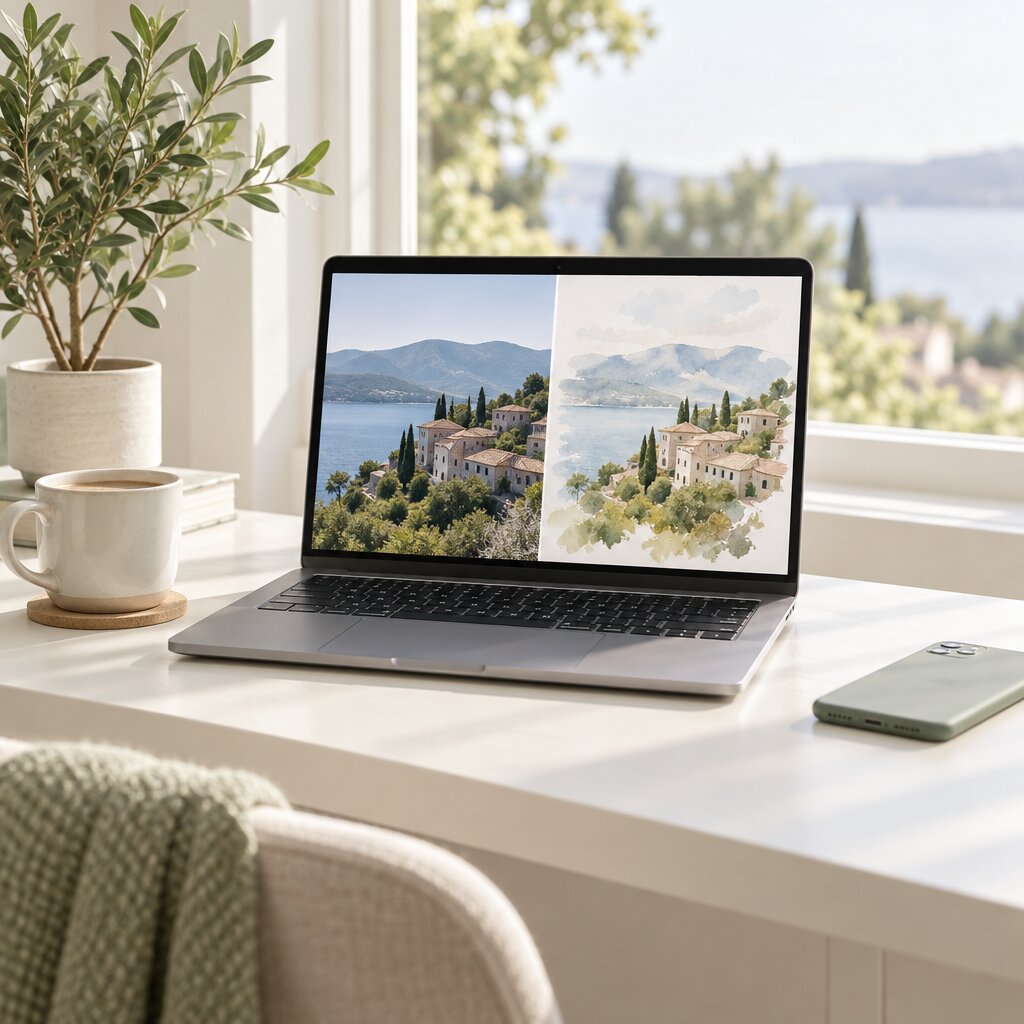
Yes — there are free image to image AI tools online that do real work, not just demos. Restyling a photo, changing the light, replacing a background, recolouring a product: all of that runs on a free tier in 2026. The interesting question is not whether free exists, but what the free tier quietly leaves out — and there are four questions worth asking before you upload anything of value.
What "Free" Actually Means in 2026
Free image to image AI tools are almost never a weaker model. They run the same weights as the paid plan of the same product. What changes is the allowance around the model:
- Resolution. Outputs usually cap lower — commonly 1024px or 2048px on the long edge, where paid tiers reach 4096px.
- Daily credits. A fixed number of generations per day, usually somewhere between 5 and 20, and no roll-over.
- Queue speed. Peak hours add time, sometimes a minute or more per generation.
- Batch handling. One image at a time on free; batch processing is paid.
- Quality tiers. The top rendering tier is often reserved for paid plans, which is the single biggest visible difference you will notice.
None of that stops you making an excellent image. It stops you making six hundred of them.
4questions that decide whether a free image to image AI tool is worth using[Dream Pixel AI, 2026]The Four Questions to Ask First
1. What is the output capped at? Resolution, number of images, and file format. Check the actual pixel limit rather than the marketing phrase "HD" — a 1024px output is unusable for a print listing and perfect for a social post.
2. What happens to the photo you upload? Look for a deletion policy with a number in it — 24 hours, 72 hours. If a tool does not say when it deletes, that is information in itself.
3. Can you use the output commercially? This is where free tools differ most, and it is the question that matters if the work is for a client or a product page. Some free tiers grant full commercial use, some limit you to personal projects, and some claim rights over what you generate.
4. Is there a watermark? Free tiers sometimes stamp the output. If you need the file clean, this decides the tool on its own.
What You Can Realistically Make for Free
| Task | On a free tier | Why |
|---|---|---|
| Restyle a photo | Excellent | Style transfer is the model's strongest capability |
| Change the light or season | Excellent | Lighting is re-cast anyway during any re-render |
| Replace a background | Very good | Strong, provided you name the new place and the light |
| Recolour an object | Very good | The most precise edit there is |
| Social posts and mood boards | Excellent | Small files, small budgets, no print requirement |
| Quick concept variations | Good | Two to four per prompt is enough to find a keeper |
| A batch of product shots | Poor | No batch export, and daily credits run out fast |
| Print-ready output | Poor | Resolution caps out well below print size |
| A face that must match exactly | Poor | Identity is re-drawn, not copied — use a face swap tool for that |
A Free-Tier Workflow That Holds Up
- Pick the source photo properly. Resolution and sharpness still decide the result on a free tier. Anything under about 1024px on the long edge loses face detail first.
- Crop tighter than feels necessary. A head-and-shoulders crop of a portrait carries far more usable pixels than the full frame.
- Write one edit instruction plus one survival clause. "Replace the background with a sunlit studio, soft light from the left, keep the subject sharp."
- Set the strength to match the edit. Colour work around 0.2 to 0.4, background work around 0.4 to 0.6.
- Use the top tier you are given, then compare two outputs. The difference between a mediocre and a good result is usually the source photo and the strength, not the tier.
- Download the clean file. Check for a watermark before you rely on it.
That sequence costs you nothing and it is the same sequence paid plans use. The free tier is not a different workflow — it is the same workflow with a smaller ceiling.
The Point Where Free Stops Being Enough
Upgrade when one of these becomes true, not before:
- You are past roughly 20 generations a day. At that volume, per-image pricing is cheaper than the time you lose.
- The output has to go to print. Free caps stop well short of print resolution.
- You need a consistent set of dozens. Batch handling is paid, and consistency across a large set needs the higher tier.
- You need to feed results into another tool automatically. That needs an API.
Everything below that line is free-tier work, and free-tier work is good.
Common Problems and Solutions
| Symptom | Why it happens | What to do |
|---|---|---|
| The free result looks worse than the examples | The source photo was small or compressed | Upscale the source and crop tighter before uploading |
| Generation is slow | Peak-hour queue on the free tier | Run it off-peak, or generate one at a time and keep working |
| You ran out of generations | The daily credit cap | Wait for the reset, or batch your edits into fewer, better-targeted runs |
| The output has a watermark | The free tier does not include clean exports | Check the tier before you start a batch that depends on it |
| Your photo appears in someone else's output | The tool trains on uploads | Stop using it and move to a tool with a stated deletion policy |
| You cannot tell if the output is commercially usable | The terms are vague | Assume it is not, until the terms say so in writing |
| The face changed | Identity is re-drawn at every strength | Lower the strength, or use a face swap tool for an exact match |
Frequently Asked Questions
Is there a free image to image AI tool that works well?
Yes. Modern free tiers run the same underlying models as paid plans for the most common edits — restyling, changing the light, replacing a background, recolouring an object. What the free tier limits is usually resolution, how many generations you get per day, and how fast the queue moves. For everyday creative work the quality difference is small.
What can I actually make on a free image to image AI tool?
In practice: restyled photos, relit and re-seasoned scenes, replaced backgrounds, recoloured products, social posts, mood boards, and quick concept variations. What a free tier is poor at: batches of fifty product shots, print-resolution output, and any edit where a face has to stay pixel-identical to the original.
Can I use free image to image AI results commercially?
It depends entirely on the tool. Some free tiers grant full commercial rights on the output, some restrict use to personal projects, and a few reserve rights for themselves. Check the terms of the specific tool before you put an output on a product page or in an ad. On Dream Pixel AI the output of a free generation is yours to use in listings, ads, and client work.
Do free image to image AI tools keep my photos?
The tools that are worth using delete uploads on a schedule, usually within 24 to 72 hours, and do not train on your images. Some smaller tools are less careful. If you are uploading anything of a client, a person, or anything you would not want seen, read the deletion policy before you upload rather than after.
Is a free tool good enough for client work?
For a single image where the brief is a restyle or a lighting change, yes. For a set of fifty images that must look consistent, or for output that goes straight to print, no — you want the batch handling and the higher resolution that paid tiers unlock. The free tier is the right place to find the prompt and the settings before you scale up.
Why does my free generation look worse than the example images?
Usually the source photo, not the tier. Examples are shot large and sharp on a good lens. A small, compressed, badly lit source loses detail before the model ever starts, and no amount of prompting recovers it. Upscale the source first and the free tier result jumps.
Which Tool Should You Use?
- Best for a free start with one photo: Image To Image AI by Dream Pixel AI — one upload, one prompt, HD output, no layers to learn.
- Best for combining several photos for free: Dream Pixel AI Image Combiner — 2 to 8 references, one generated scene.
- Best for a clean cut-out without a generation step: Try it freeAI Background RemoverRemove any background from a photo in one click — free..
- Best for restoring resolution on a small source: Try it freeAI Image UpscalerUpscale photos up to 4× without losing detail..
Open Try it freeAI Image EditorTransform a single photo with a text prompt — restyle, re-light, re-imagine. and run one real photo of your own through it. That single test tells you more than any comparison table — including this one.
Want a workflow question answered? Get in touch — we read every message.
Try these tools
Try it freeAI Image EditorTransform a single photo with a text prompt — restyle, re-light, re-imagine.Try it freeAI Image CombinerCombine up to 8 photos into a single AI-composed image.Try it freeAI Background RemoverRemove any background from a photo in one click — free.Try it freeAI Image UpscalerUpscale photos up to 4× without losing detail.Sources
- Stability AI — Research — Reference for latent-space diffusion encoding and decoding that underlies image-to-image generation.
- Google Research — Imagen Editor — Reference for text-guided editing that preserves the structure of a supplied photograph.
- Hugging Face — Diffusers documentation — Reference for the strength parameter and how the starting image conditions the denoising process.