AI Clothes Swap for Ecommerce: Product Photos Without a Shoot
Put your actual catalogue garments onto a model photo in one render. Here is the workflow, the consistency rules, and where marketplace rules bite.
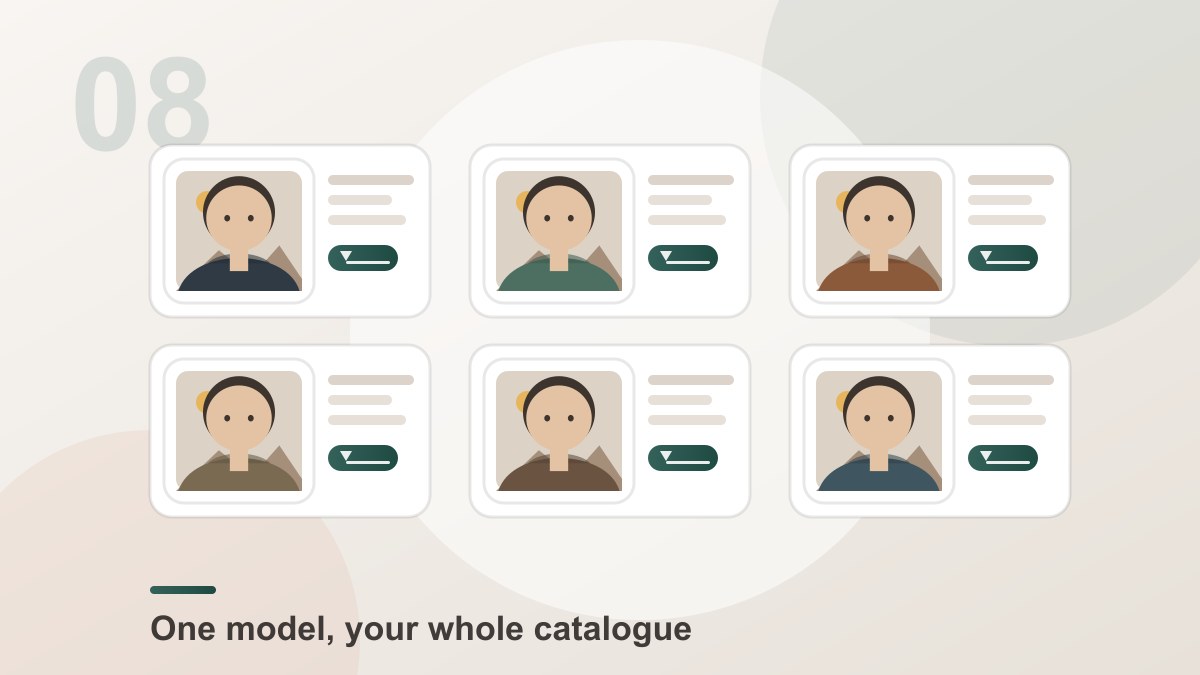
For a shop, the useful version of an AI clothes swap is not "put a nice jacket on this photo". It is: one model photo plus your own catalogue images of the actual products, rendered into a consistent set of listing and lifestyle images — without a studio booking, a model fee and a turnaround measured in weeks.
It works because the garment is copied from your picture, not invented from a description.
The Workflow
4garments per render, one model photo reused[Dream Pixel AI]- Shoot the model once. One person, one background, one lighting setup, in a pose that leaves the torso and the arms visible. This single photo is reused for every garment you will ever render, and it is what makes the set consistent.
- Build the garment library. One session, one light, a plain background, every item photographed flat or on a hanger. This is the boring part, and it decides everything downstream.
- Render the outfits. Upload the model photo, add the garments, generate. Up to four garments per render, layered in the order you add them.
- Review against the sample. Check the colour, the print and the details against the physical item before anything goes live.
- Export at the size each channel wants. The same render can go out at 1K for a social post and at 4K for a hero banner.
Where It Pays Off
Lookbooks. A seasonal page with twelve outfits usually means twelve shoots. It now means twelve renders.
Listings that show colour. A garment on a white background tells the customer what colour it is; a garment on a person tells them what it will look like. Both are needed, and only the first one is hard to fake.
One model, many bodies of work. A single model photo produces a catalogue-wide set, so a new drop does not need a new casting.
Marketplace variants. The same product in four colours, from one model photo and four catalogue images.
Social and ads. Seasonal content at a volume that a studio cannot justify.
Where It Will Not Work
This is the part most articles skip, and it is where a shop can lose a listing.
Main product images. Most marketplaces require the main image to show the actual product on a plain white background, filling a fixed proportion of the frame. A generated lifestyle shot does not satisfy that rule. Keep your main images as studio photographs and use the generated ones for the secondary slots.
Anything a customer will measure against. The render copies what the camera saw. If the garment's true colour, weight or drape differs from how the photograph captured it, the listing is the place that difference becomes a returns problem. Compare against the sample.
Brand claims. Do not present a generated image as the product's real colourway if it is not.
Consistency Rules
Product sets are judged as a set, so the rules are simple and worth following exactly.
| Rule | Why |
|---|---|
| Reuse the same model photo for every render | Changing the model breaks the set instantly |
| Shoot every garment under the same light | Mixed lighting makes renders look like different days |
| Use flat lays, hangers or mannequins | A person in the garment photo leaks into the result |
| Keep the framing of the model photo constant | The garment scale has to stay the same across the set |
| Fix the aspect ratio for a whole channel | Mixed ratios break the grid |
A Note on Rights
You need the right to use the model photo — that is usually a release, and a stock licence with a model release is the safe version. You need the right to use every garment photograph, and for your own catalogue that is automatic.
For paid advertising, check the platform's rules on synthetic imagery before you publish. Being able to generate a picture is not the same as being allowed to advertise with it.
Common Problems
The render shows a different body shape than the sample photo. The garment photo included a model. Re-shoot it flat or on a mannequin.
The set looks inconsistent. The model photo changed between renders, or the garments were shot under different lights.
The colour is off on one item only. That garment was photographed under a different white balance. Re-shoot it in the same setup as the rest.
The garment sits badly on the model. The model photo cropped the shoulders or the arms are against the body. Re-shoot the model with the arms clear.
Frequently Asked Questions
Can I use AI clothes swap for product listings?
For secondary images, lifestyle shots and lookbooks, yes — that is exactly what the tool is for. For the main product image, most marketplaces require the real product on a plain white background with the item filling most of the frame, so that image should be a studio photograph of the actual garment, not a generated one.
Will the listing show the actual product I sell?
Yes, if you upload your own catalogue photo of the item. The tool copies the colour, the pattern, the cut and the details from that photo, so the rendered outfit is your product. What it does not do is guarantee that a photograph of the garment shows every measurable detail of the item — always compare the render against the physical sample before publishing.
How do I keep a whole catalogue looking consistent?
Reuse the same model photo for every garment, and shoot the garments under one lighting setup. Consistency in a product set comes almost entirely from the source photos; changing the model or the light between renders is what makes a set look like several different campaigns.
How many listing images can I produce from one model photo?
Up to four garments per render with Dream Pixel AI, and as many renders as you need. A practical pattern is one render per outfit for the lookbook and one render per product for the listing images, using the same model photo in all of them.
What is the cheapest way to shoot the garment library?
One session, one light source, a plain background and a hanger or a mannequin. Photograph every item flat or on the hanger, in the same light, at the same distance from the camera. That consistency is what makes the renders look like one campaign rather than a pile of separate pictures.
Do marketplace rules allow AI-generated clothing images?
The rules vary by platform and change often, and they mostly concern the main product image rather than secondary ones. Check the current policy for each marketplace you sell on, keep generated images for lifestyle and secondary slots, and always show the real product clearly somewhere on the listing.
Can I use the result in paid ads?
Yes. The downloads are high resolution and watermark-free. Keep the rights situation straight: you need the right to use the model photo and the garment photos, and the ad platforms have their own rules about synthetic imagery that are worth reading before you publish.
How long does a batch of listing images take?
Each render takes seconds and the work is the same for every garment: upload the model photo, add the garment, generate, download. A batch of twenty listing images is twenty renders plus the time to pick and prepare the garment photos.
Product Recommendation
Try it freeAI Clothes SwapSwap any outfit onto a photo — a free online AI clothes changer and virtual try-on.One model photo, up to four catalogue garments, one render each. Watermark-free downloads at the resolution you choose, and the credits are only spent once a generation starts.
Want a workflow question answered? Get in touch — we read every message.
Try these tools
Try it freeAI Clothes SwapSwap any outfit onto a photo — a free online AI clothes changer and virtual try-on.Try it freeAI Photoshoot GeneratorTurn a single product photo into a full photo set.Try it freeAI Background RemoverRemove any background from a photo in one click — free.Try it freeProduct Photo BackgroundGenerate clean, marketplace-ready backgrounds for product shots.Sources
- Try-on Diffusion — Virtual Try-On with Diffusion Models — Reference for the garment-stage and person-stage split that lets a catalogue photo be rendered onto a model.
- IDEA Research — Virtual Try-off — Reference for clothing-agnostic generation and the importance of describing garments without a body.
- U.S. Federal Trade Commission — AI-generated content and impersonation guidance — Reference for disclosure expectations when publishing generated imagery in commercial listings.
- MIT Media Lab — DeepFake detection research — Reference for the visual tells that make a generated garment read as synthetic.