Can I Combine Images Without Photoshop? Yes — Here Is How
You can combine images without Photoshop. Compare AI combiners, Canva, GIMP, and mobile apps on cost, speed, and control — and see when Photoshop still wins.
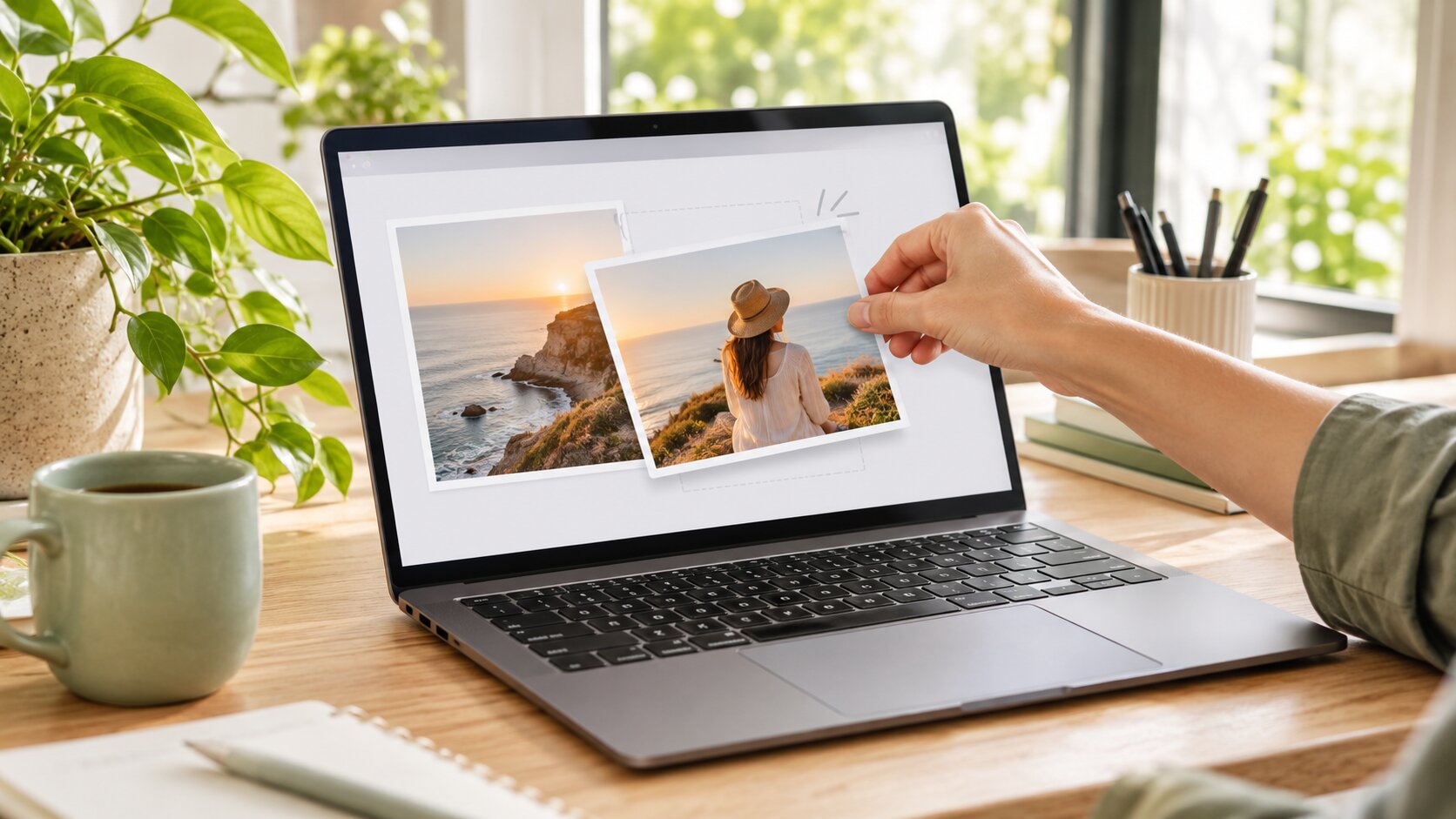
Yes — you can combine images without Photoshop. Modern AI image combiners merge two or more photos into one believable scene in seconds, straight in a browser, with no layers, no masks, and no design skills. The real question is not whether you can, but which tool suits the level of control you actually need.
How Combining Images Without Photoshop Works
Photoshop's classic approach is layered compositing: cut out a subject with a pen or a selection tool, paste it into another document, mask the edges, match the colour, paint a shadow, and repeat until it looks right. Each of those steps is a skill, and each one takes time.
The AI approach replaces the whole sequence with a single operation. You provide the images and a description of the finished picture, and the model regenerates the frame — no cut-out, no mask, no colour matching. It is genuinely different technology, not a stripped-down Photoshop.
The trade-off is precise:
- AI wins on speed and on scene coherence. Lighting unifies on its own, which is the hardest part of manual work.
- Manual wins on precision. Exact brand colours, exact letterforms, and exact crops are not reliably reproduced by a generative model.
Your Options Side by Side
| Tool | Cost | Time to a good result | Learning curve | Best for |
|---|---|---|---|---|
| Dream Pixel AI Image Combiner | Free tier, paid tiers available | 30–90 seconds | None | Believable multi-photo scenes |
| Dream Pixel AI Image Editor | Free tier, paid tiers available | 30–90 seconds | None | Single-photo edits and prep work |
| Canva | Free tier, paid tiers available | 5–15 minutes | Low | Layouts, grids, text and stickers |
| GIMP | Free | 20–60 minutes | High | Precise manual compositing |
| Affinity Photo | One-off purchase | 20–60 minutes | High | Professional manual work without a subscription |
| Adobe Photoshop | Subscription | 20–90 minutes | High | Client work and pixel-exact results |
How to Combine Images Without Photoshop
Option 1 — AI merge (best for believable scenes)
- Open Try it freeAI Image CombinerCombine up to 8 photos into a single AI-composed image..
- Upload the photos you want combined — two to eight.
- Write the finished scene as a caption: who, where, what light, what framing.
- Pick a quality tier and aspect ratio.
- Generate 2 to 4 variations and pick the best.
- Download, or refine one thing and run again.
Total effort: about two minutes.
Option 2 — Canvas layout (best for grids and text)
Canva, and similar browser editors, place images side by side with frames, captions, and typography. Nothing is re-rendered, so the result is a designed layout rather than a single scene. Right choice for a carousel slide or a lookbook; wrong choice when you want one believable photograph.
Option 3 — Manual layers (best for precision)
GIMP and Affinity Photo give you the Photoshop workflow for free or cheap. You mask, blend, and colour-match by hand. Choose this when the text on a product must be pixel-perfect, when a brand colour must match exactly, or when the composition is art-directed rather than generated.
Option 4 — Swap the face (best for identity work)
If the actual goal is to see one person's face on another body, a dedicated face swap does it more reliably than a general merge, because it preserves the target body and lighting and only replaces the identity. See Try it freeAI Face SwapSwap faces between two photos with realistic results..
What Can You Do Without Photoshop?
Composite two photos into one scene. People together, product on model, subject in a location.
Build a product listing. One packshot into a full lifestyle set.
Create a group shot. Several people photographed separately, merged into one frame.
Restyle an image. Turn a photo into a painting, an anime frame, or a 1980s print.
Replace a background. Put a clean backdrop behind an existing subject.
Remove something. Erase an object, a person, a watermark, or a piece of text.
Make variations. Generate several versions of the same composite for testing.
Extend a scene. Widen or extend a photo beyond its original frame.
How to Get More Realistic Results Without Photoshop
Use the same tool for the whole job. Mixing a grid collage with an AI merge produces an inconsistent set.
Give the model a clear target. Describe the finished photograph. The model is very good at following a described image and very bad at guessing.
Generate more, choose more. With AI, the first result is rarely the keeper. Four variations costs a few credits and saves the whole job.
Keep a manual pass for the details. Text, logos, and exact colours are the three things a generative model still gets wrong. Add them in Canva or any editor afterwards.
Fix sources before merging. A brighter, sharper source produces a better result than a better prompt.
Check the four tells. Shadow direction, edge quality, skin tone, and body proportions. If those four are right, viewers accept the image as real.
Common Problems and Solutions
| Problem | Cause | Fix |
|---|---|---|
| Logo or product text is garbled | Letterforms are re-drawn, not copied | Add the text afterwards in a manual editor |
| Colours do not match the brand | The model re-rendered the subject | Correct the colour in Canva or a similar tool |
| The result looks like a grid, not a scene | You used a layout tool | Use an AI merge and describe one photograph |
| Subject looks pasted on | Lighting mismatch between sources | Re-light one source, then merge again |
| Skin looks plastic | Low quality tier or soft source | Use a higher tier and a sharper original |
| Edges look cut out | Busy background behind the subject | Crop tighter or pick a calmer source photo |
Frequently Asked Questions
Can I combine two images without Photoshop?
Yes. AI image combiners merge two or more photos into one scene in seconds using a text prompt, with no design skills required. If you need pixel-exact control instead of a believable new image, free manual alternatives such as GIMP can do the job with layers and masks.
What is the best free alternative to Photoshop for merging photos?
For believable scenes, an AI image combiner is the best free option because it rebuilds lighting and edges automatically. For precise manual compositing, GIMP is the strongest free tool. For quick layouts with text, Canva is faster than both.
Is combining images with AI as good as Photoshop?
Different, not worse. AI is far faster and unifies lighting automatically. Photoshop gives exact control over every pixel, which matters when you need precise brand colours, exact text, or a specific crop. Professionals commonly use AI for the base composite and Photoshop for the finishing work.
Do I need to install anything?
No. AI combiners run in your browser — you upload photos, write a prompt, and download the result. Nothing is installed, and there is no project file to manage.
Can I combine images on my phone without Photoshop?
Yes. Because the work happens on the server, any modern phone browser can run a merge, and large photos are compressed in the browser before upload.
Are there free online tools that combine two images?
Yes, and most are AI-based rather than grid-based. Grid collages simply place photos side by side, while an AI combiner rebuilds them as one scene with unified light and shadows — which is usually what people actually want.
Which Tool Should You Use?
- Best for believable multi-photo scenes, free: Dream Pixel AI Image Combiner.
- Best for single-photo edits and preparing sources: Dream Pixel AI Image Editor.
- Best for swapping a face: Dream Pixel AI Face Swap.
- Best for pixel-exact manual compositing, free: GIMP.
- Best for quick layouts with text: Canva.
The realistic answer for most people: let AI build the composite, then use a manual editor for the details it cannot handle. Start with Try it freeAI Image CombinerCombine up to 8 photos into a single AI-composed image. and see whether the result already clears your bar.
Want a workflow question answered? Get in touch — we read every message.
Try these tools
Try it freeAI Image CombinerCombine up to 8 photos into a single AI-composed image.Try it freeAI Image EditorTransform a single photo with a text prompt — restyle, re-light, re-imagine.Try it freeAI Background ChangerSwap photo backgrounds — solid colors, scenes, or AI-generated.Try it freeWatermark RemoverRemove watermarks from images while preserving quality.Sources
- GIMP — Documentation — Reference for the free manual alternative using layers, masks, and blend modes.
- Adobe — Photoshop Generative Fill documentation — Reference for the professional manual workflow that AI combining automates.
- Google Research — Imagen Editor — Reference for prompt-driven compositing without manual masking.